
UI Block (Shortcode)
UI Blocks, also known as Shortcodes, are small pieces of code that allow you to add predefined elements to your website. They are used to enhance the functionality of your website without the need to write custom code.
Usage
To use a shortcode, add it to the content of a page or post using the shortcode button in the editor. Search for the desired block and click the Use button. Configure the block fields in the panel that appears, then save.
To edit an existing block, click on it in the editor and click the pencil icon.
Available Shortcodes
Orisa ships with 21+ shortcodes and 57+ style variants. Each shortcode is fully configurable from the admin panel — no code editing required.
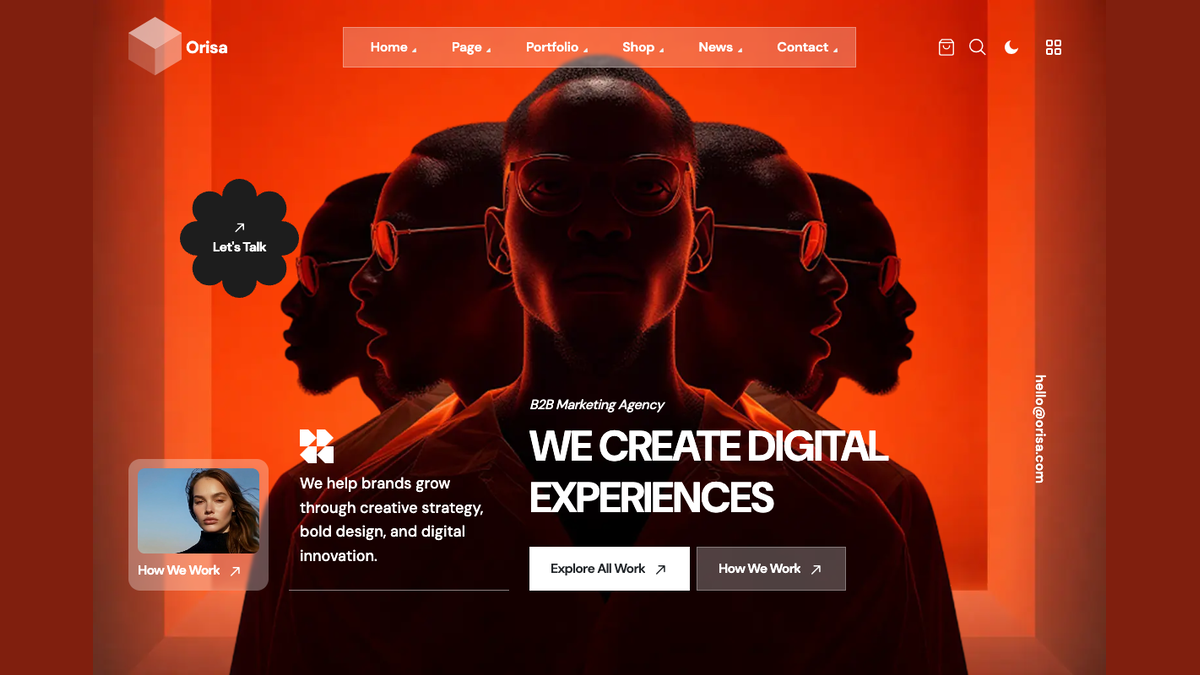
hero-banner (5 styles)
Main hero section: video bg, split, image right, centered, full-screen.
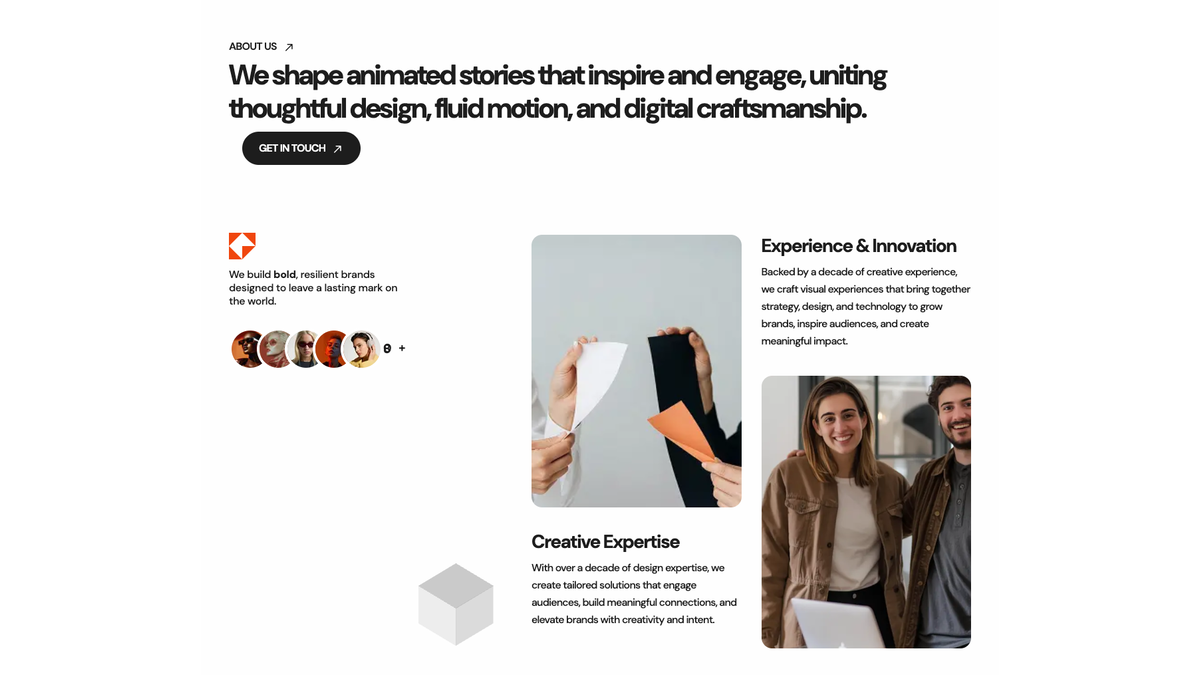
about-us-information (5 styles)
About / introduction section with feature tabs and experience counter.
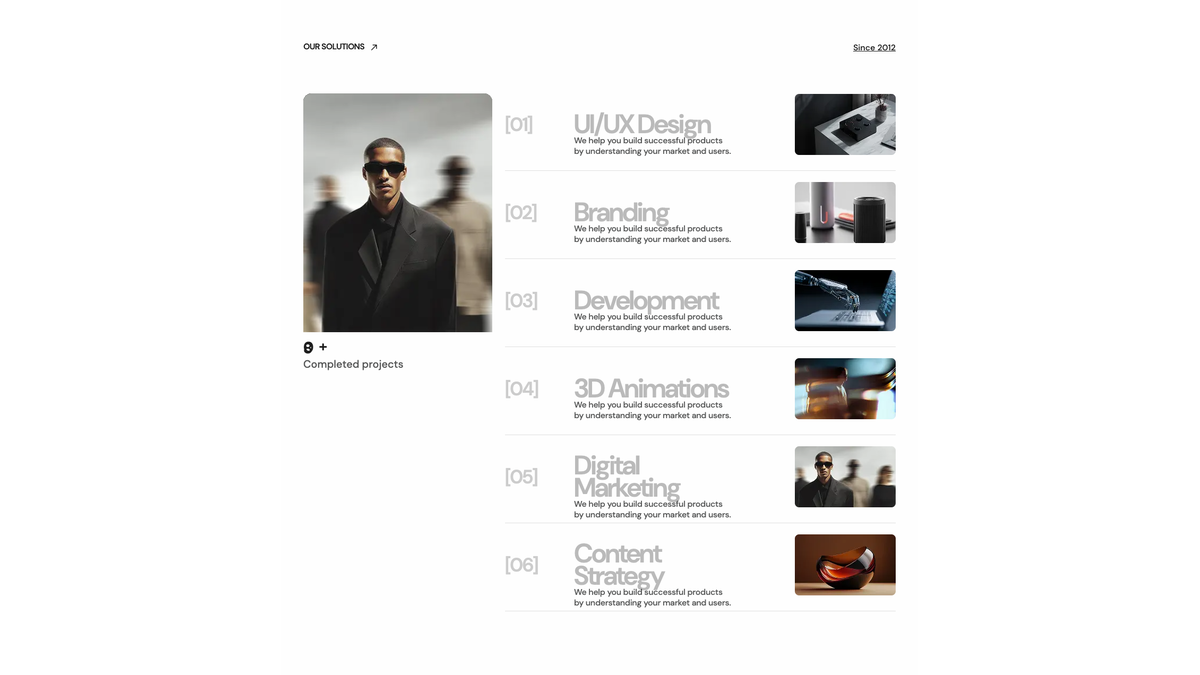
services (5 styles)
Services grid (requires Portfolio plugin).
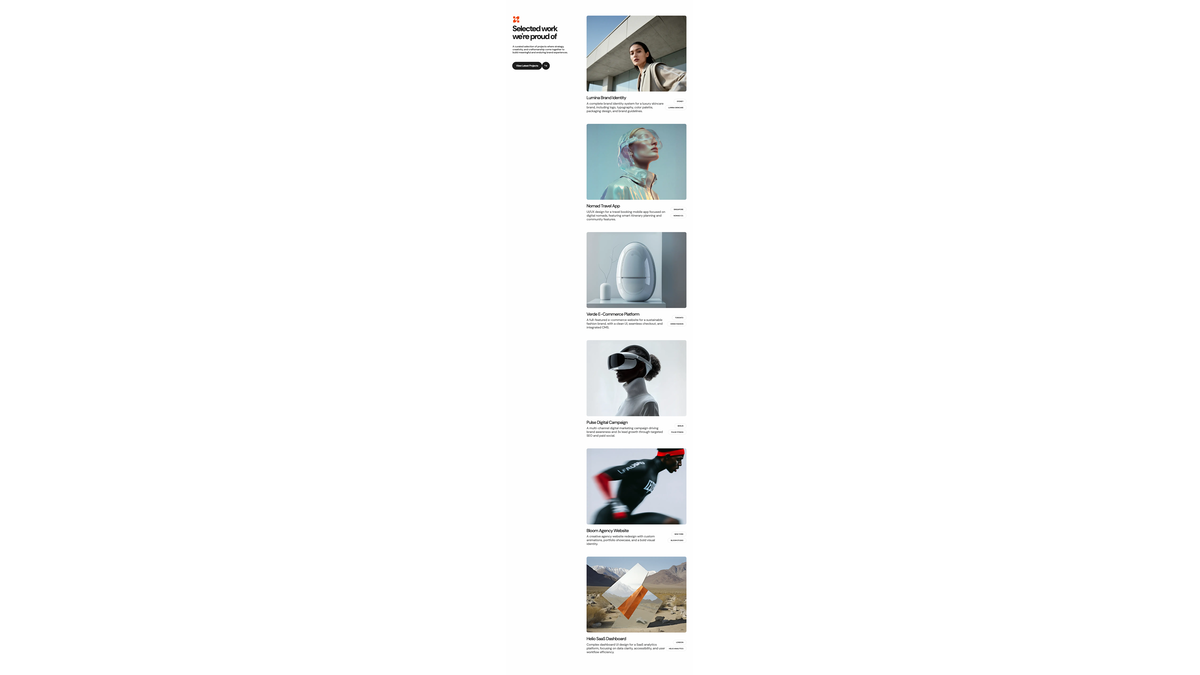
projects (5 styles)
Portfolio / project showcase (requires Portfolio plugin).
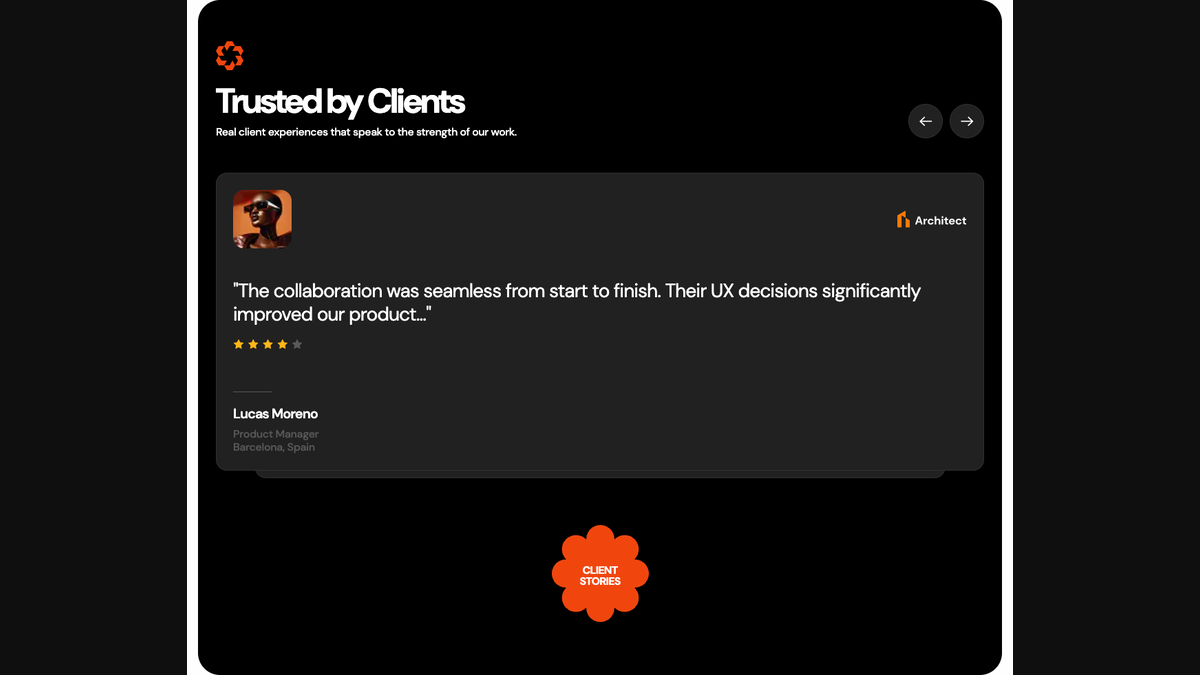
testimonials (3+ styles)
Customer testimonials carousel and grid layouts.
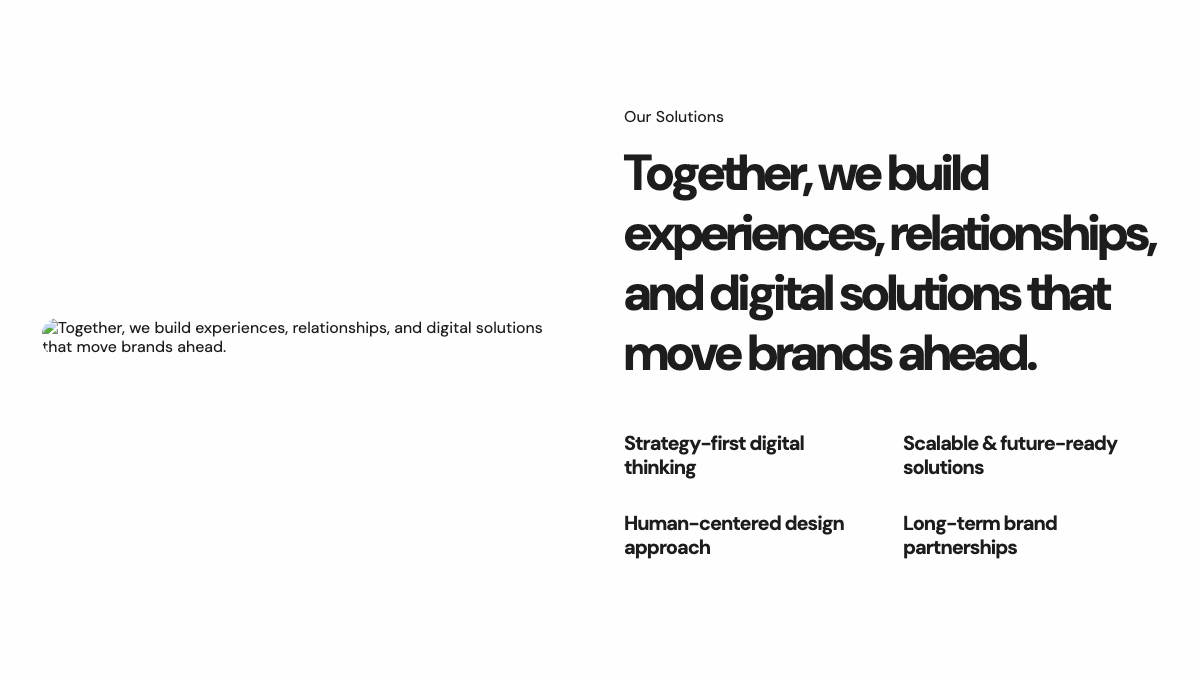
content-block (7 styles)
Flexible content section for features, process steps, custom layouts.
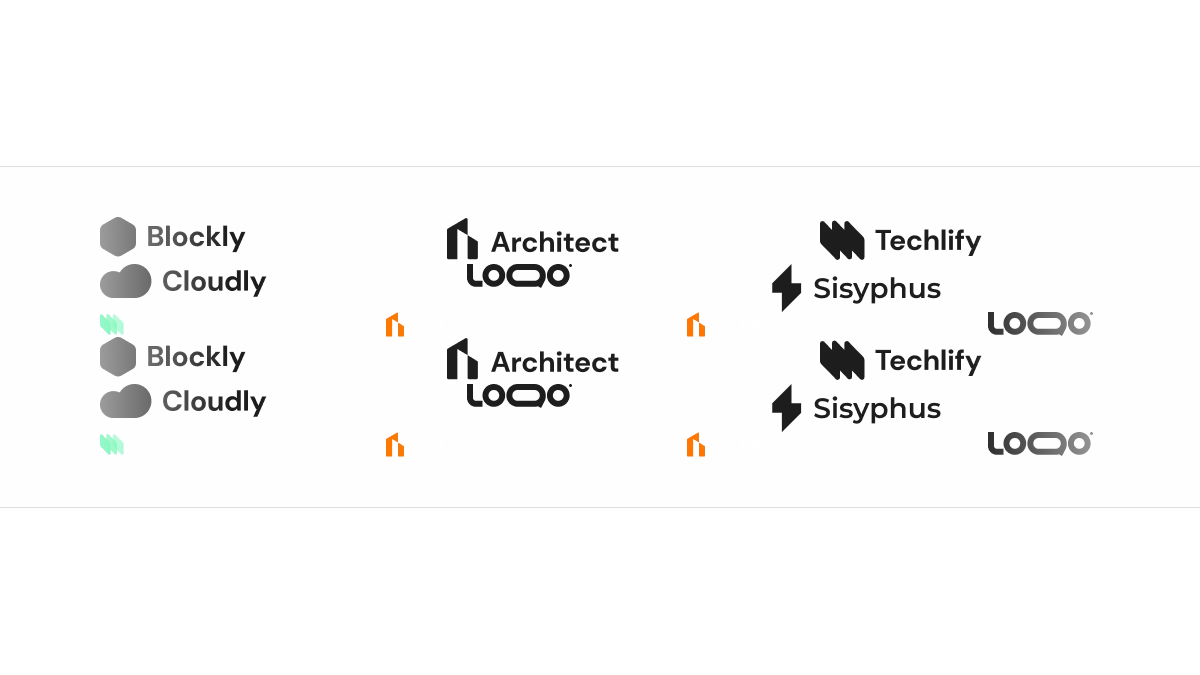
partners (4 styles)
Ticker, inline, grid, carousel with reviews.
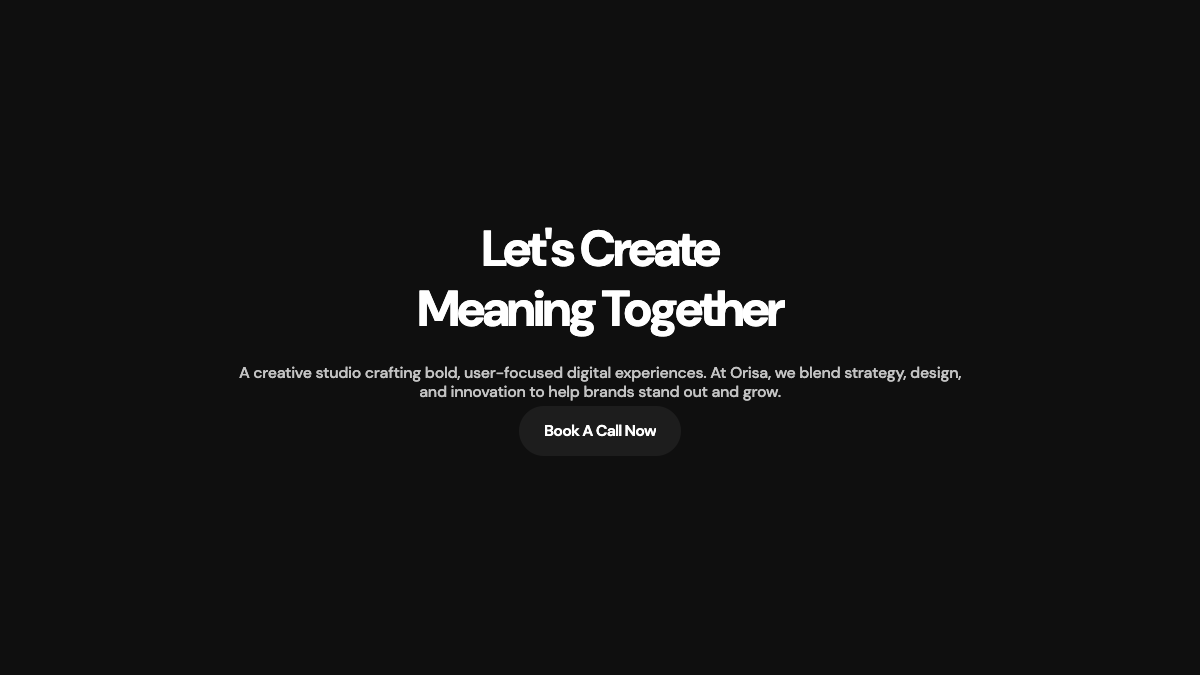
call-to-action (3 styles)
Full banner, compact, dark with image.
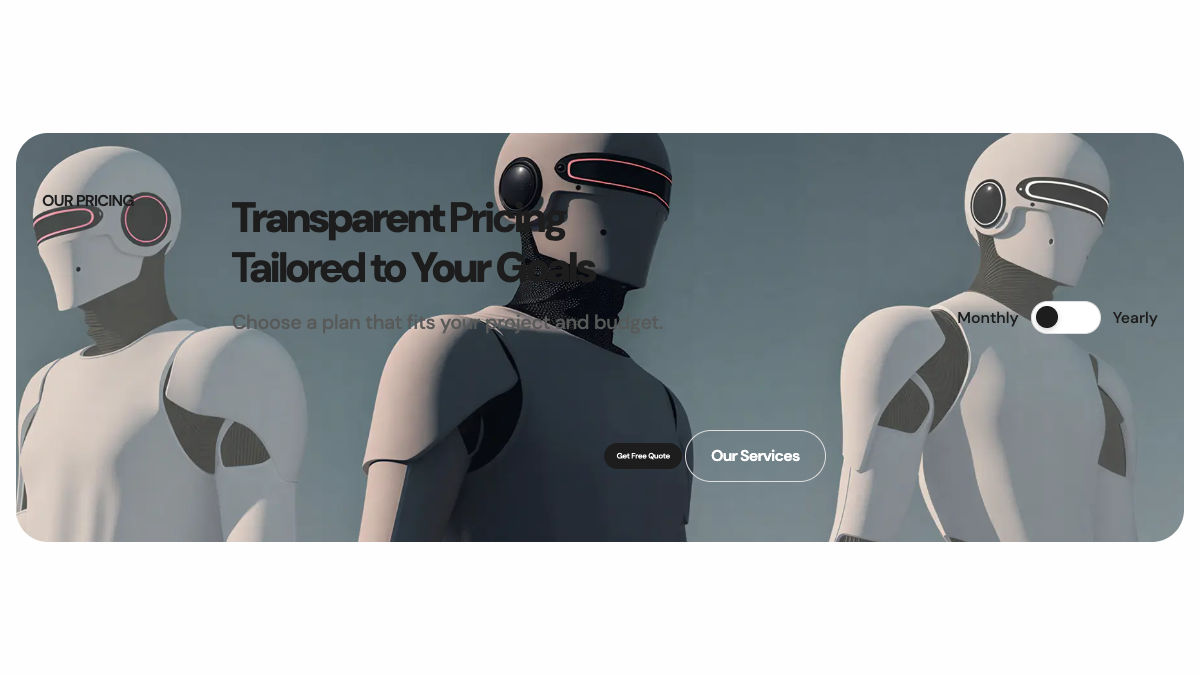
pricing-plans (3 styles)
Pricing tables with monthly/yearly toggle.
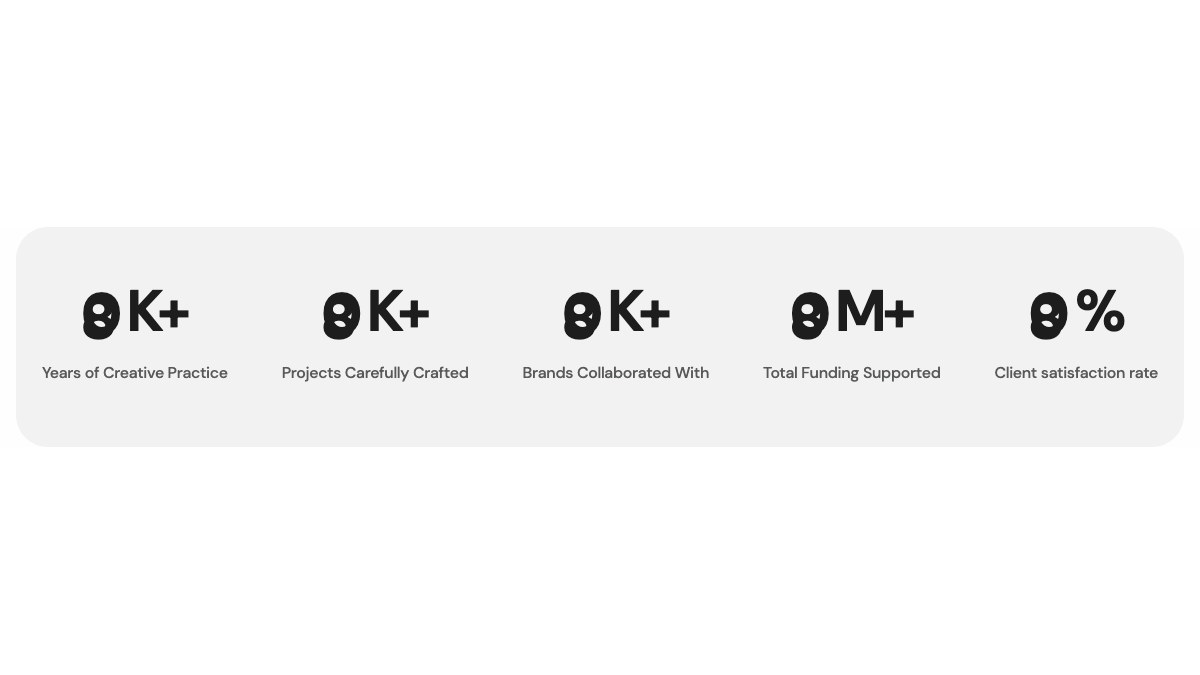
site-statistics (2 styles)
Animated counter statistics.
teams (1 style)
Team member grid (requires Team plugin).

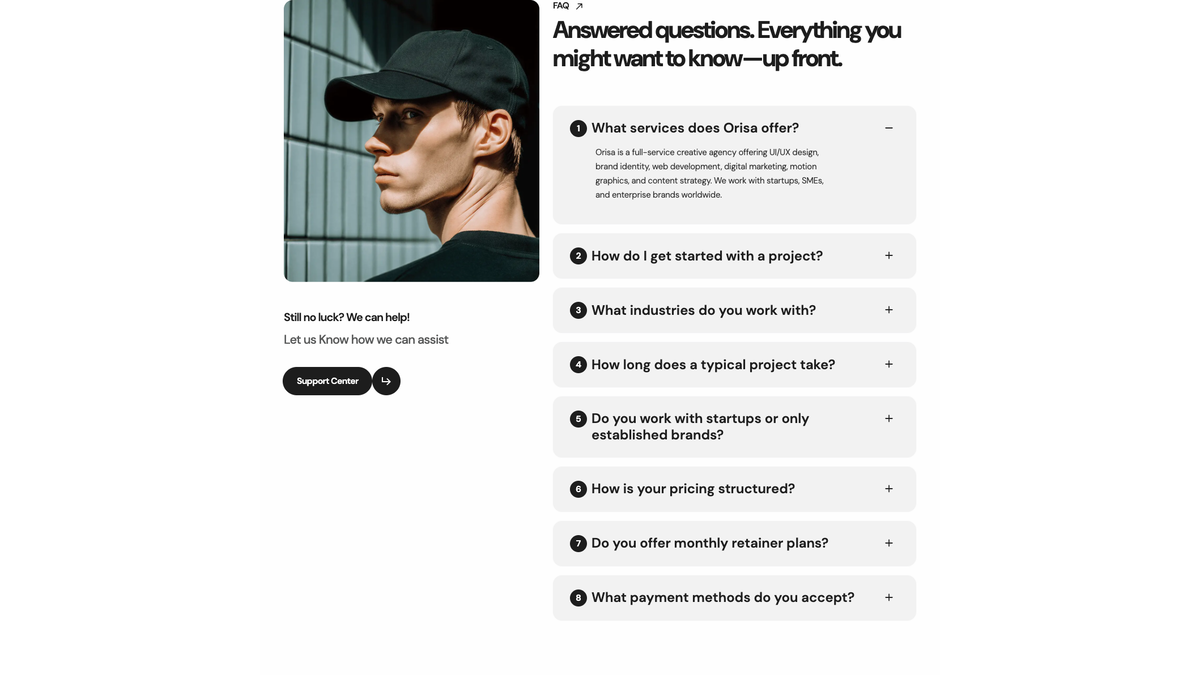
faqs (1 style)
FAQ accordion (requires FAQ plugin).
blog-posts (1 style)
Recent blog posts grid (requires Blog plugin).

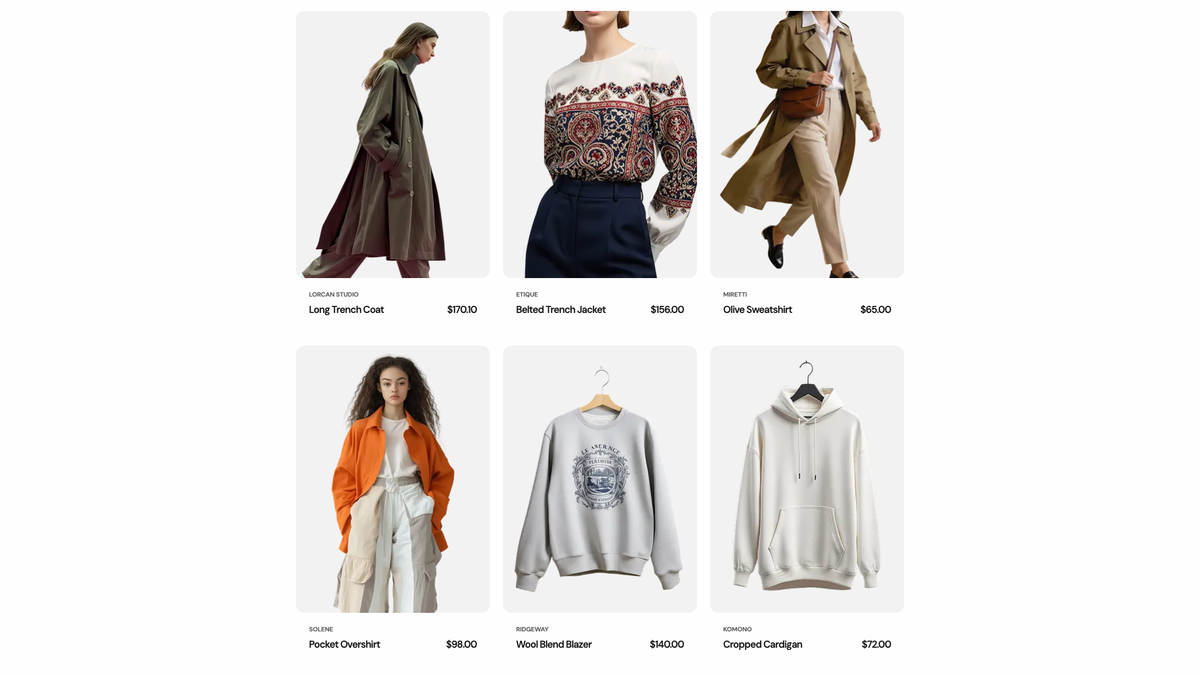
ecommerce-products (1 style)
Product grid (requires Ecommerce plugin).
skills-carousel (1 style)
Scrolling skills / technology tags strip.
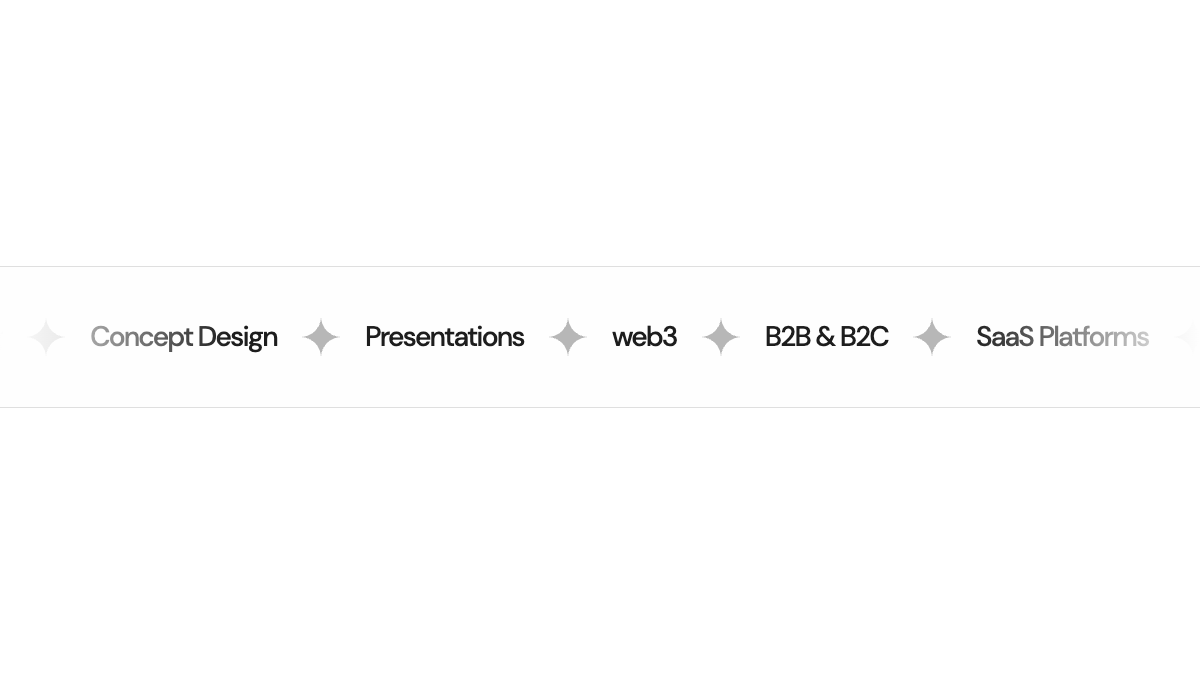
awards (1 style)
Awards timeline.

image-gallery (1 style)
Image carousel.
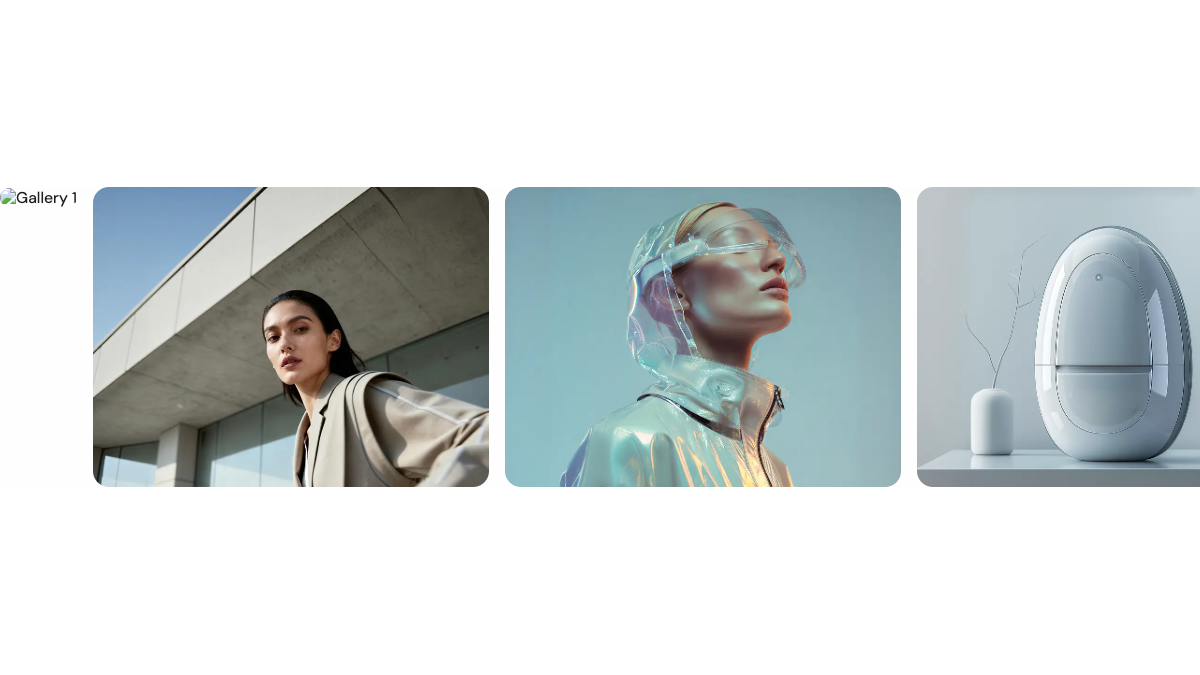
video-showreel (1 style)
Video player with poster.
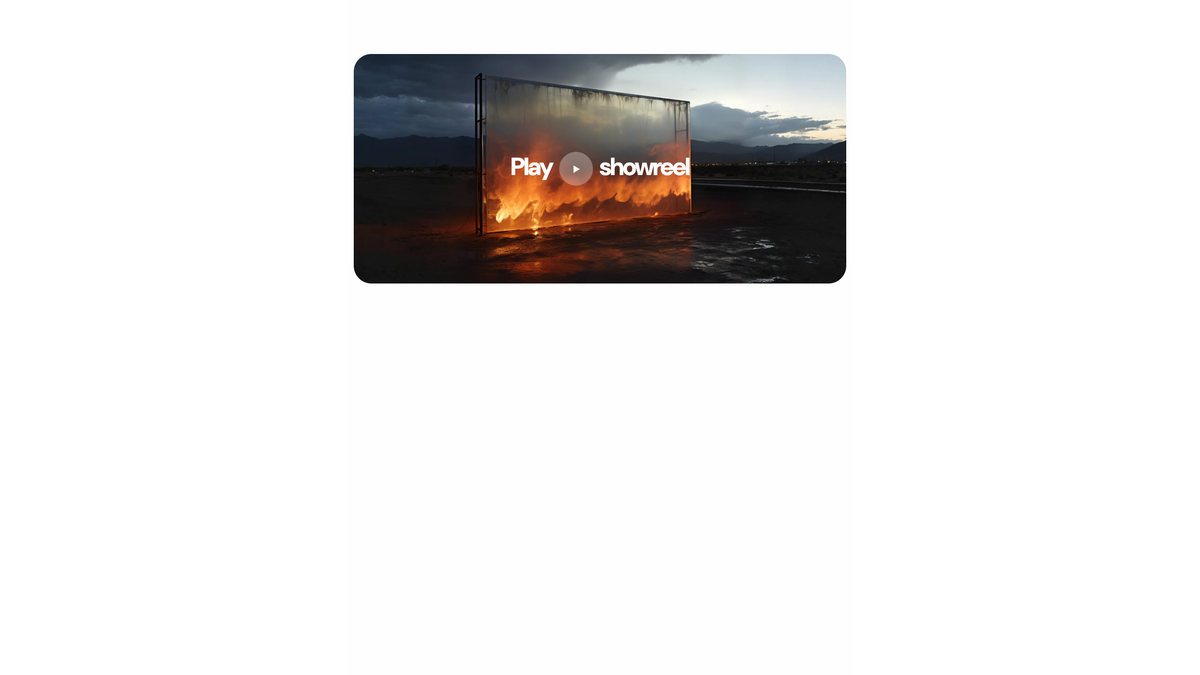
newsletter (2 styles)
Newsletter subscription (dark banner / light box).
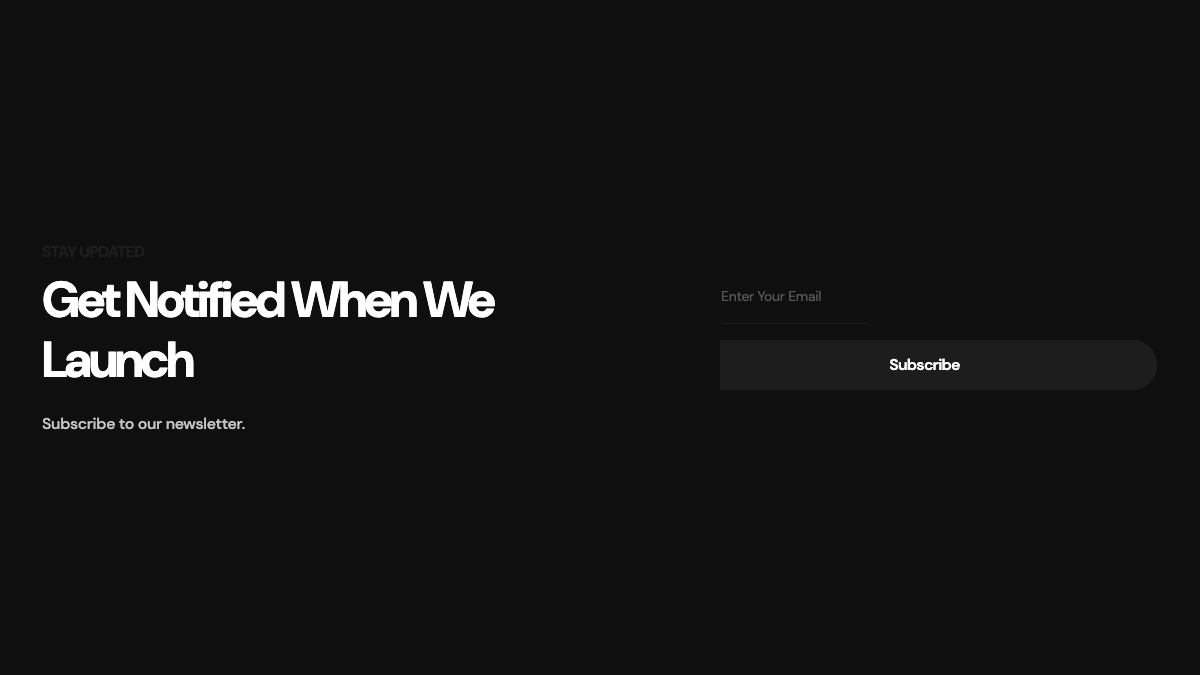
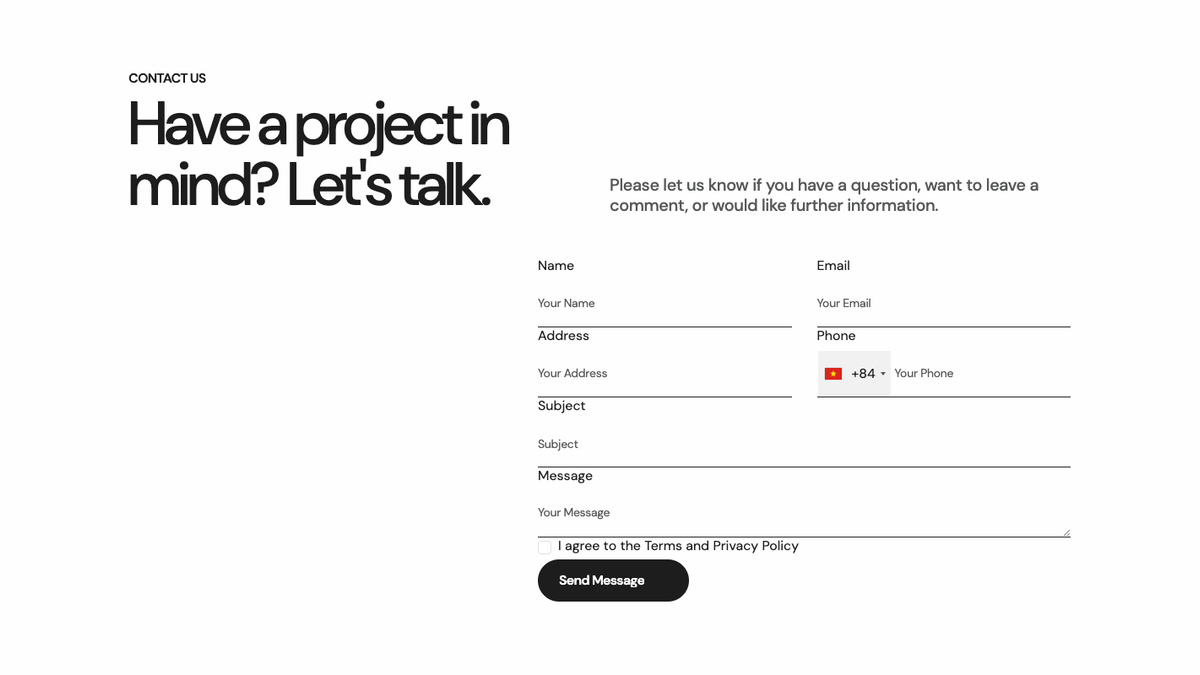
contact-form (2 styles)
Contact form with map or info panel.
Per-homepage style variants
Each of the 5 homepage demos uses different shortcode style variants. For example:
- Home 1 – Creative Agency uses
hero-bannerstyle 1,content-blockstyle 1,partnersticker - Home 2 – Digital Agency uses
hero-bannerstyle 2,about-us-informationstyle 2, vertical services panels - Home 3 – Marketing Agency uses
hero-bannerstyle 3, CTA style 2, pricing plans - Home 4 – AI & Tech Agency uses
hero-bannerstyle 4, process content blocks, case-study projects - Home 5 – Personal Creative uses
hero-bannerstyle 5, minimal layout, gallery-style projects
Switching homepage demos via theme options or the demo importer automatically configures the correct shortcode styles.
Creating shortcodes
See the Botble CMS documentation on creating custom shortcodes if you want to add your own shortcodes on top of the Orisa theme.