
UI Block (Shortcode)
UI Blocks, also known as Shortcodes, are small pieces of code that allow you to add predefined elements to your website. They are used to enhance the functionality of your website without the need to write custom code.
Usage
To use a shortcode, simply add the shortcode to the content of a page or post.
For example, to add a Blog posts to a page, use the following shortcode:
html
[blog-posts style="style-1" category_ids="1,3,5" limit="6" enable_lazy_loading="no"][/blog-posts]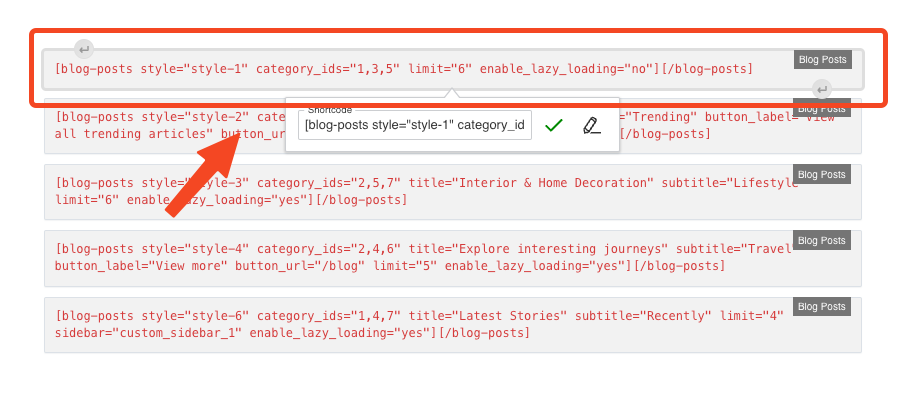
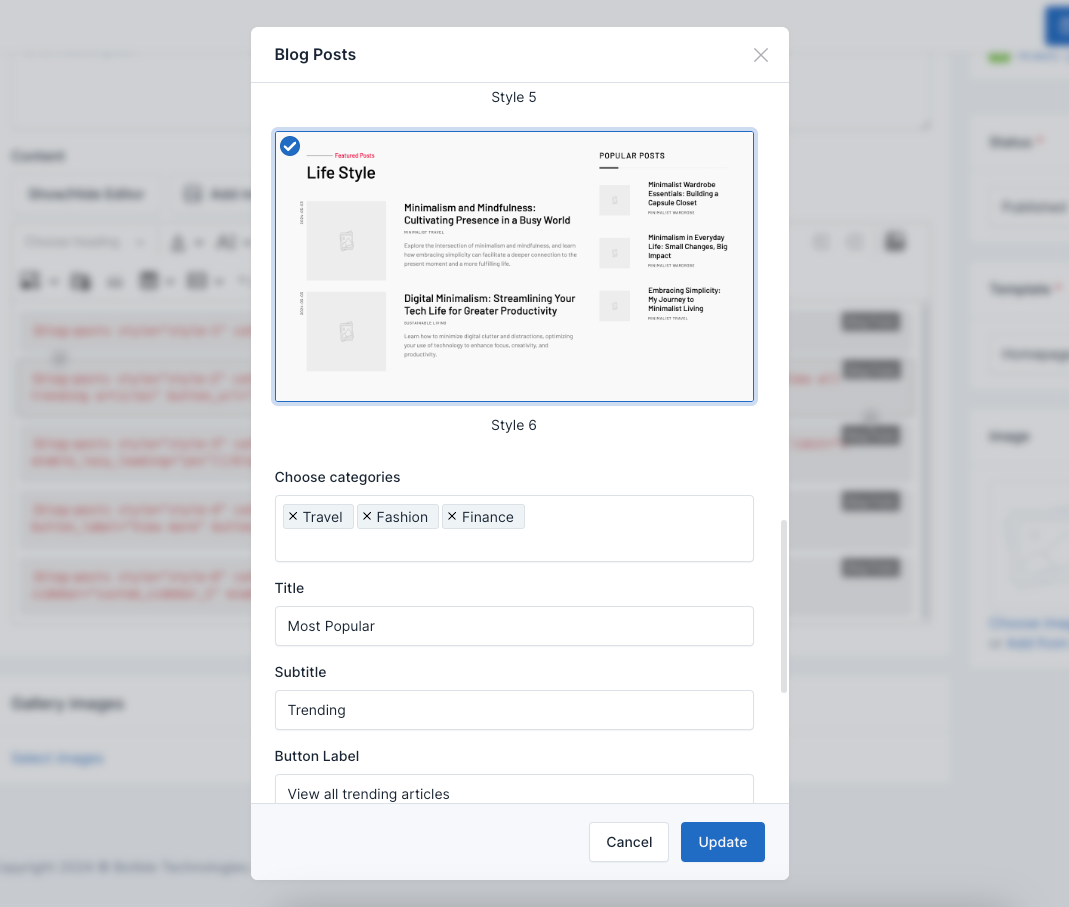
You can set attributes:
style: There are seven style display
title: Title section
category_ids: Choose categories
limit: Number display posts
button_label: Button label
button_url: Button URL
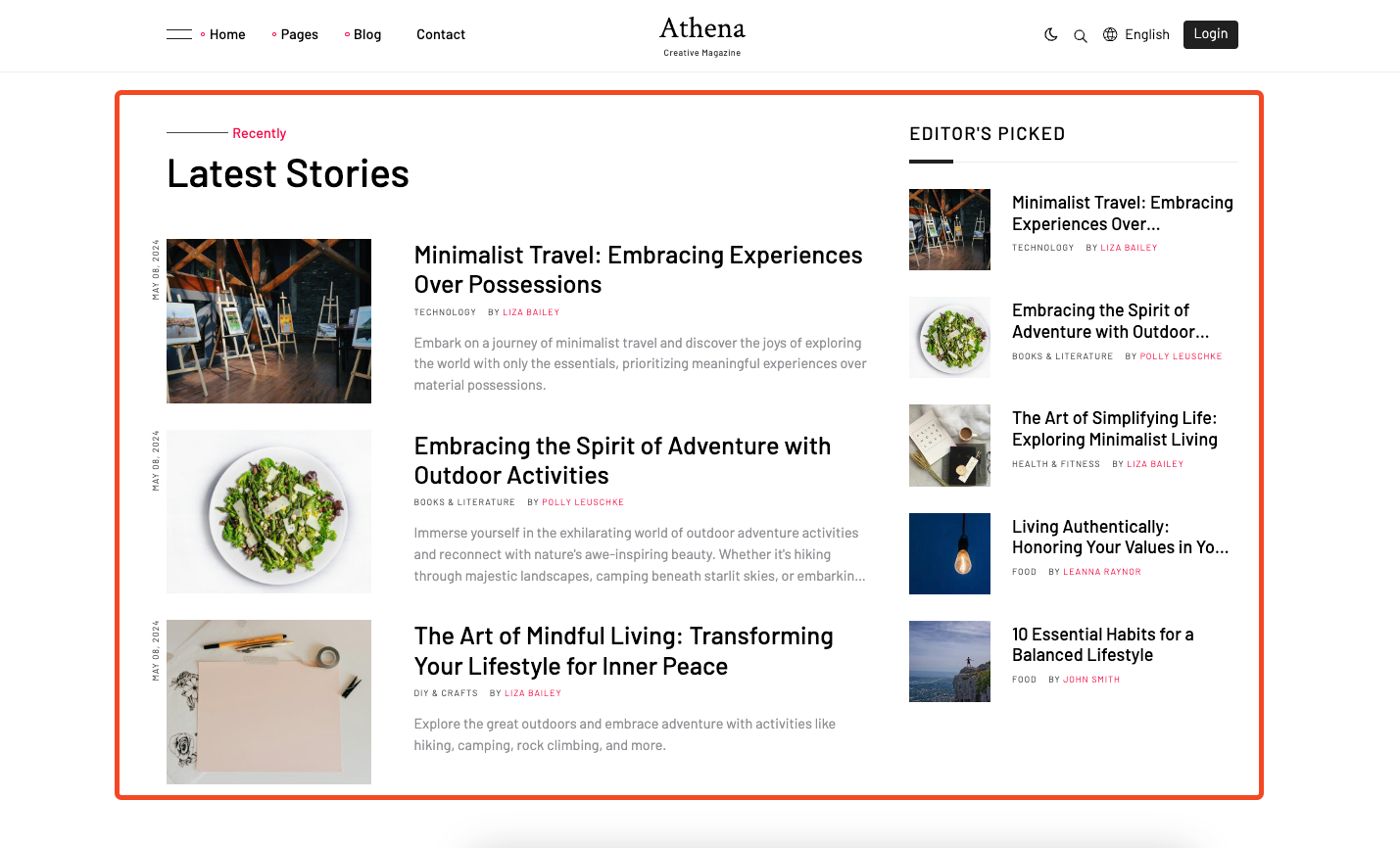
The above shortcode will add a Blog posts.
Go to the frontend of your website to see the result:
There are many more shortcodes but the setup is similar.