
Theme Variants
Isak comes with 3 beautiful color variants, each with distinct light and dark mode styles. Theme variants are configured per-page using page meta boxes, giving you flexibility to use different variants across your site.
Available Variants
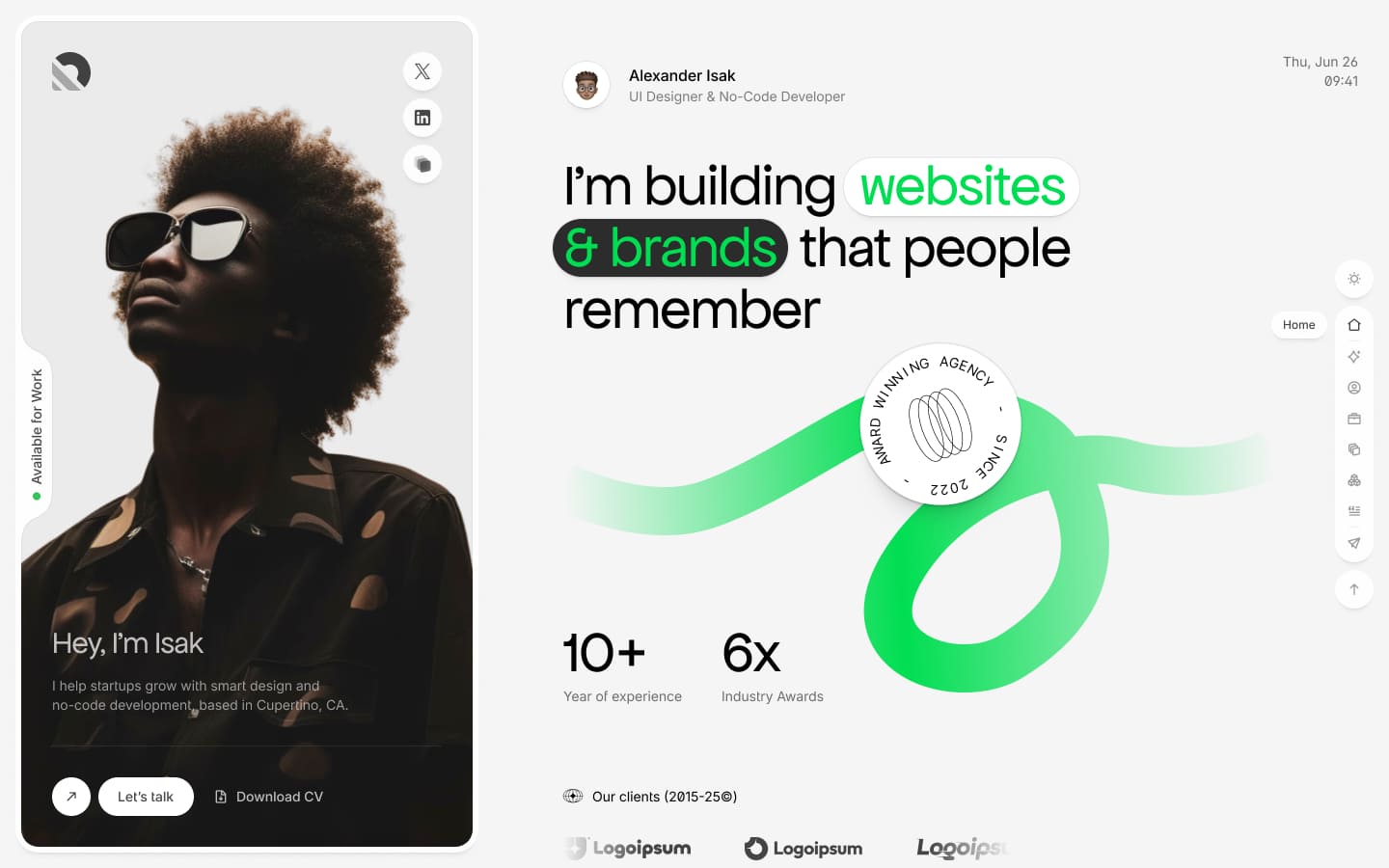
Variant 1 (V1) - Silver Dawn / Midnight Fade
The default variant with elegant silver tones in light mode and deep midnight colors in dark mode.
Light Mode (Silver Dawn)
- Clean, professional appearance
- Subtle silver and gray tones
- High contrast for readability
Dark Mode (Midnight Fade)
- Deep, rich dark backgrounds
- Smooth gradient transitions
- Eye-friendly for extended viewing
Variant 2 (V2) - Lavender Stone / Charcoal Mist
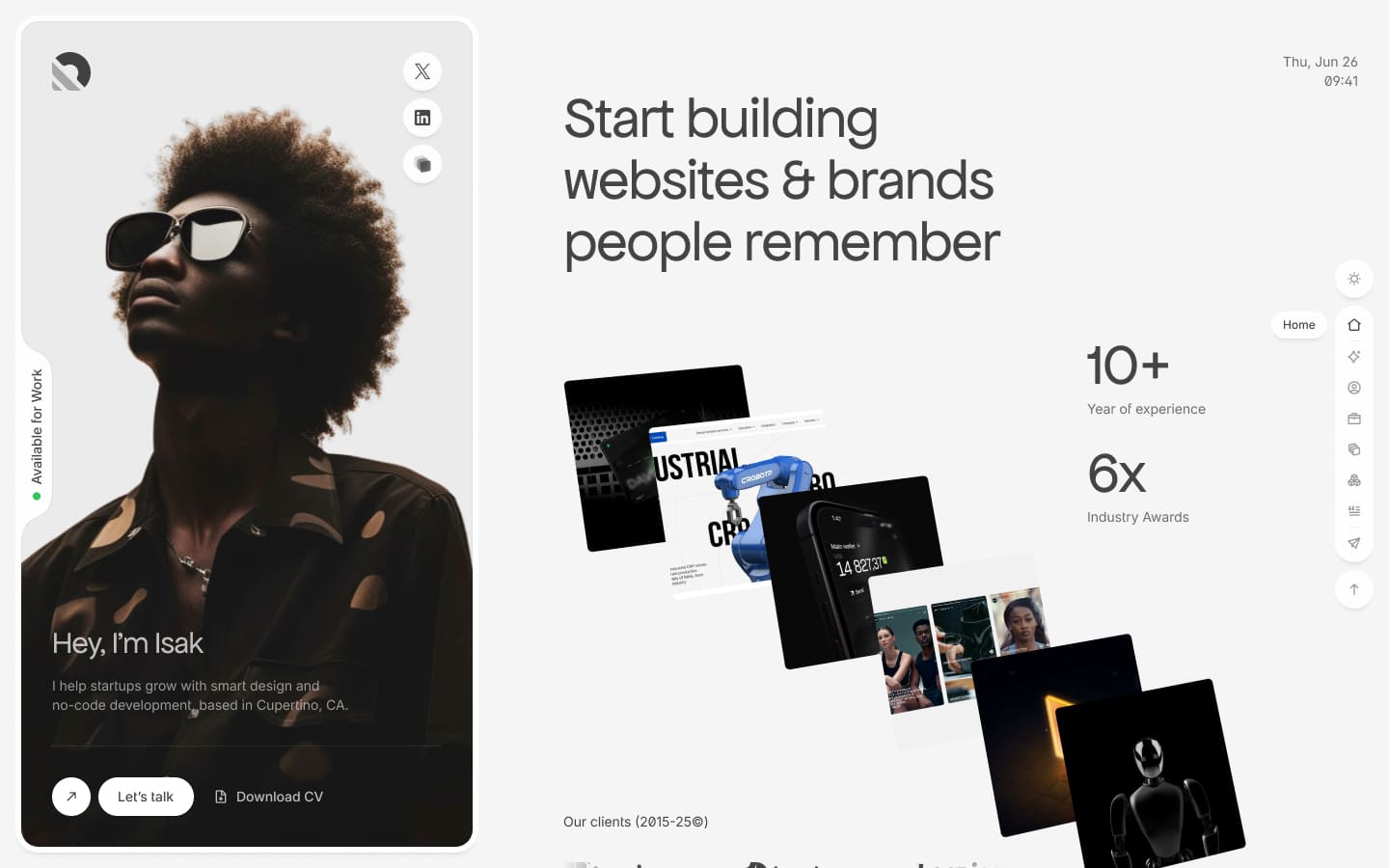
A sophisticated variant with soft lavender accents in light mode and charcoal tones in dark mode.
Light Mode (Lavender Stone)
- Soft, calming lavender highlights
- Modern, trendy appearance
- Subtle purple undertones
Dark Mode (Charcoal Mist)
- Warm charcoal background
- Misty, atmospheric feel
- Balanced contrast
Variant 3 (V3) - Ocean Breeze / Forest Shadow
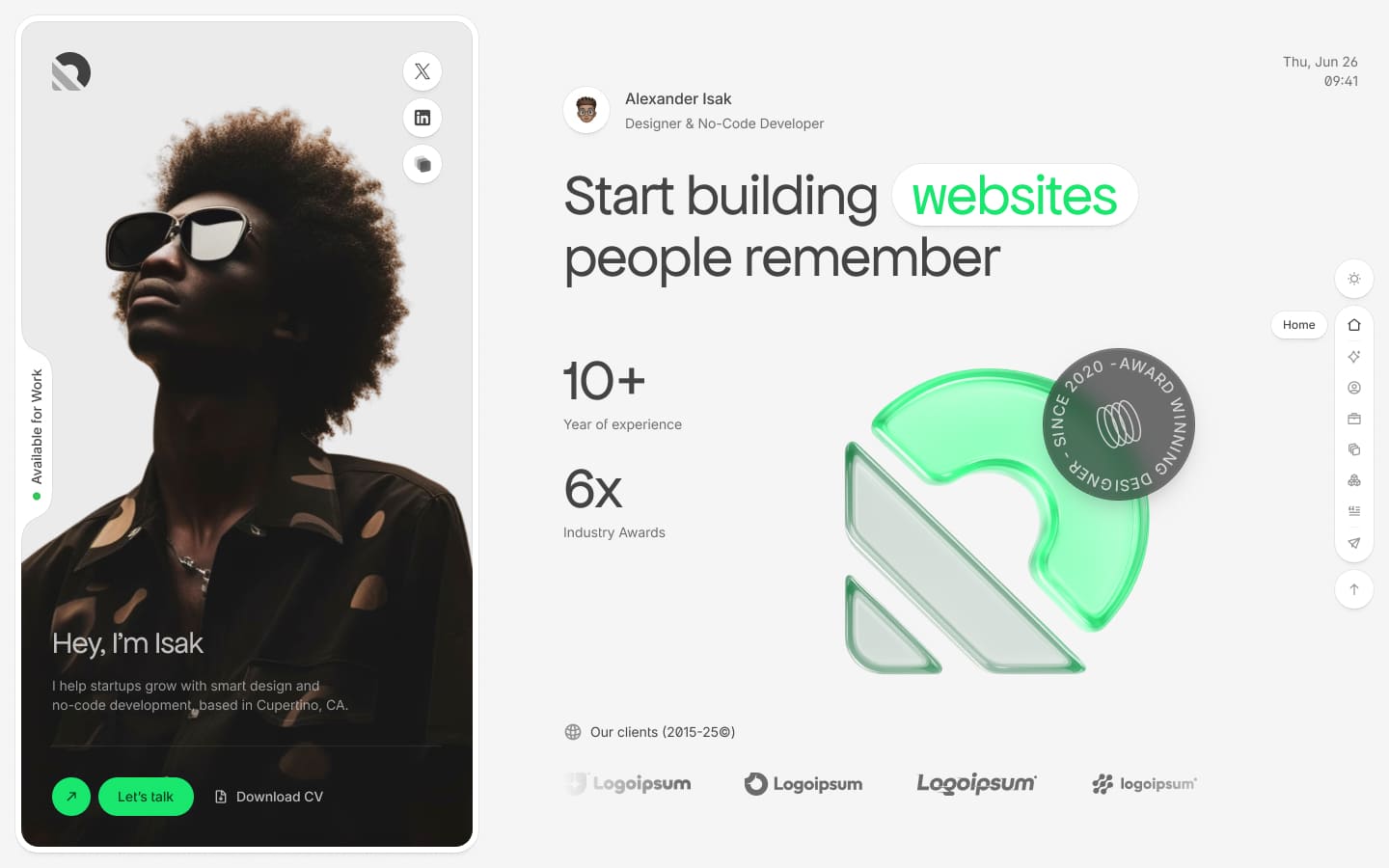
A nature-inspired variant with ocean blues in light mode and forest greens in dark mode.
Light Mode (Ocean Breeze)
- Fresh, energetic blue tones
- Airy, open feel
- Professional yet creative
Dark Mode (Forest Shadow)
- Deep forest greens
- Earthy, grounded appearance
- Unique alternative to pure black
Page Theme Settings
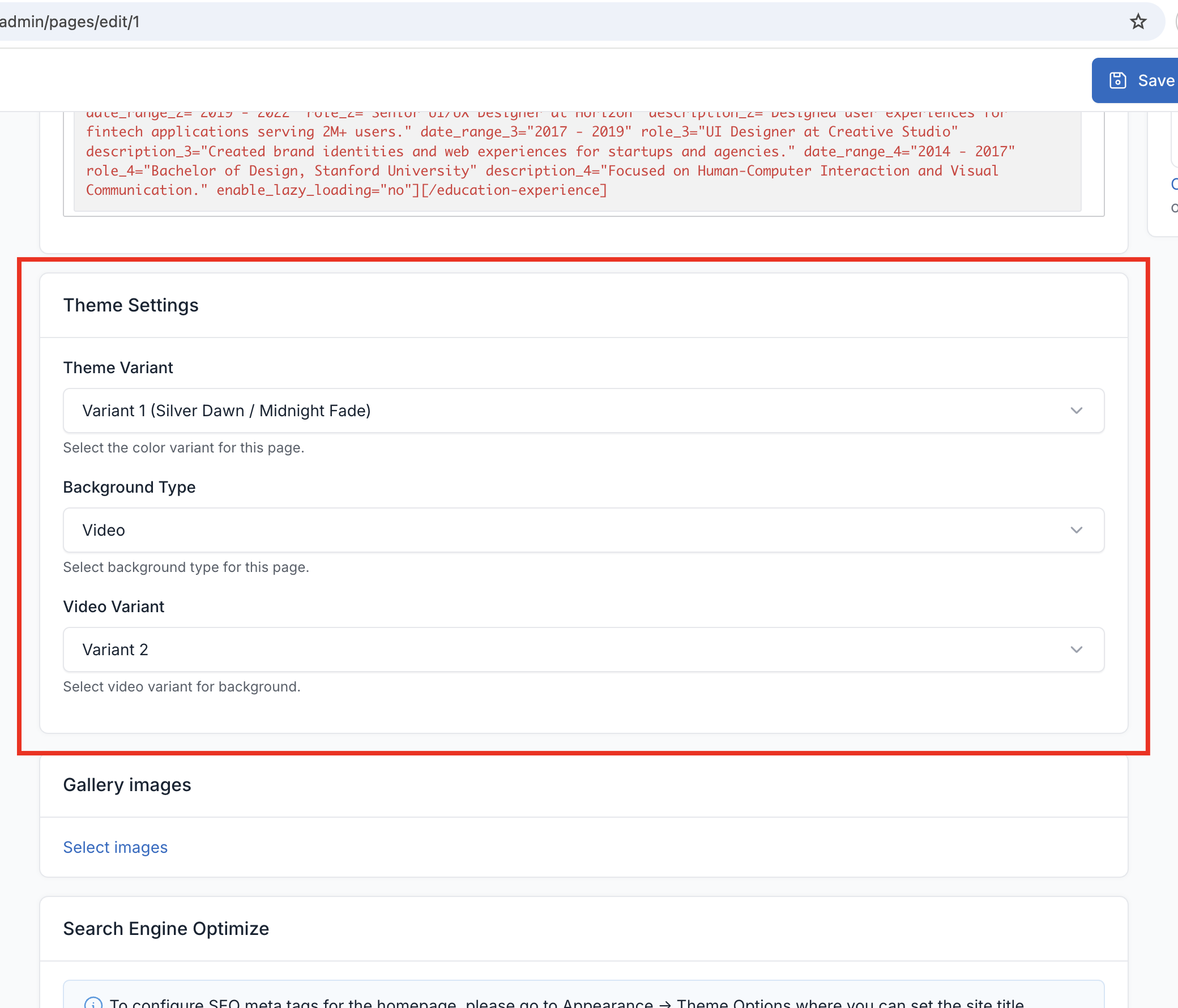
Theme variants and background settings are configured individually for each page using meta boxes.
Setting Theme Variant
- Go to
Pagesand edit the desired page - In the page editor, find the Theme Settings meta box
- Select your preferred variant (V1, V2, or V3)
- Save the page
This allows you to use different variants for different pages on your site.
Background Settings
Each page can have its own background configuration:
| Option | Description |
|---|---|
| Background Type | Choose between Video or Image background |
| Video Variant | Select video variant (V1 or V2) when using video background |
| Background Image | Upload custom background image when using image background |
Video Background (Default)
- Two built-in video variants with animated overlay effects
- Automatically plays, loops, and is muted for performance
Image Background
- Upload any image as a static background
- Useful for pages where video may be distracting
- Maintains the same overlay styling as video backgrounds
How Variants Work
Each variant affects the following elements throughout the page:
- Background colors: Main page backgrounds and section backgrounds
- Text colors: Headings, body text, and links
- Accent colors: Buttons, highlights, and interactive elements
- Border colors: Dividers, cards, and form fields
- Animation colors: GSAP animation effects and transitions
Preview Variants
You can preview variants using the theme settings panel in the sidebar:
- Click the settings gear icon in the sidebar
- Select a different variant
- The page will update immediately
- Note: This only affects your current session for preview purposes
To make the variant permanent for a page, set it in the page meta boxes as described above.