
Setup social login
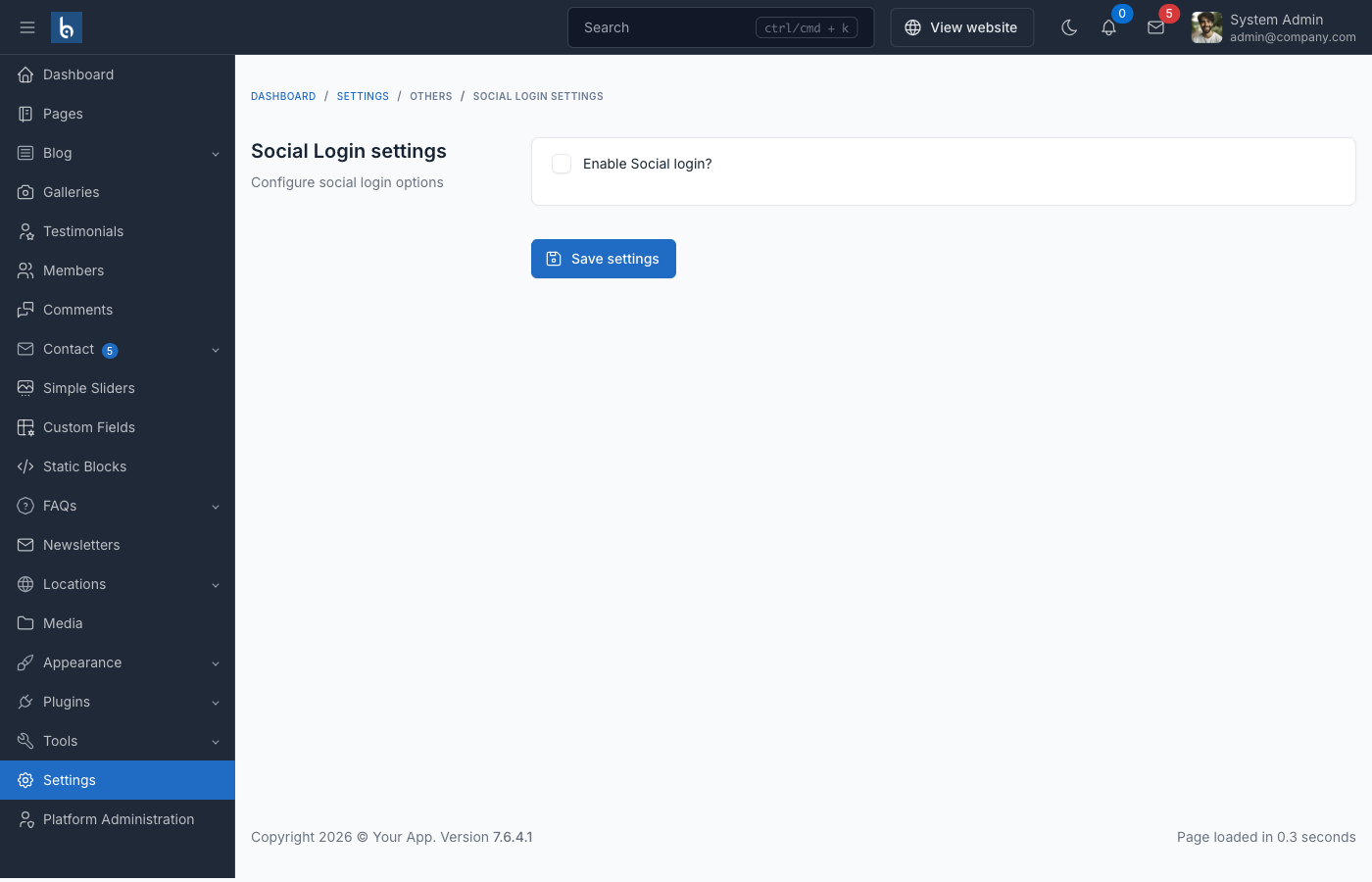
Facebook login
Enable Facebook login in Admin -> Settings -> Social login
- How to get Facebook App ID & Secret:
Google login
Enable Google login in Admin -> Settings -> Social login, then add your Client ID & Secret from the Google Cloud Console.
In the Google Cloud Console, set the Authorized redirect URI to:
https://your-domain.com/auth/callback/googleThe path order is auth/callback/google — not auth/google/callback.
Troubleshooting
If social login fails with InvalidStateException or Missing required parameter: code, see Social Login Fails in the troubleshooting guide. The most common cause on shared hosting is ModSecurity stripping the OAuth callback query string.