
Changing App Name
Quick Configuration
The app display name can be set in your .env file:
bash
APP_NAME=YourAppNameThis name is used throughout the app for display purposes (headers, titles, etc.).
Platform-Specific Names
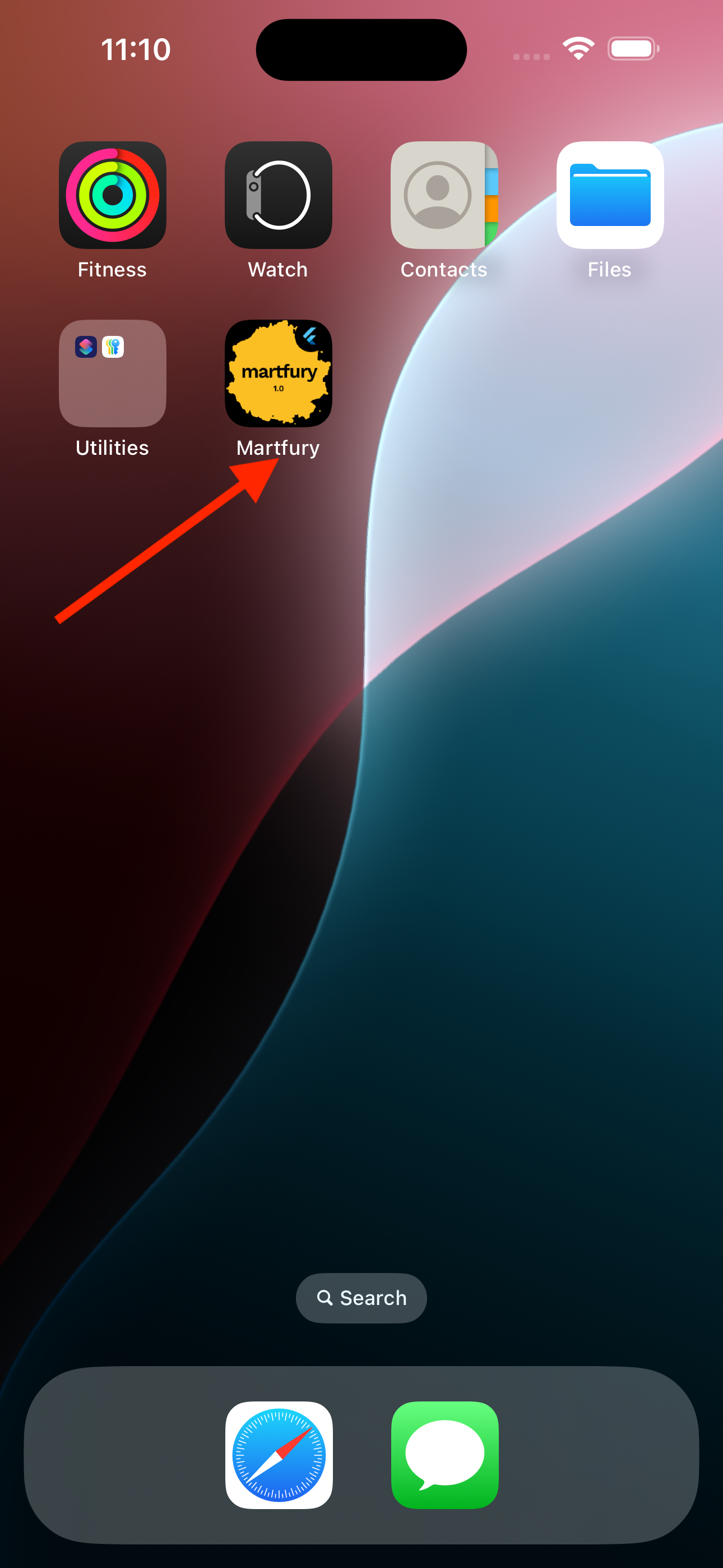
For the app name that appears on the device home screen and app stores, you need to update platform-specific files:
Android
- Open
android/app/src/main/AndroidManifest.xml - Update the
android:labelattribute:xml<application android:label="Your New App Name" ...
iOS
- Open
ios/Runner/Info.plist - Update the
CFBundleNameandCFBundleDisplayName:xml<key>CFBundleName</key> <string>Your New App Name</string> <key>CFBundleDisplayName</key> <string>Your New App Name</string>
Important Notes
.envAPP_NAME: Used for in-app display (e.g., profile screen, headers)- AndroidManifest.xml: Used for Android home screen and Play Store
- Info.plist: Used for iOS home screen and App Store
For consistency, ensure all three locations use the same app name.
Applying Changes
.envchanges: Stop the app and runflutter runagain- Platform file changes: Rebuild the app completely