
Theme Options
Theme options allow you to customize every aspect of your Velura spa & beauty website without touching any code. Access these settings through Appearance → Theme Options in your admin panel.
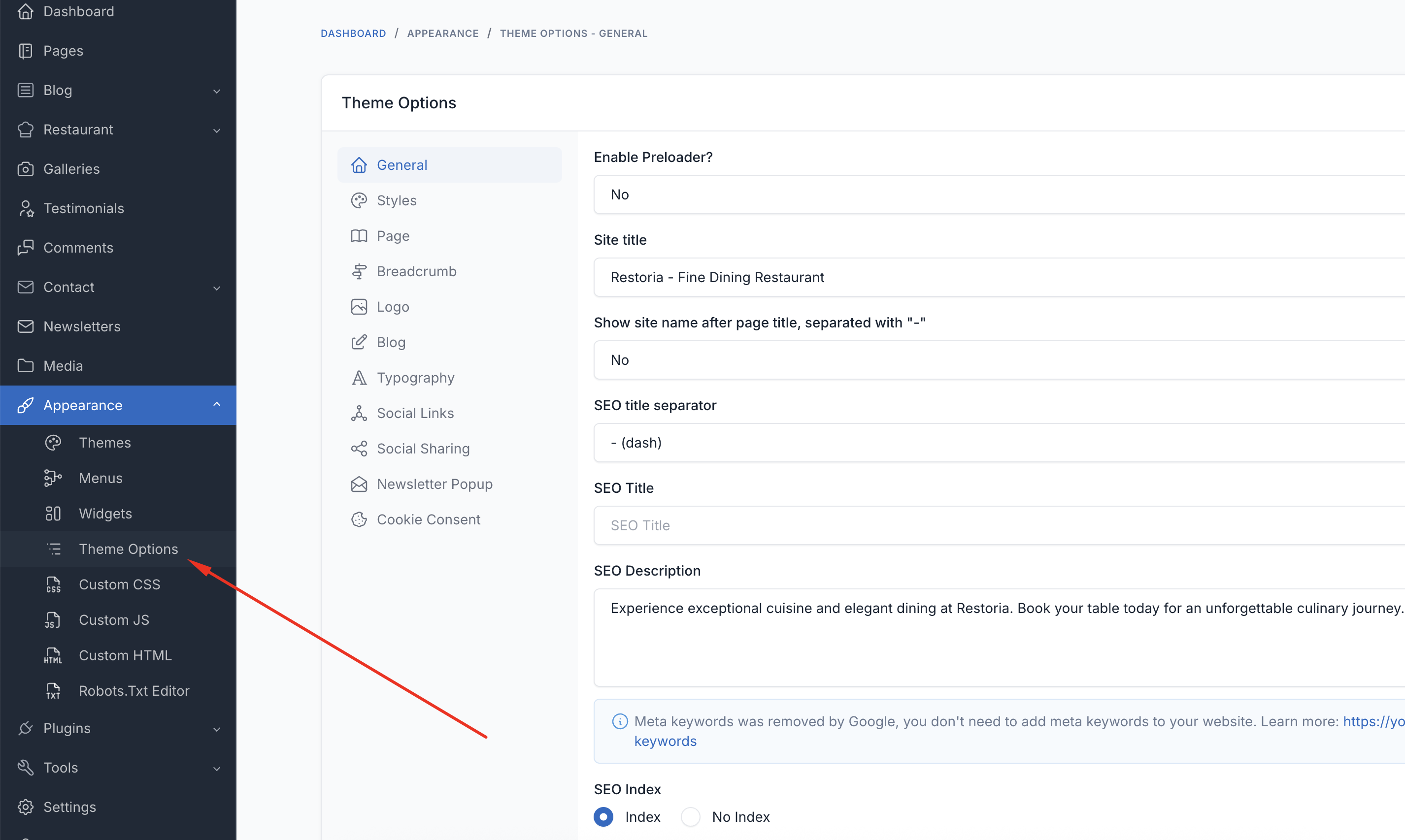
Header
Control the top area of every page.
- Show Header Top: Show or hide the top info bar (opening hours, phone, socials)
- Show Book Appointment Button: Toggle the call-to-action button in the header
- Header Background Color: Header background (defaults to transparent for hero overlap)
- Header Text Color: Header link and text color
- Sticky Header Style: Appearance of the header when it sticks on scroll
- Menu Background / Text / Hover Color: Colors for the navigation menu
Footer
Control the colors of the footer area.
- Footer Background Color: Footer background
- Footer Text Color: Footer body text
- Footer Link Color and Footer Link Hover Color: Footer links
- Footer Muted Text Color: Secondary/muted footer text
Blog
- Blog List Layout: Choose how blog post listings are displayed
Styles
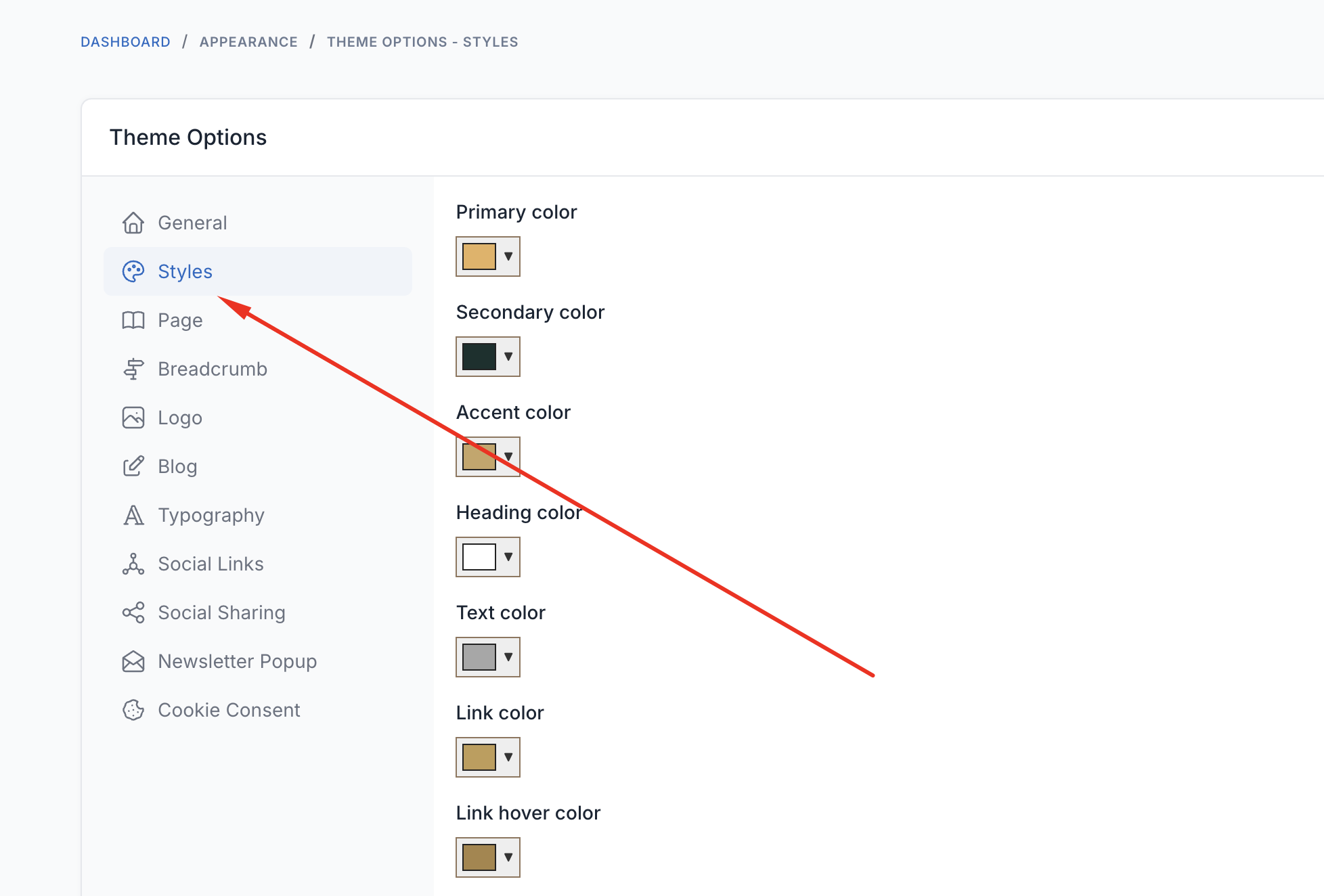
Customize the visual appearance of your website.
Color Scheme
- Primary Color: Main brand color
- Secondary Color: Secondary brand color
- Accent Color: Accent/highlight color
- Heading Color: Titles and headings
- Text Color: Body text color
- Link Color and Link Hover Color: Hyperlink colors
- Button Background / Text / Hover Colors: Button styling
- Border Color: Borders and dividers
Typography
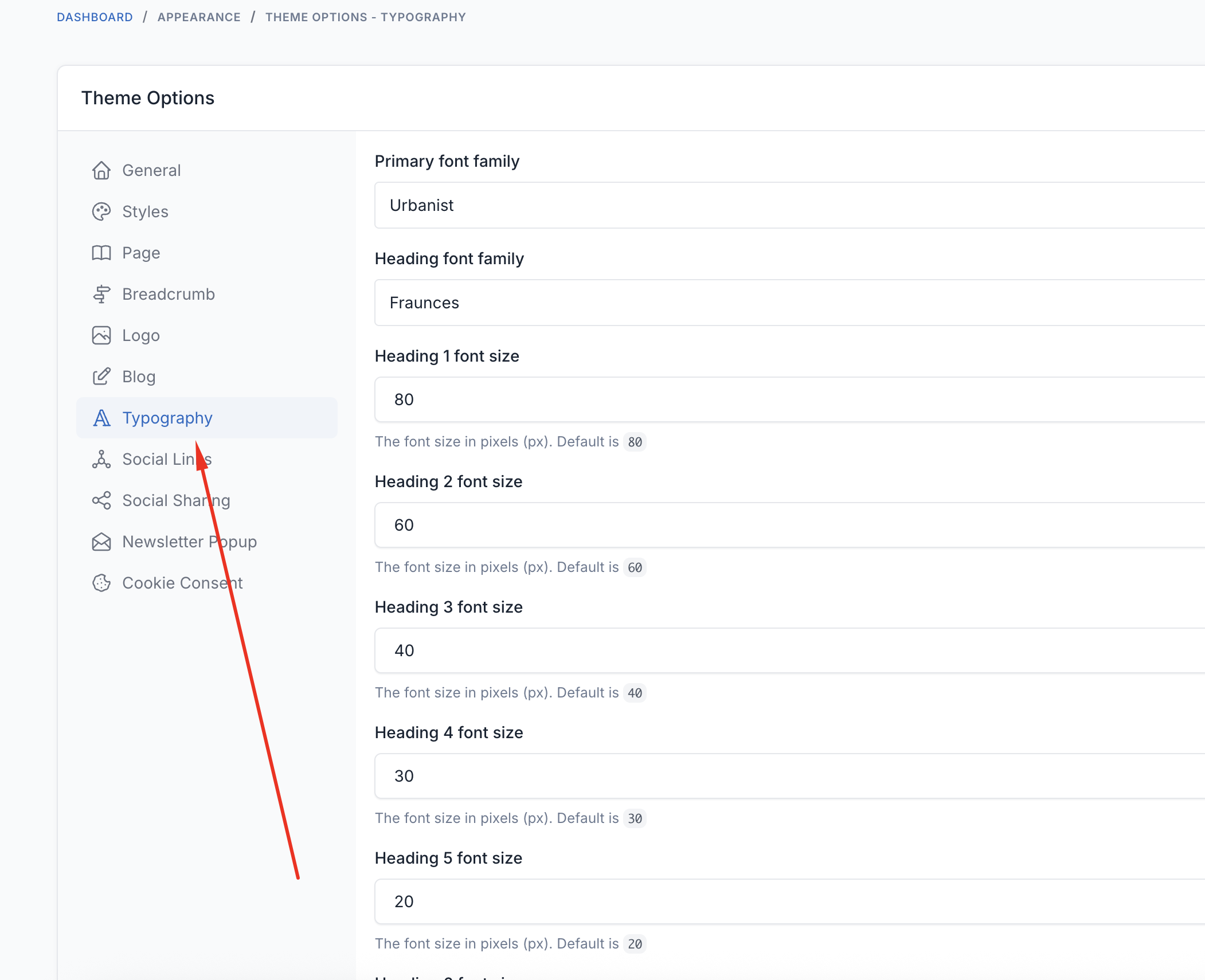
Control fonts and text styling throughout your website. Velura ships with an elegant default pairing:
- Primary (body) font:
Jost - Heading font:
Rufina
Font Families
- Primary Font: Main body text font
- Heading Font: Titles and headings
Font Sizes
- Body Text: Base font size (16-18px recommended)
- H1 - H6: Heading sizes
Breadcrumbs
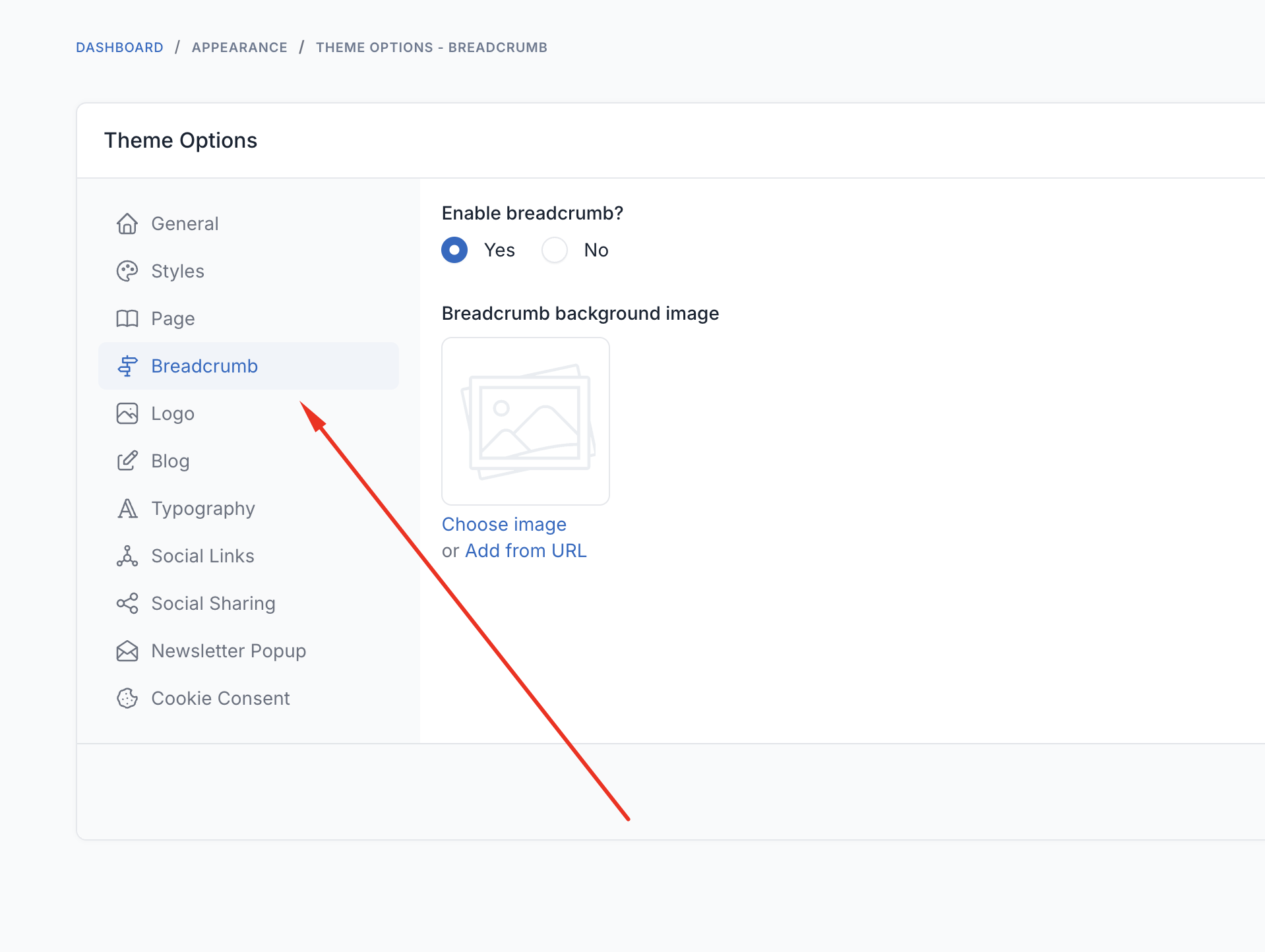
Configure the breadcrumb banner shown at the top of inner pages.
- Breadcrumb Background Image: Upload a custom background for the breadcrumb banner
TIP
Logo, favicon, social links, copyright, and preloader are also configured under Theme Options. Remember to click Save and clear the cache after changing any option.