Widgets
Widgets are modular content blocks that can be placed in various widget areas throughout your Velura spa & beauty website. They provide dynamic functionality without requiring coding knowledge.
Managing Widgets
Access widget management from Appearance → Widgets in your admin panel.
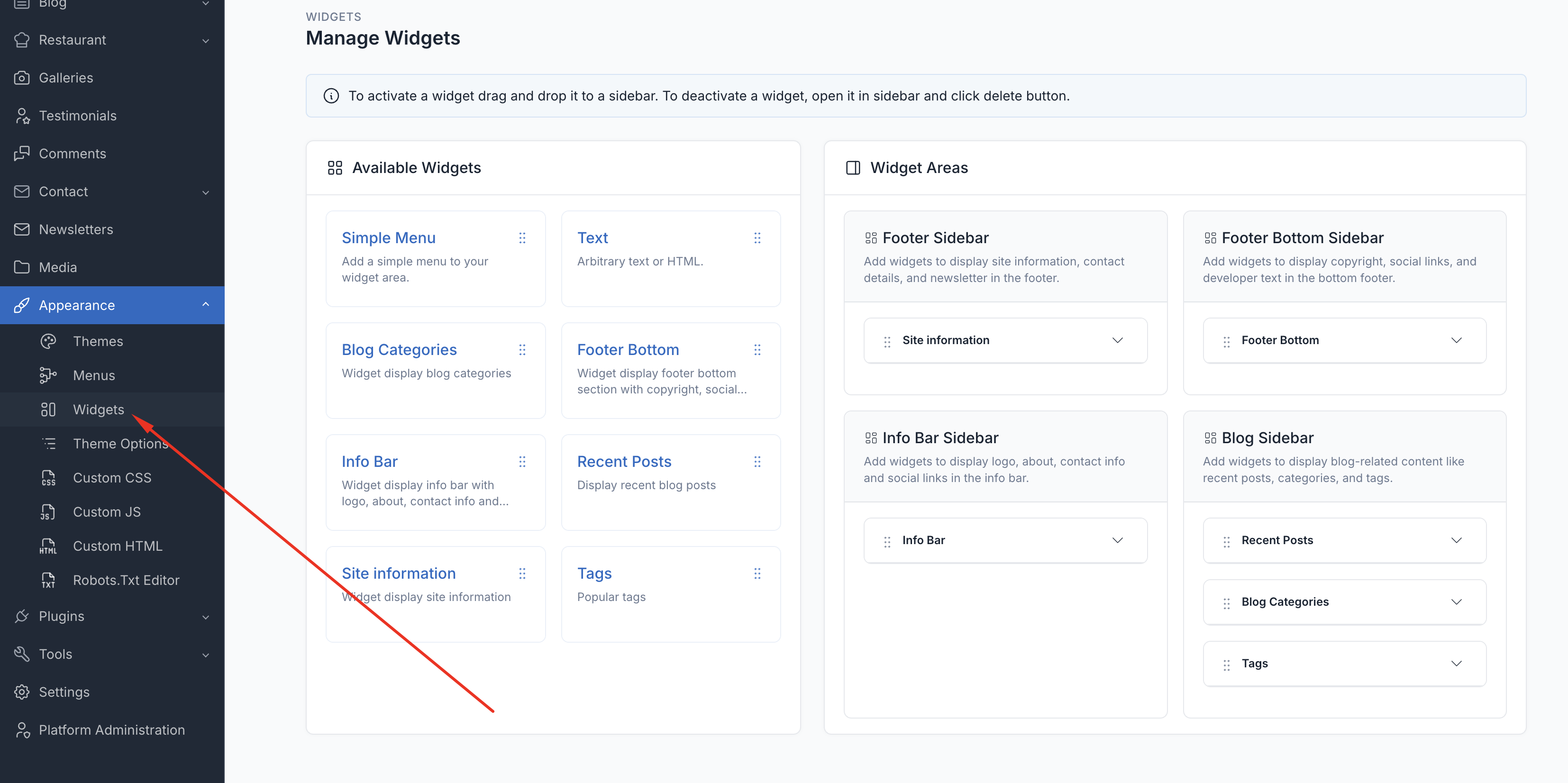
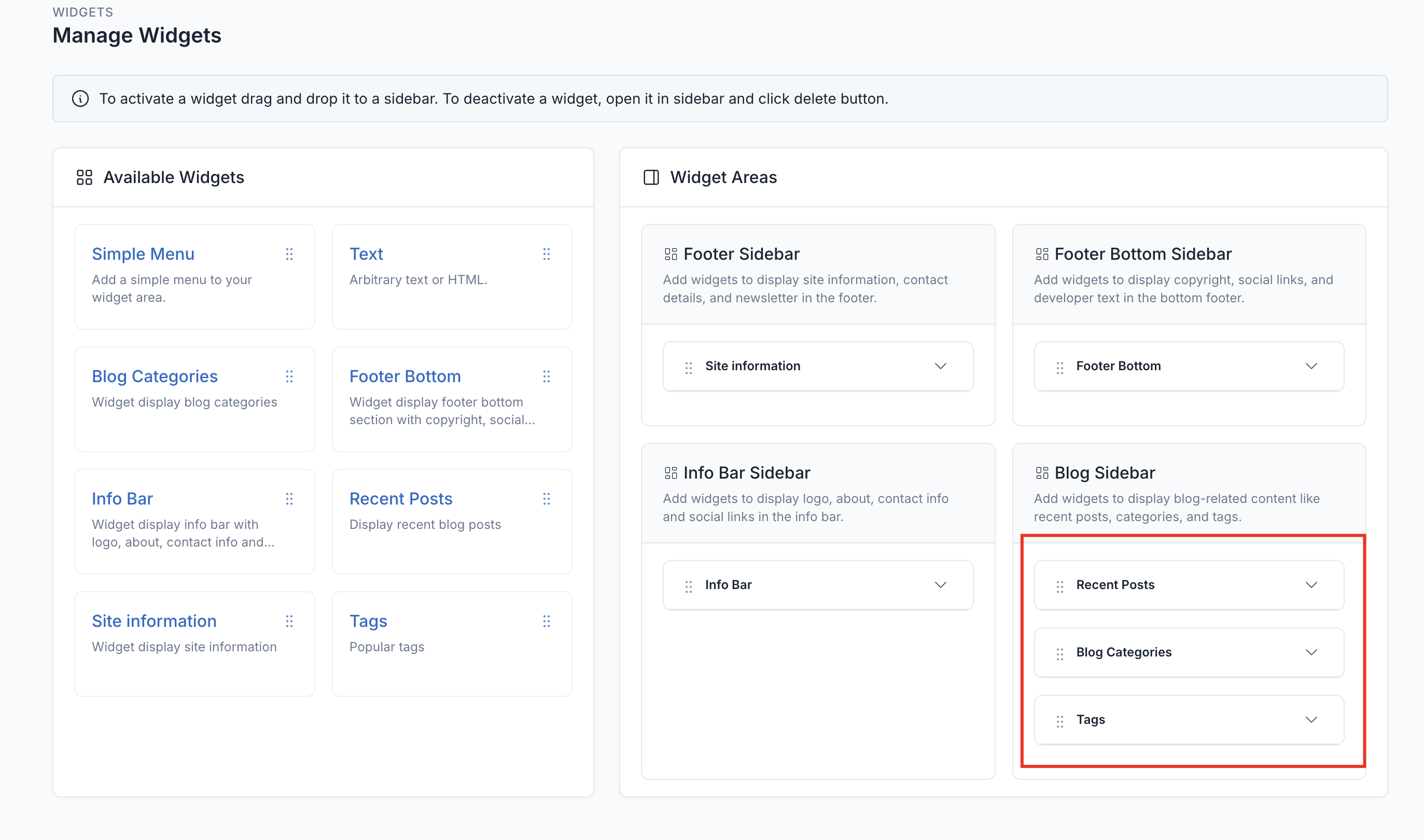
To add a widget to a sidebar, drag and drop the widget from the left side to the sidebar area on the right side.
Widget Areas
1. Footer Sidebar
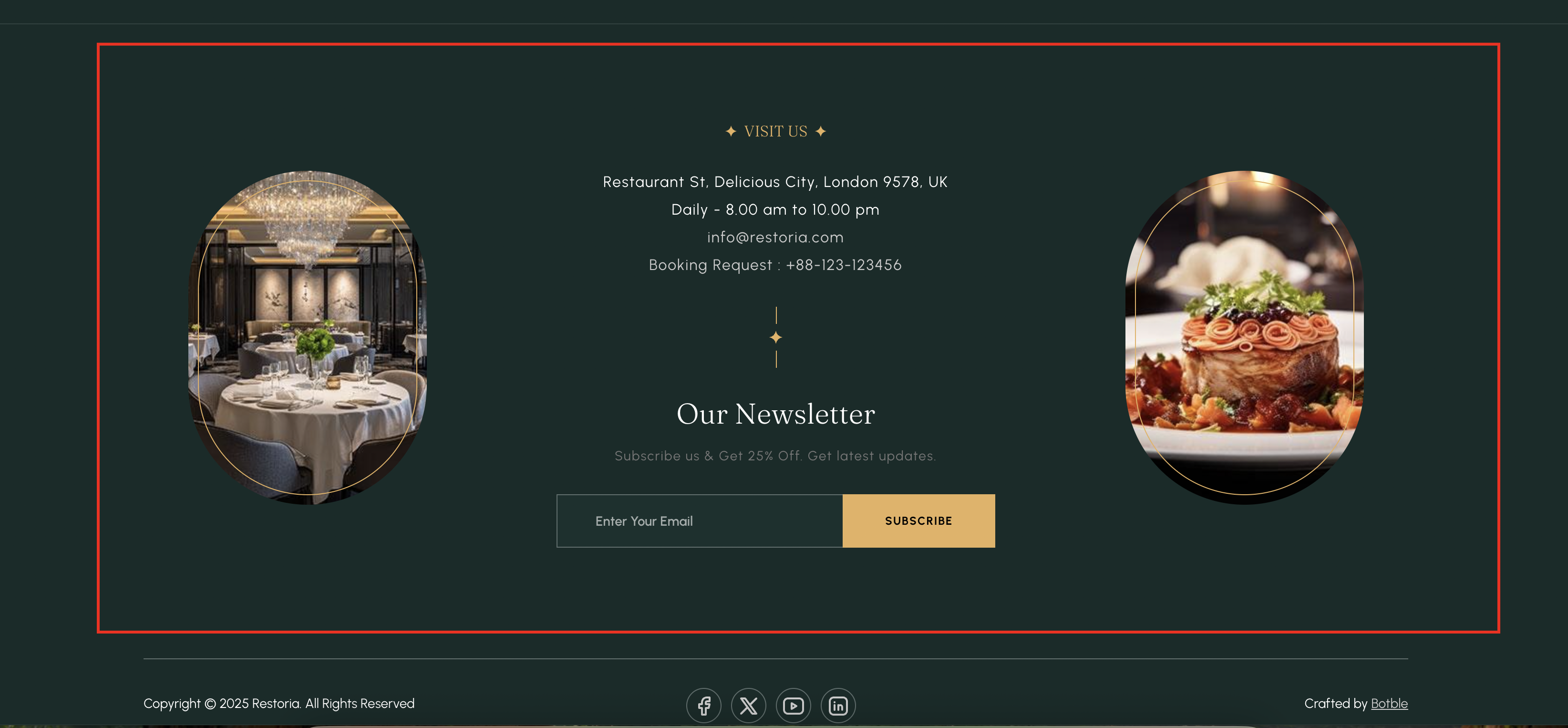
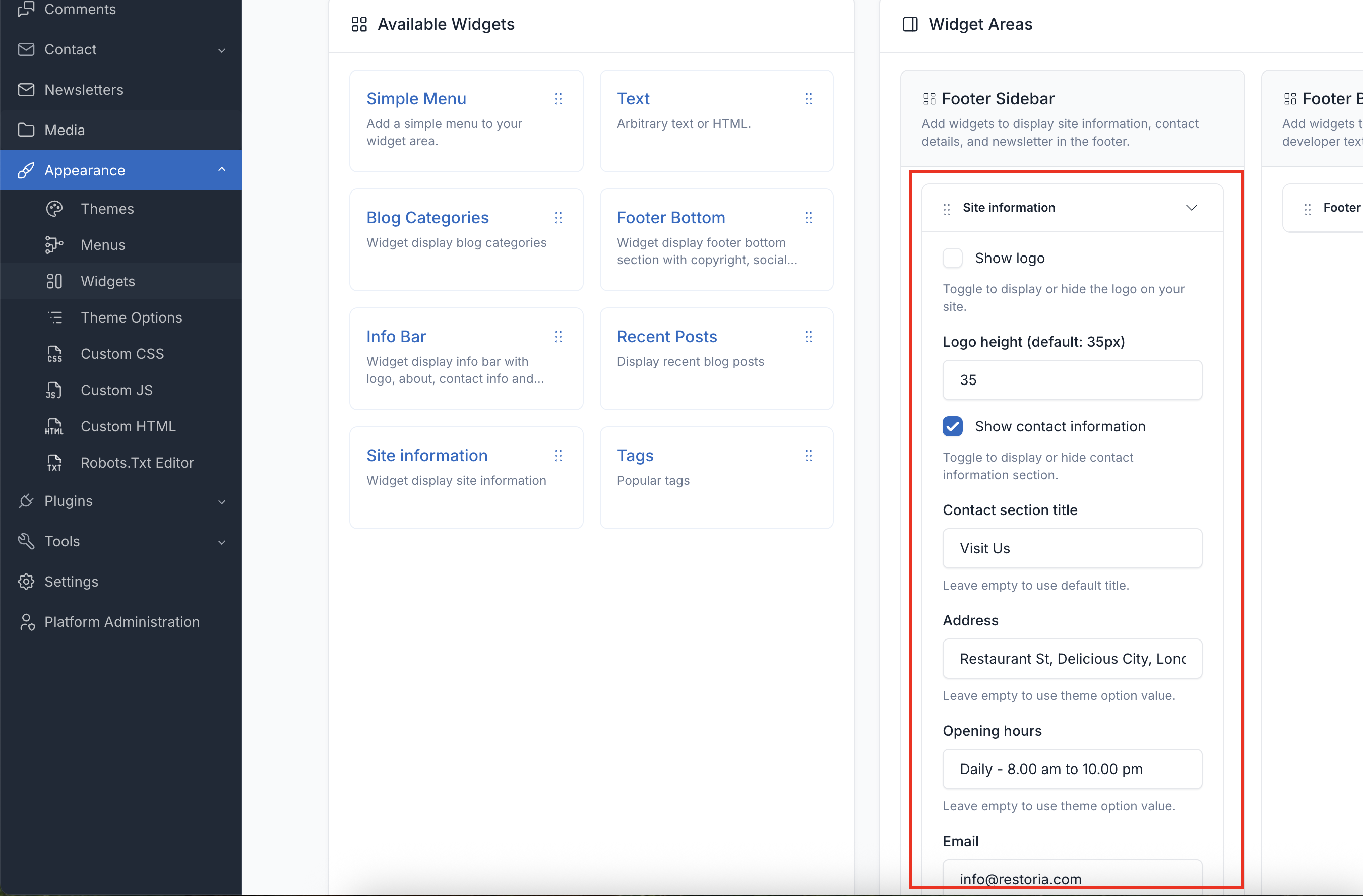
Displayed in the main footer area. Add widgets here to show site information, contact details, and a newsletter signup.
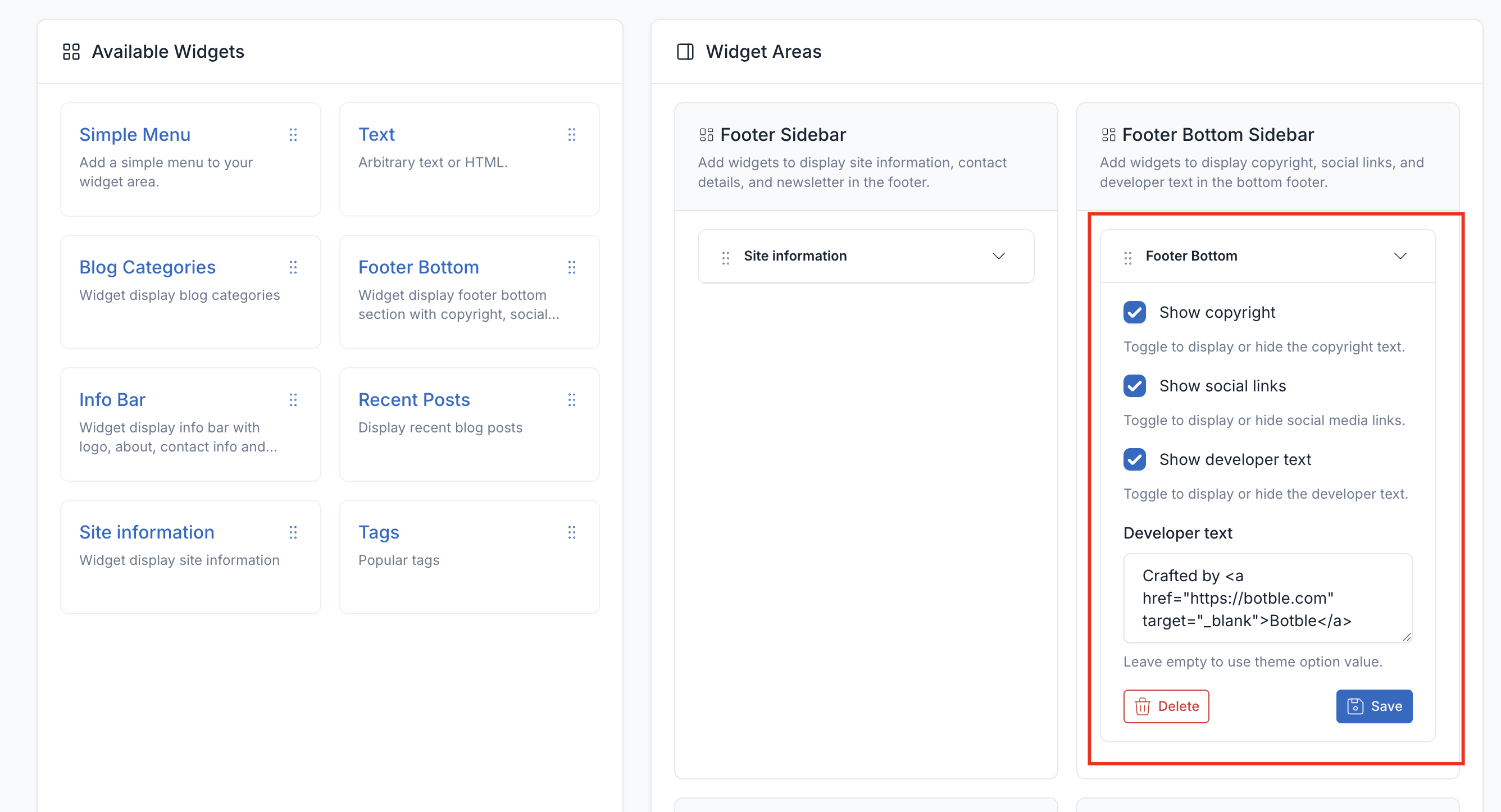
2. Footer Bottom Sidebar
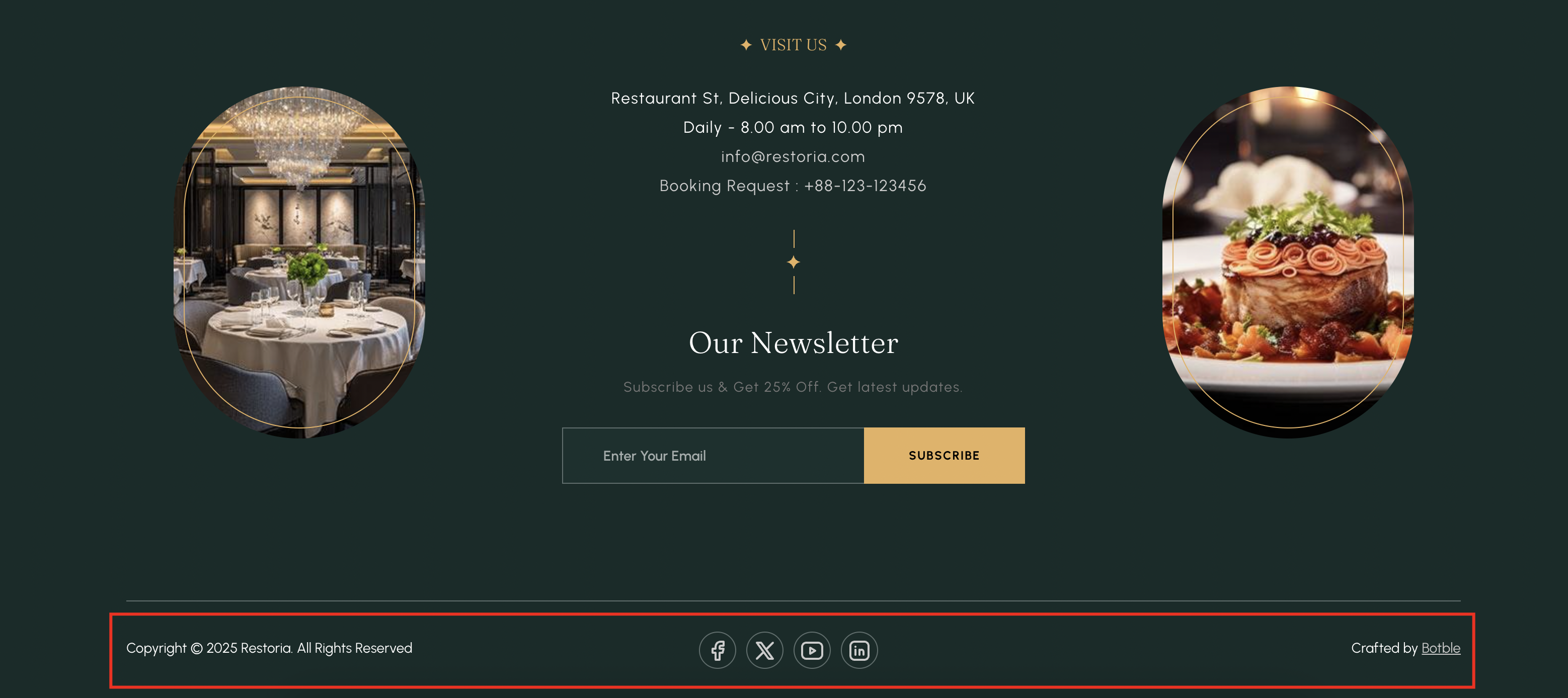
Displayed in the bottom bar of the footer. Add widgets here to show copyright text, social links, and developer/credit text.
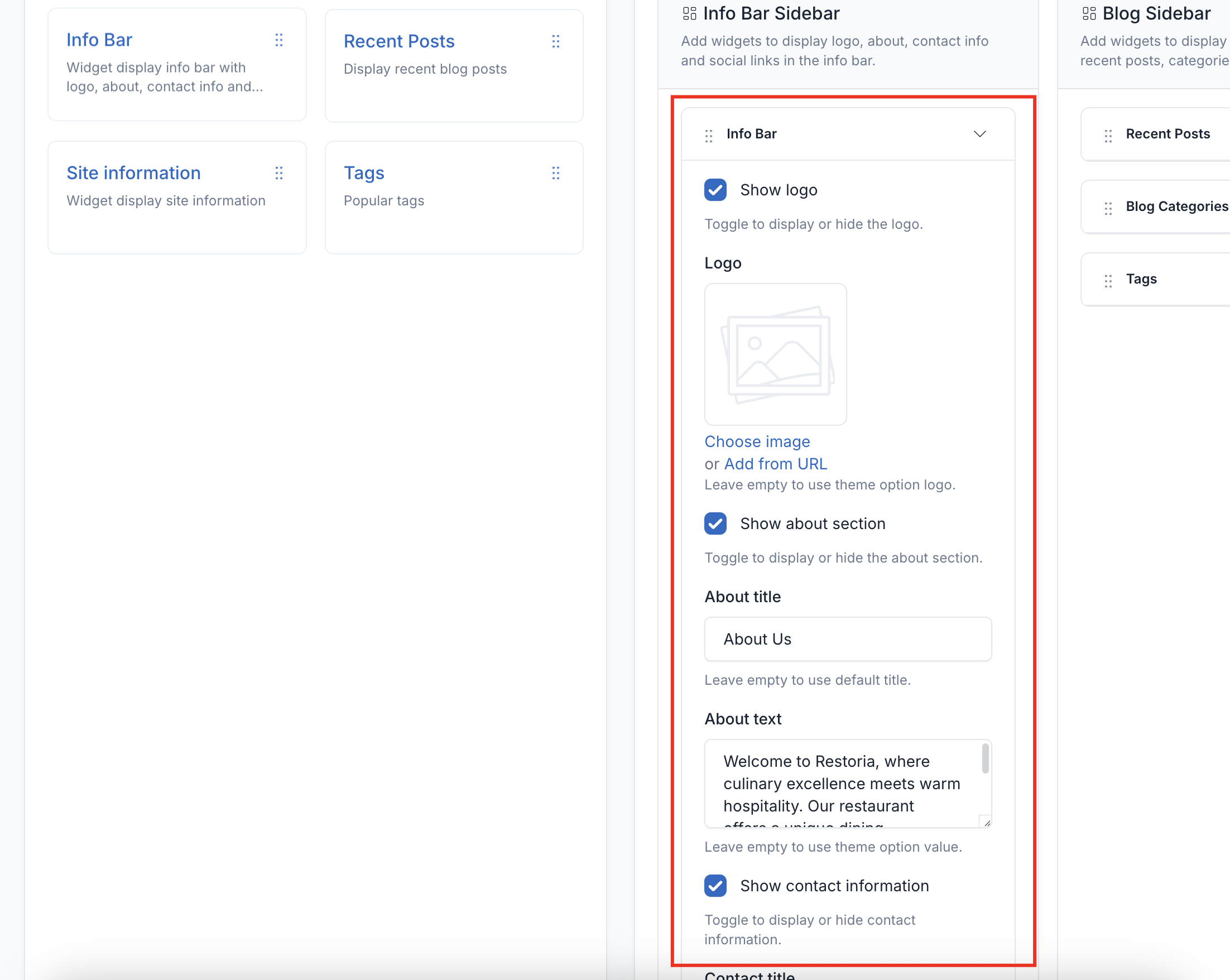
3. Info Bar Sidebar
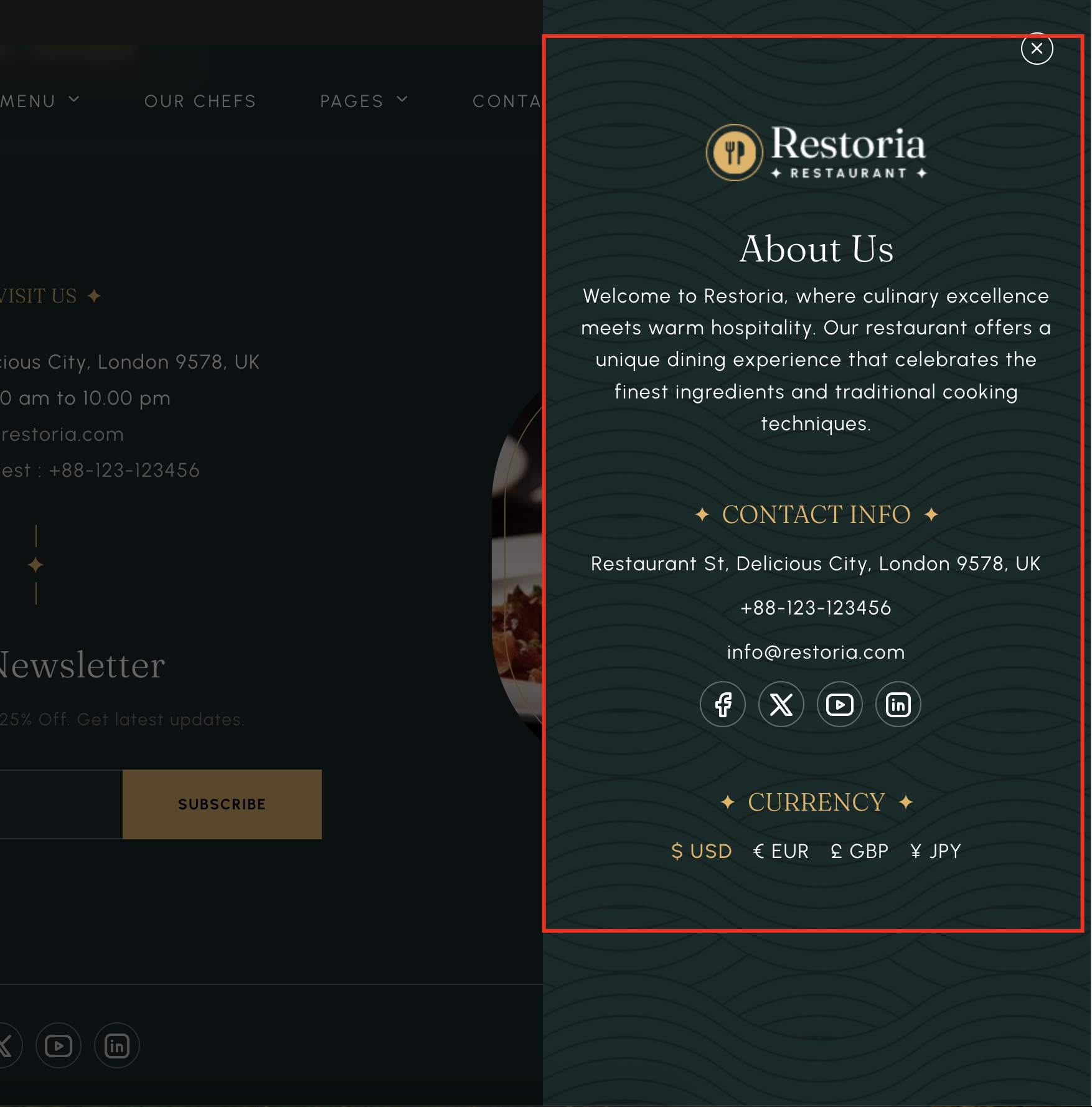
Displayed in the info bar. Add widgets here to show the logo, a short about text, contact information, and social links.
4. Blog Sidebar
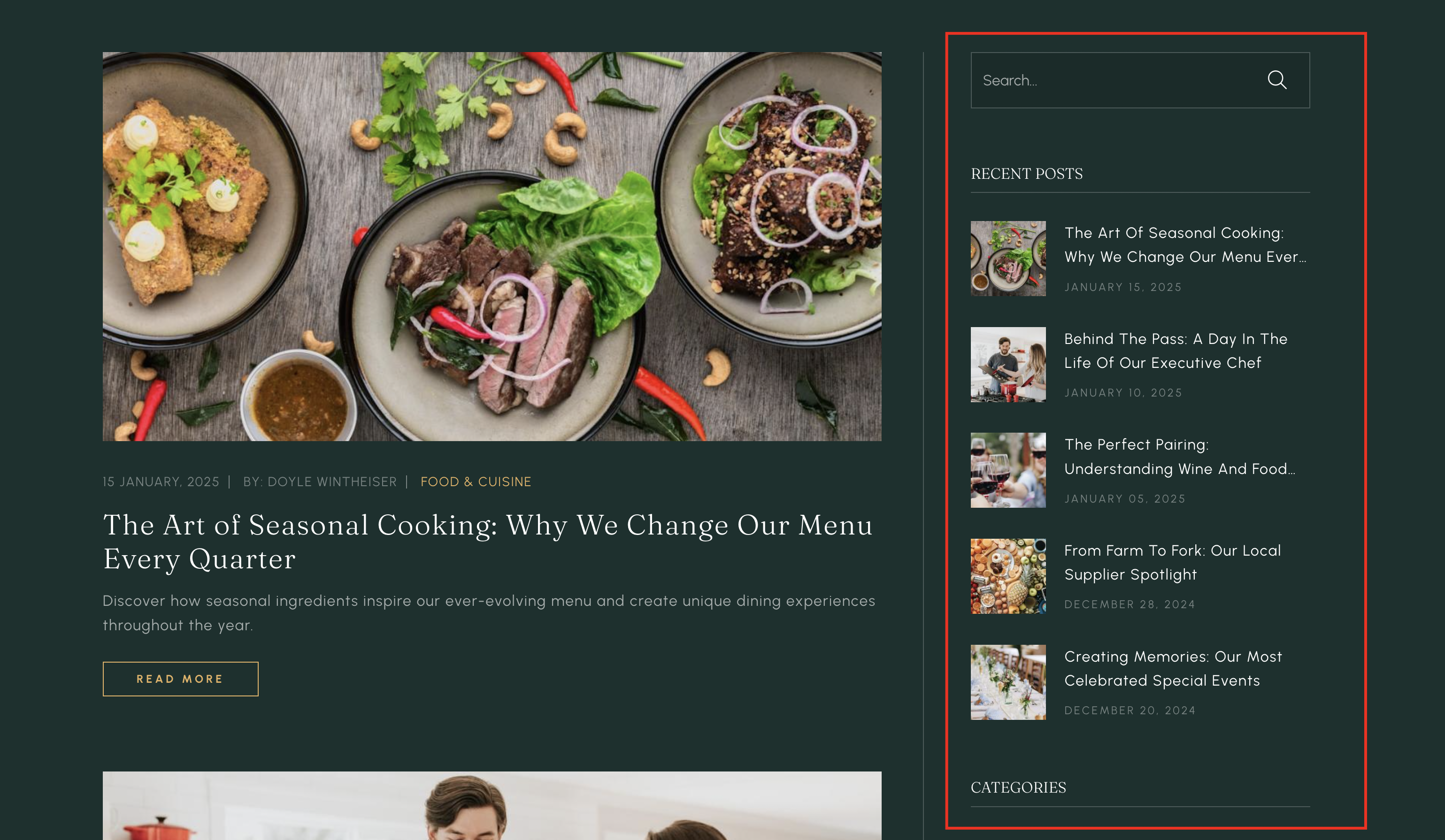
Displayed alongside blog posts and archives. Add widgets here to show recent posts, categories, and tags.
Delete Widgets
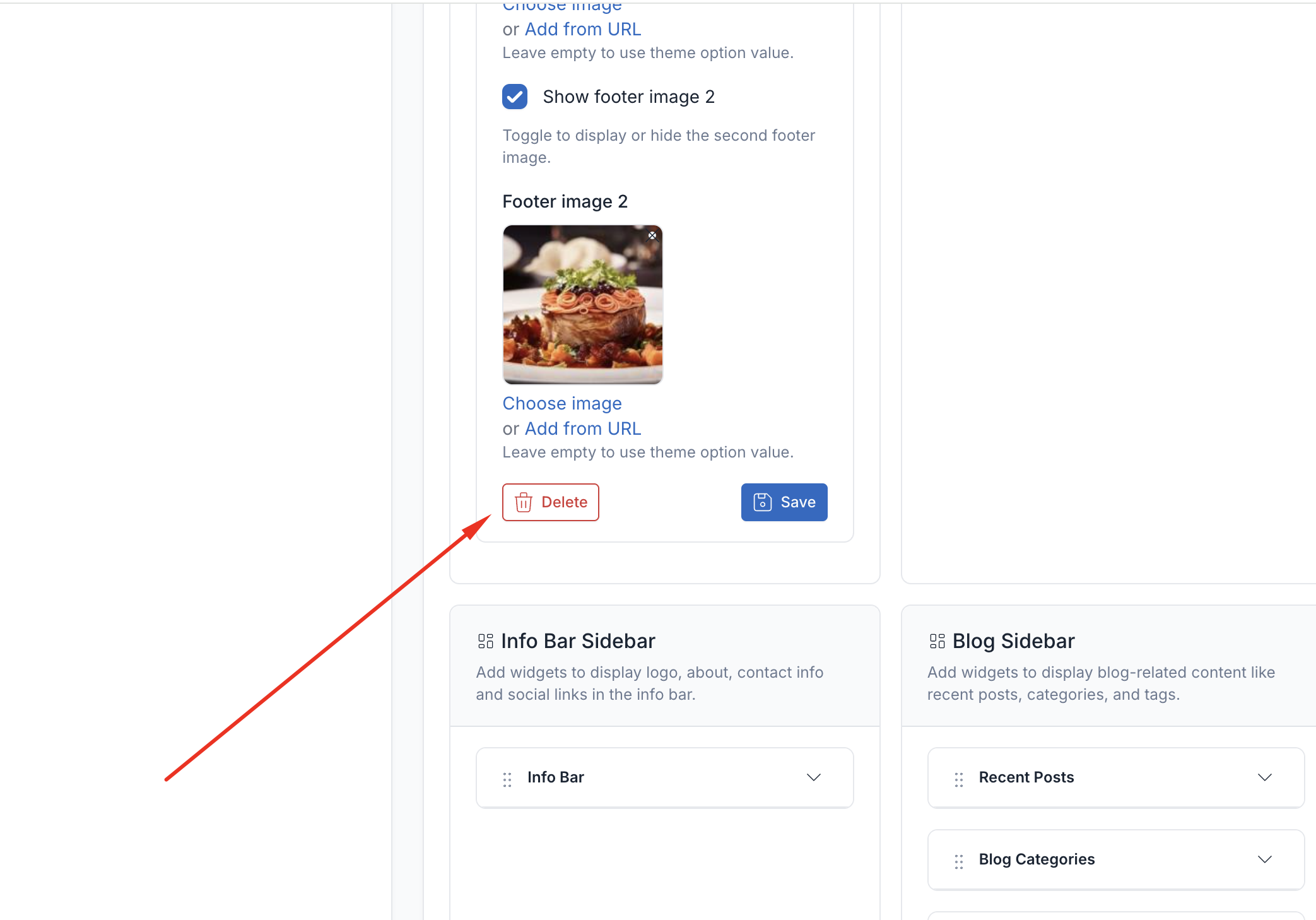
If you don't want to use the widgets in some areas, you can remove them by collapsing the widget and clicking the Delete button.