
UI Block
UI Blocks are pre-designed content sections that help you build beautiful spa & salon pages quickly. Velura provides specialized shortcodes tailored for the beauty and wellness industry.
How to Use UI Blocks
Adding UI Blocks to Pages
- Navigate to Pages in your admin panel
- Create a new page or edit an existing one
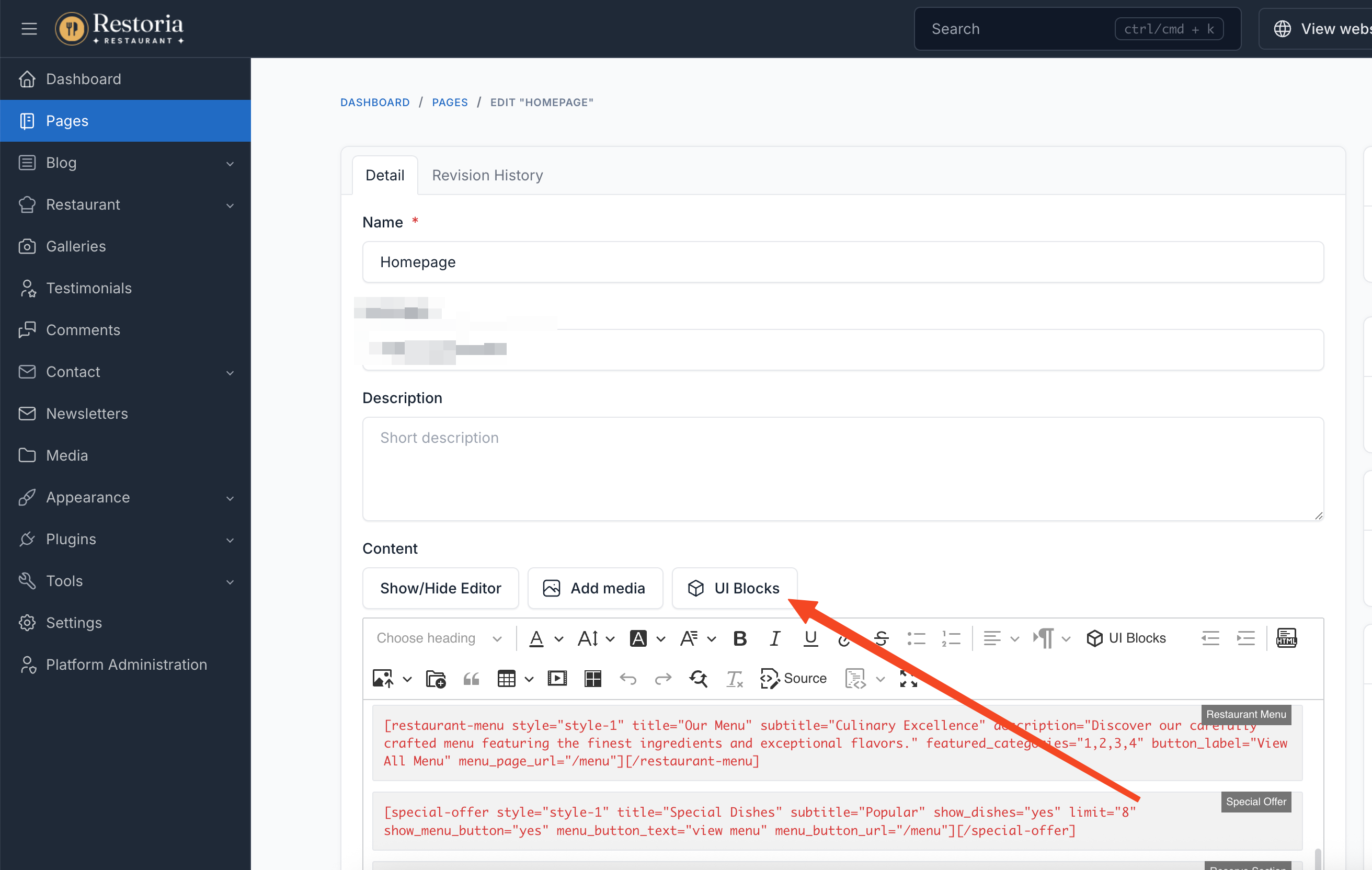
- Click the UI Block button in the editor
- Select the desired shortcode from the list
- Configure the shortcode settings
- Click Insert to add it to your page
Editing UI Blocks
To modify an existing UI block:
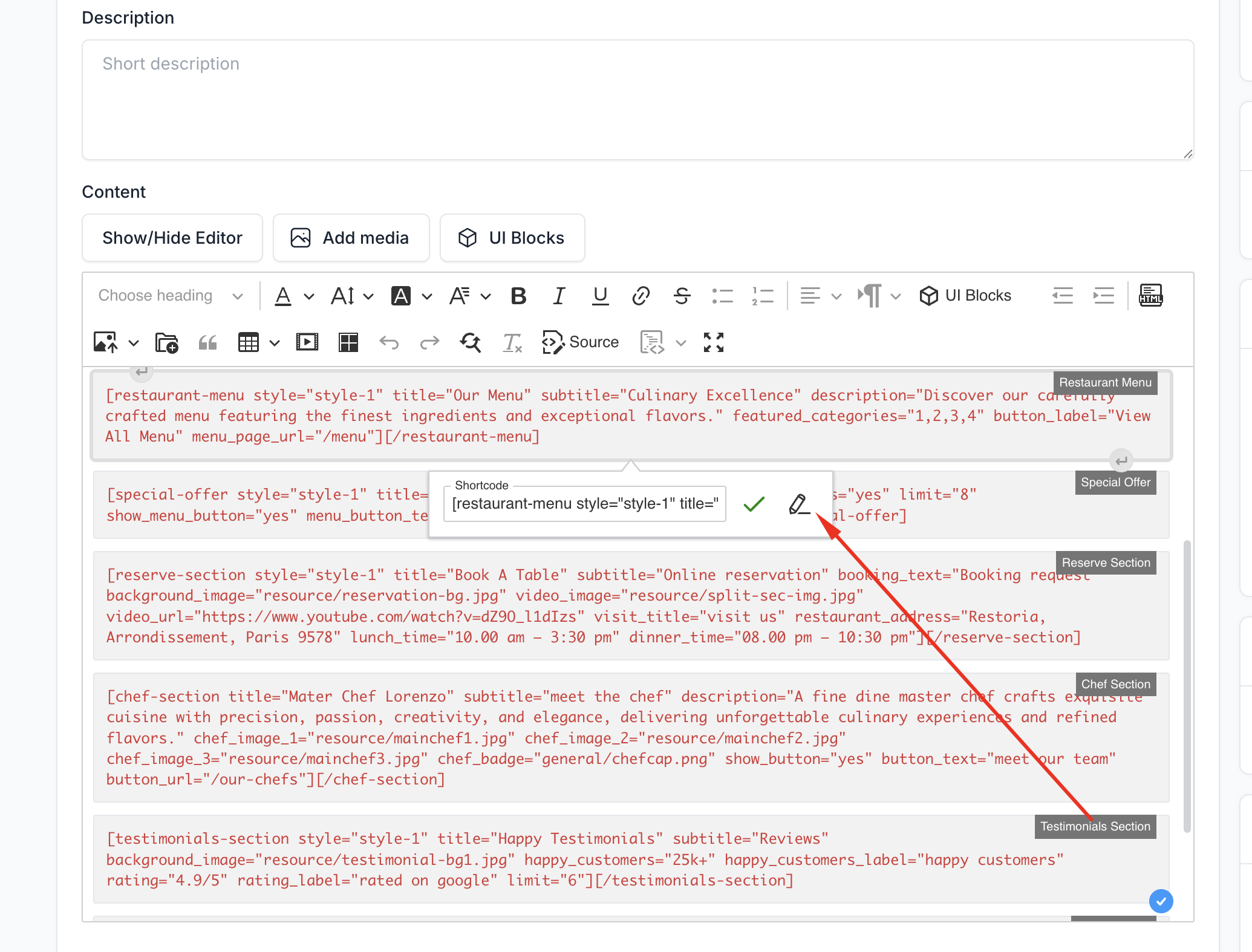
- Click on the shortcode in the editor
- Select Edit from the toolbar
- Update the settings as needed
- Click Update to save changes
Available Shortcodes
Velura ships with 18 UI Block shortcodes designed for spa, beauty, and nail salon websites:
| Shortcode | Description |
|---|---|
| Hero Banner | Display a hero banner with slider and call-to-action content |
| About Section | Introduce your spa with an about section |
| Services Section | Display spa services with icons and descriptions |
| Why Choose Us | Highlight features and key statistics |
| Reserve Section | Show the appointment booking form in a split layout |
| Staff Section | Present your specialists and team with photos |
| Packages Section | Display spa packages with their included services |
| Memberships Section | Show membership plans and pricing |
| Special Offer | Feature special services in a carousel |
| Testimonials Section | Display client testimonials with star ratings |
| Gallery Section | Show gallery images with a lightbox |
| FAQ Section | Frequently asked questions accordion |
| Contact Section | Display contact information with a contact form |
| News Section | Display the latest blog posts |
| Service Menu | Display spa booking service categories |
| Brand Logos | Display an associated brand logos strip |
| Gift Voucher Section | Display a gift voucher band |
| Newsletter Section | Display a newsletter subscribe band |
TIP
Most spa-related shortcodes (Services, Packages, Memberships, Staff, Reserve, Service Menu) pull their data from the Spa Booking section of the admin panel. See Spa Booking to set up your catalog first.