
Wholesale - B2B E-commerce for Botble CMS
Introduction
Wholesale is a B2B plugin for Botble CMS that lets you sell products at different prices to different customer groups. You create customer groups (e.g., Gold, Silver, Bronze), assign discounts, and customers in those groups automatically see lower prices when they log in.
What You Can Do
Set up customer groups with automatic discounts
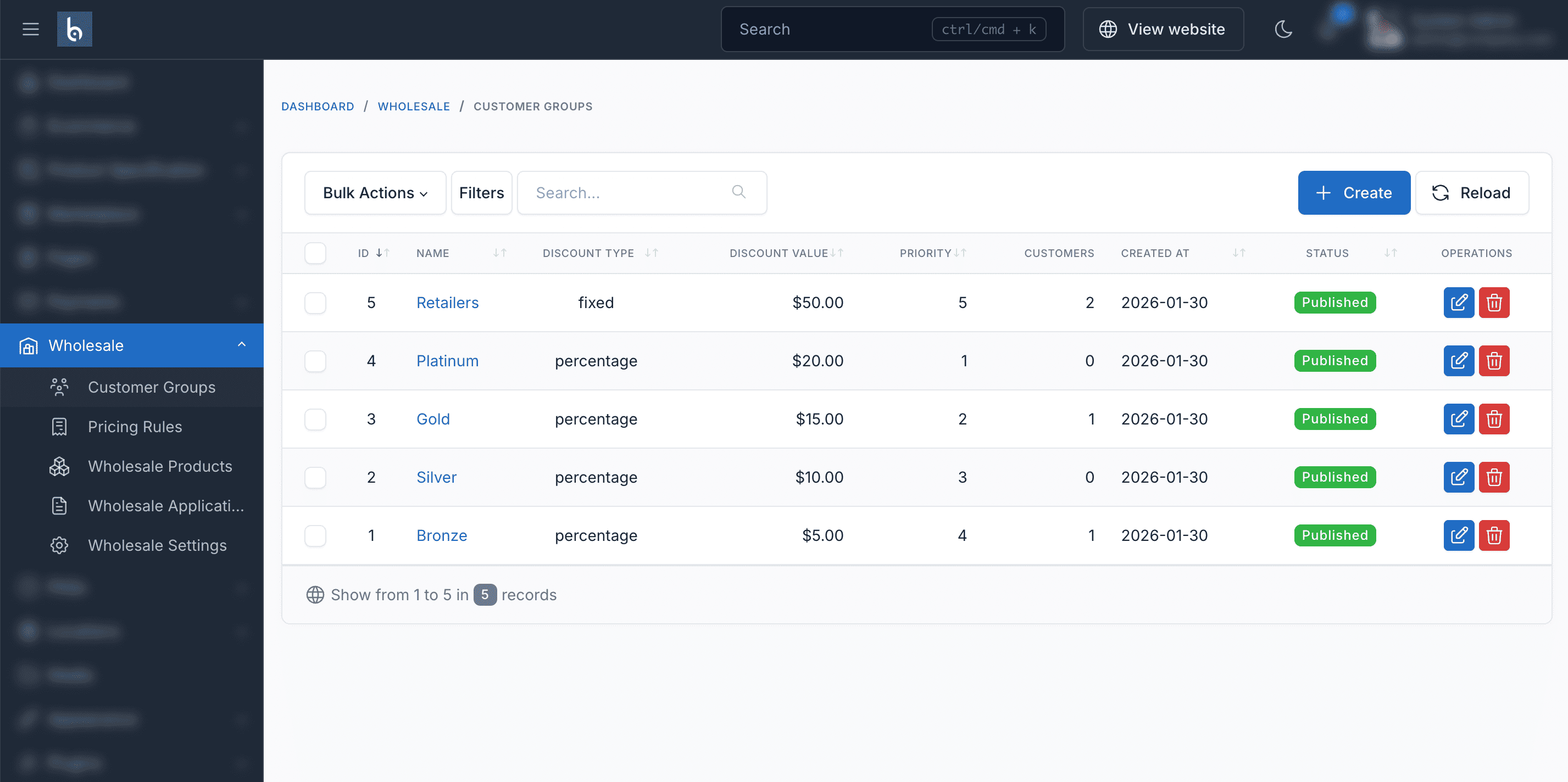
Create groups like "Gold Resellers" with a 20% discount. Any customer assigned to that group sees 20% off on every product, automatically.
Go to Wholesale > Customer Groups in your admin panel to manage groups.
Learn how to create customer groups →
Create quantity-based pricing tiers
Set different prices based on how many units a customer orders. For example, a $100 product could be $90 for 50+ units, $85 for 100+ units, and $80 for 250+ units.
Go to Wholesale > Pricing Rules or set them directly on each product's edit page.
Learn how to set up pricing rules →
Control which products wholesale customers can see
Mark products as "Wholesale Only" so retail customers never see them. Or restrict specific products to specific customer groups.
Set this in each product's edit page under the Wholesale section.
Learn about product visibility →
Accept wholesale applications from customers
Customers visit your site's /wholesale/register page, fill out a form with their business details, and submit. You review and approve applications in admin at Wholesale > Applications.
Learn about the application workflow →
Enforce minimum order quantities
Require wholesale customers to order at least a certain quantity (e.g., minimum 12 units, in multiples of 6). Set this per product in the product edit page.
Quick Start
Here's the fastest way to get wholesale pricing working on your site:
- Activate the plugin at Admin > Plugins (Installation guide)
- Create a customer group at Wholesale > Customer Groups > Create - give it a name and discount percentage
- Assign a customer - edit any customer at Ecommerce > Customers, select the group in the "Wholesale Groups" field
- Test it - log in as that customer on the frontend and verify product prices are discounted
That's it for basic wholesale pricing. For tiered quantity discounts, continue to Pricing Rules.
Requirements
- Botble CMS version 7.6.0 or higher
- PHP version 8.2 or higher
- Active E-commerce plugin (required dependency)
- MySQL 5.7+ or MariaDB 10.3+
Botble Team
Visit us at botble.com.