
Agent Portal
The Agent Portal is a dedicated interface for support agents, completely separate from the admin panel. Agents have their own accounts, login page, and workspace.
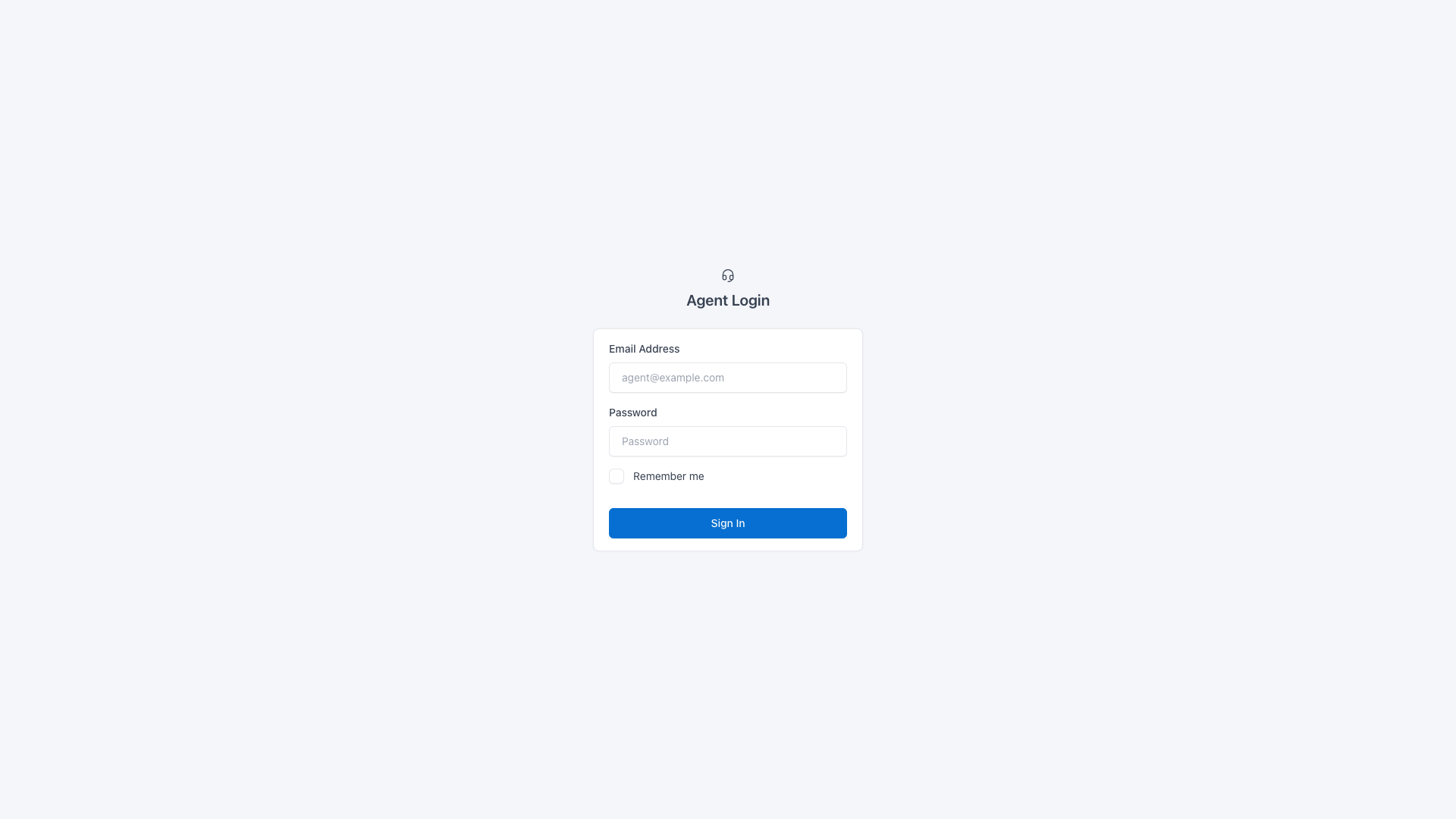
Access
| URL | Description |
|---|---|
/agent/login | Agent login page |
/agent/dashboard | Dashboard with stats |
/agent/conversations | Messenger for assigned conversations |
/agent/profile | Profile and notification settings |
Dashboard
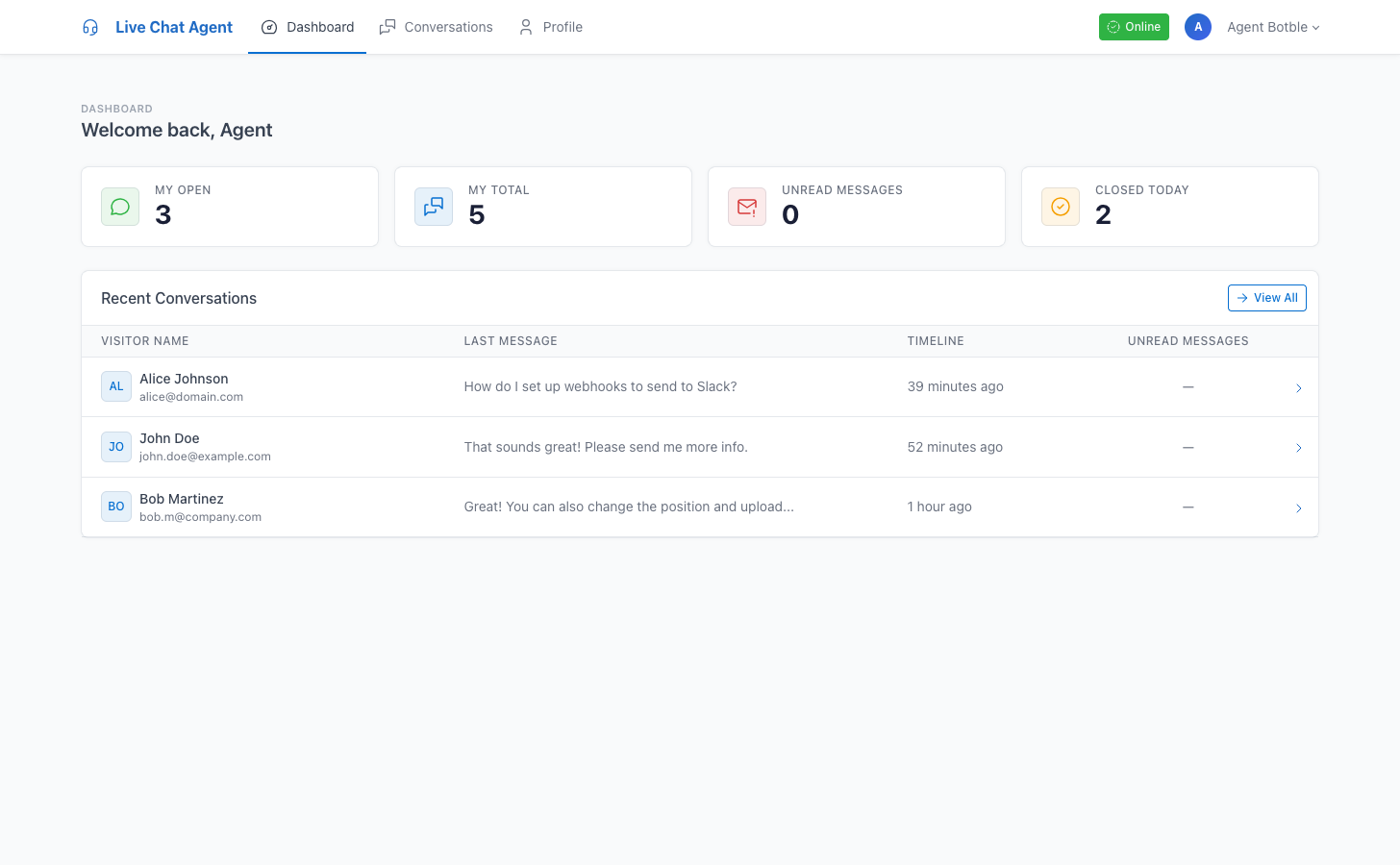
After login, agents see their personal dashboard with:
- My Open — Number of open conversations assigned to them
- My Total — Total conversations (open + closed) assigned
- Unread Messages — Unread visitor messages in assigned conversations
- Closed Today — Conversations closed today
Below the stats, a list of recent open conversations with unread counts and quick links.
Messenger
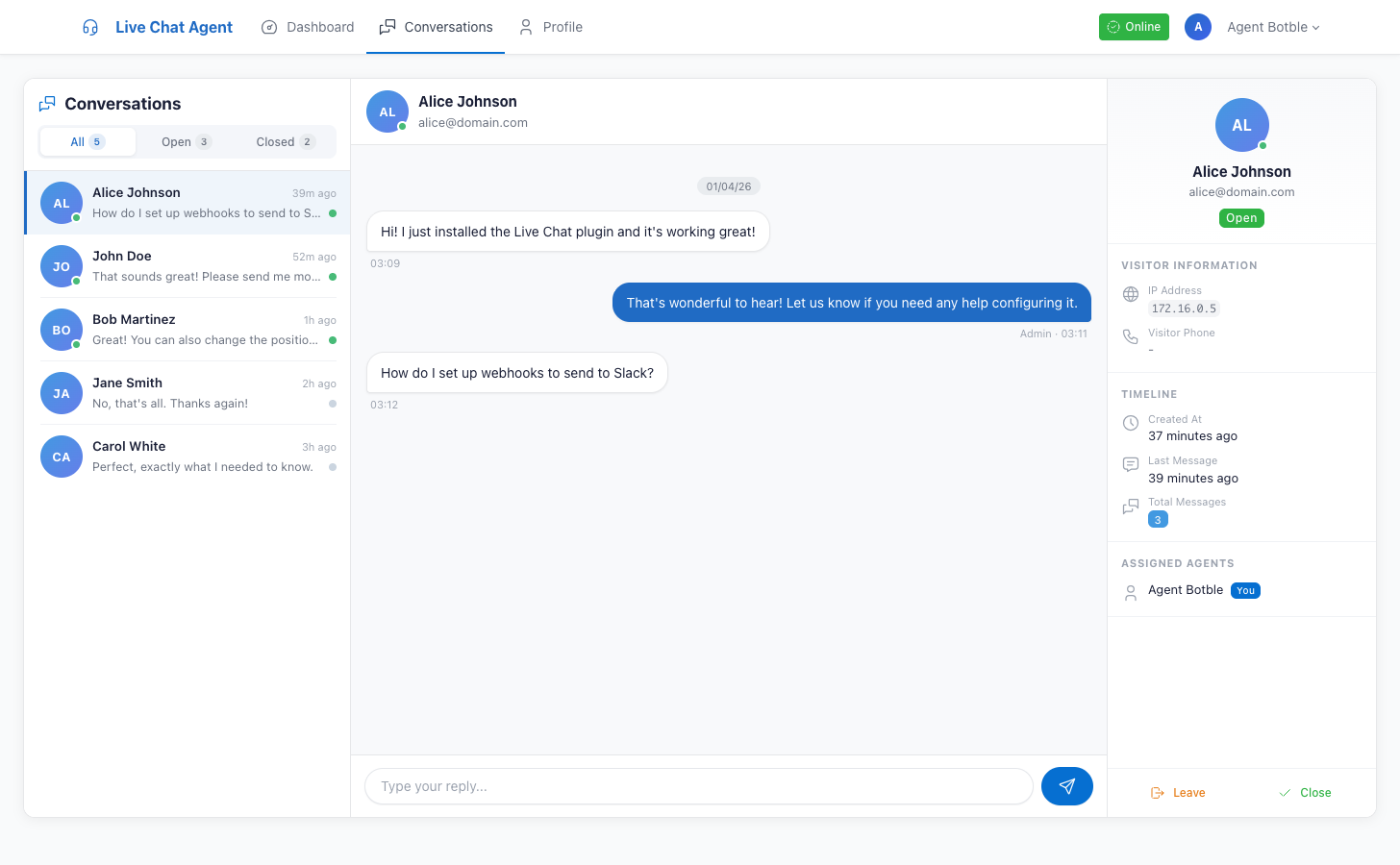
The agent messenger uses the same 3-panel layout as the admin messenger, but scoped to assigned conversations only.
Actions
- Join — Self-assign to any open conversation
- Leave — Remove yourself from a conversation (with confirmation)
- Reply — Send messages to visitors
- Close — Close a conversation (with confirmation)
- Browse Available — View unassigned open conversations and join them
Filters
- All — All assigned conversations
- Open — Only open conversations
- Closed — Only closed conversations
Profile & Notifications
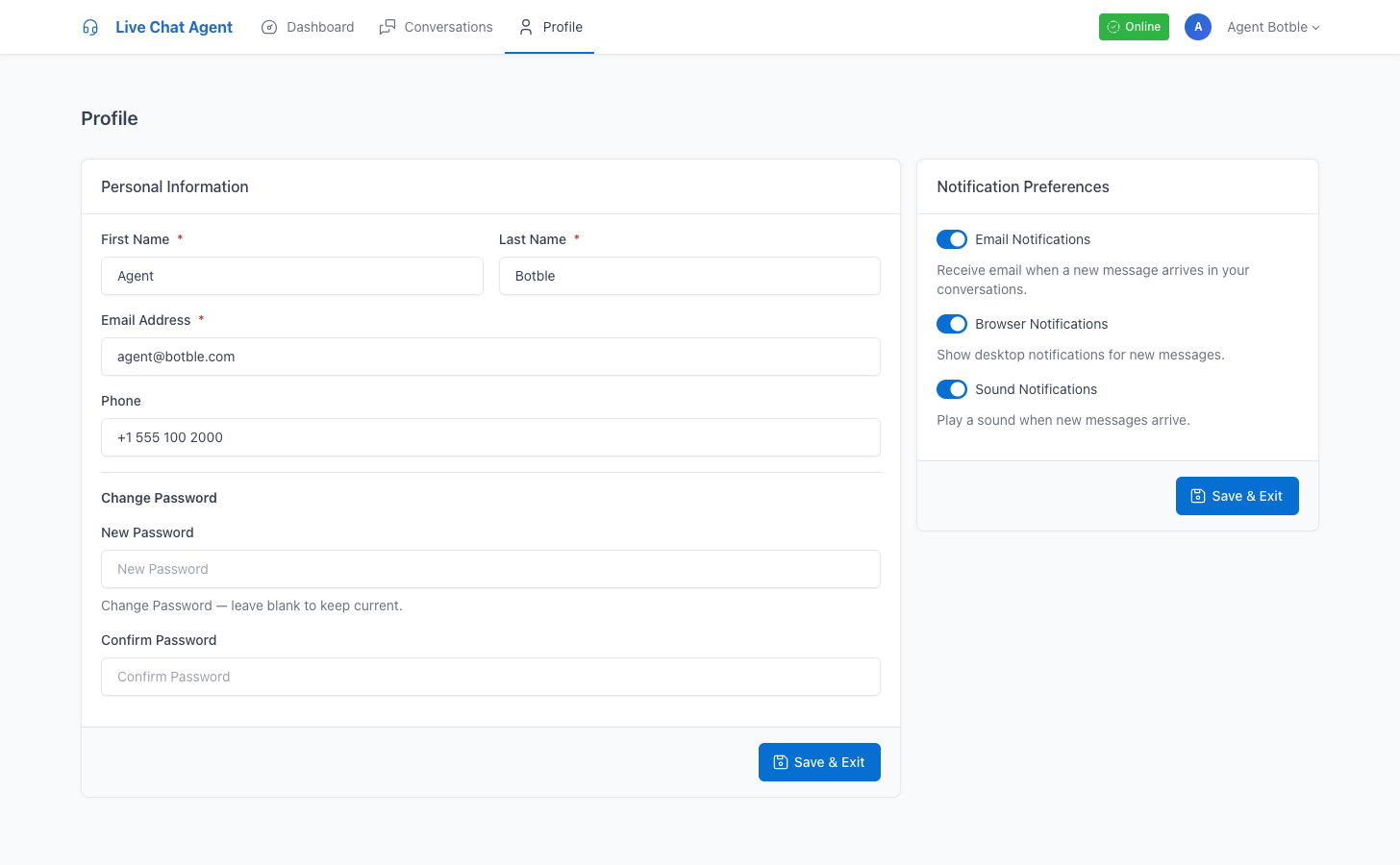
Agents can update:
- First name, last name, email, phone
- Password (optional — leave blank to keep current)
Notification Preferences
Each agent independently controls:
| Setting | Effect |
|---|---|
| Email Notifications | Receive email when visitors send messages in assigned conversations |
| Browser Notifications | Desktop notification popups for new messages |
| Sound Notifications | Play a sound when new messages arrive |
Availability
The navbar shows an Online/Offline toggle button. When set to offline:
- Agent won't receive auto-assigned conversations
- Existing assignments are not affected