
Menu
SnapCart uses menus for the bottom navigation bar and category navigation. You can manage menus from the admin panel.
Manage Menus
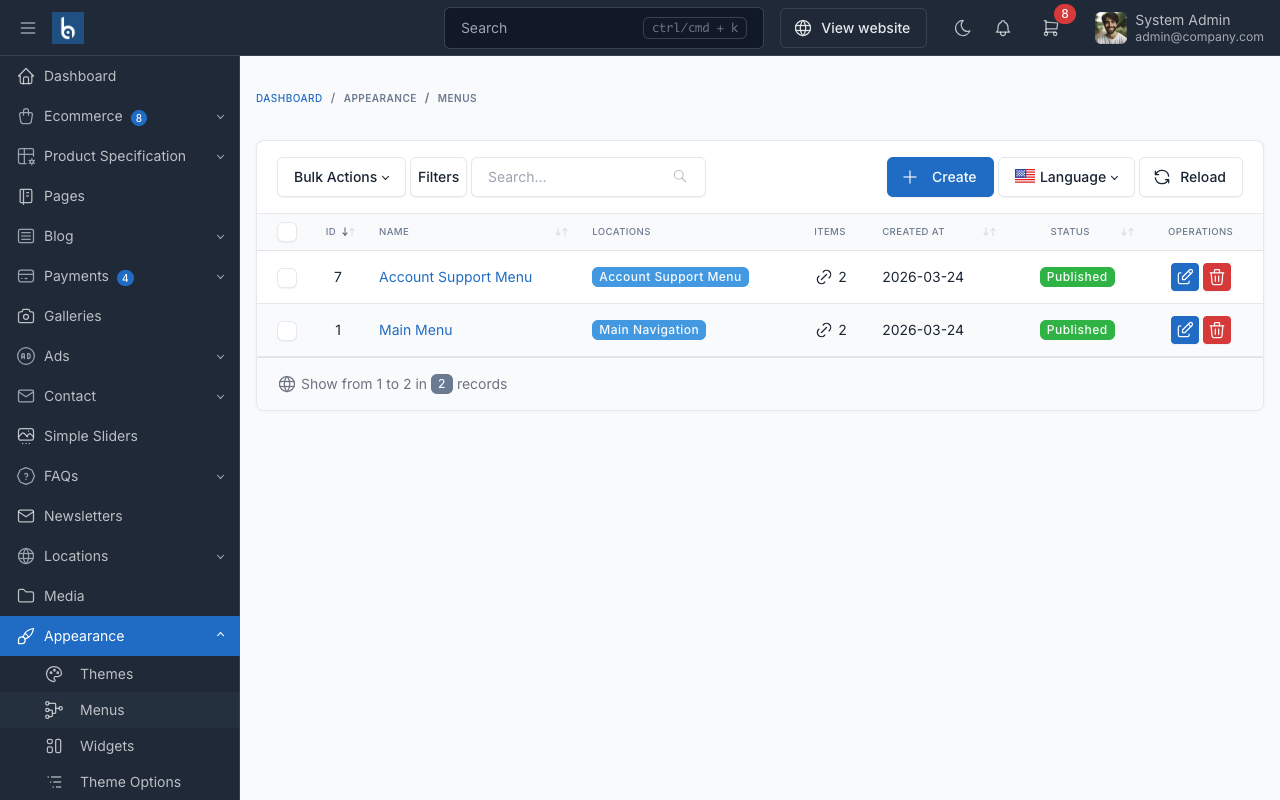
To manage menus, go to Appearance -> Menus in the admin panel.
Bottom Navigation
SnapCart features a mobile-optimized bottom navigation bar with 5 tabs: Home, Categories, Cart, Account, and More. This navigation is configured through the theme's built-in bottom navigation component.
Category Navigation
Product categories can be browsed through the category menu, accessible via the bottom navigation. Categories are fetched via AJAX and cached for 1 hour for optimal performance.
Adding Menu Items
To add items to a menu:
- Select the menu you want to edit from the dropdown
- On the left side, choose items from Pages, Categories, or Custom Links
- Click
Add to Menu - Drag and drop to reorder items
- Click
Save Menu
TIP
Use the category navigation for your product categories and keep the main menu simple for a better mobile experience.