Widgets
SnapCart provides widget areas to help you customize the user interface and organize content across your store.
Manage Widgets
To manage the widgets, go to Appearance -> Widgets in the admin panel.
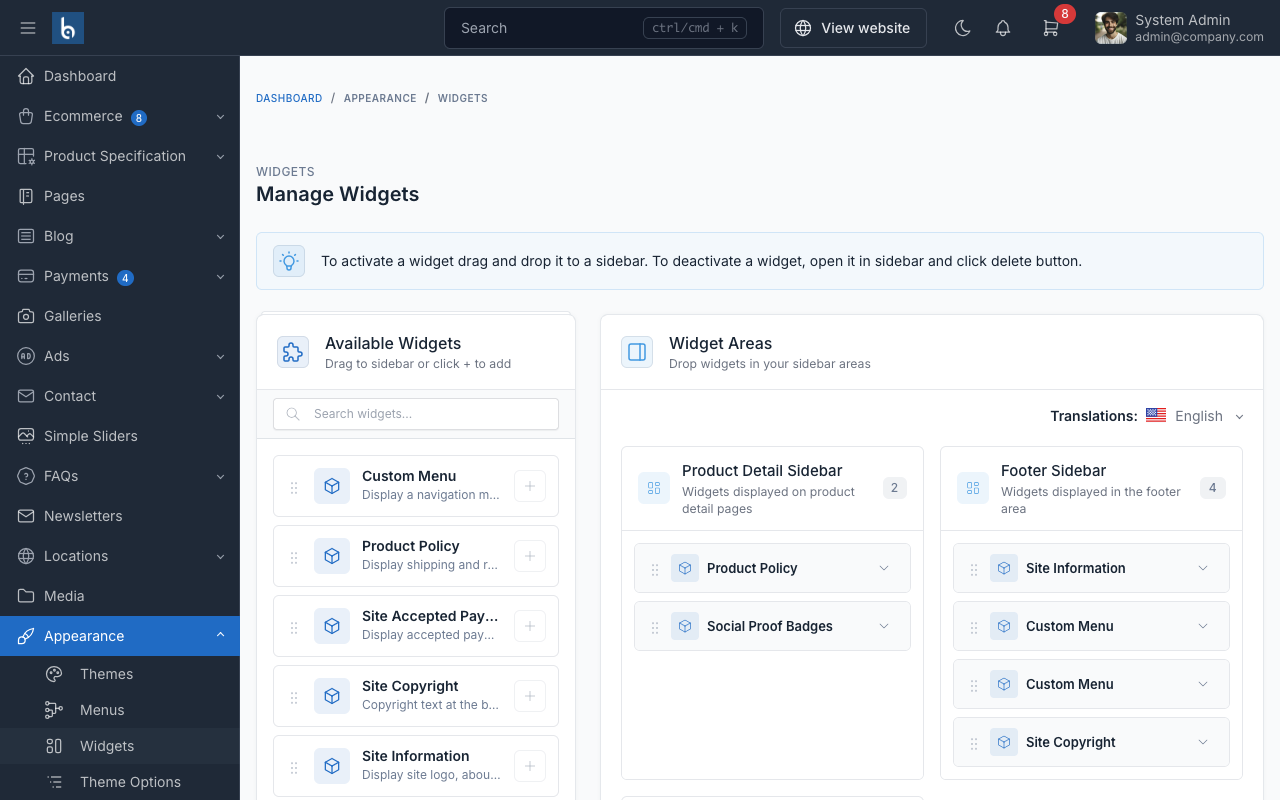
To add a widget to a sidebar, drag and drop the widget from the left side to the sidebar area on the right side.
Widget Areas
Product Details Sidebar
Located on the product details page, this area displays additional product information such as policies and trust badges.
Social Proof Widget
Displays 4 configurable trust badges on product pages:
- Fast Delivery: Delivery guarantee messaging
- Quality Guarantee: Product quality assurance
- Easy Returns: Return policy highlights
- 24/7 Support: Customer support availability
Each badge has a customizable title and description.
Product Policy Widget
Display product policies and guarantees. Configure policy items with icons and descriptions to build customer trust.
Footer Widgets
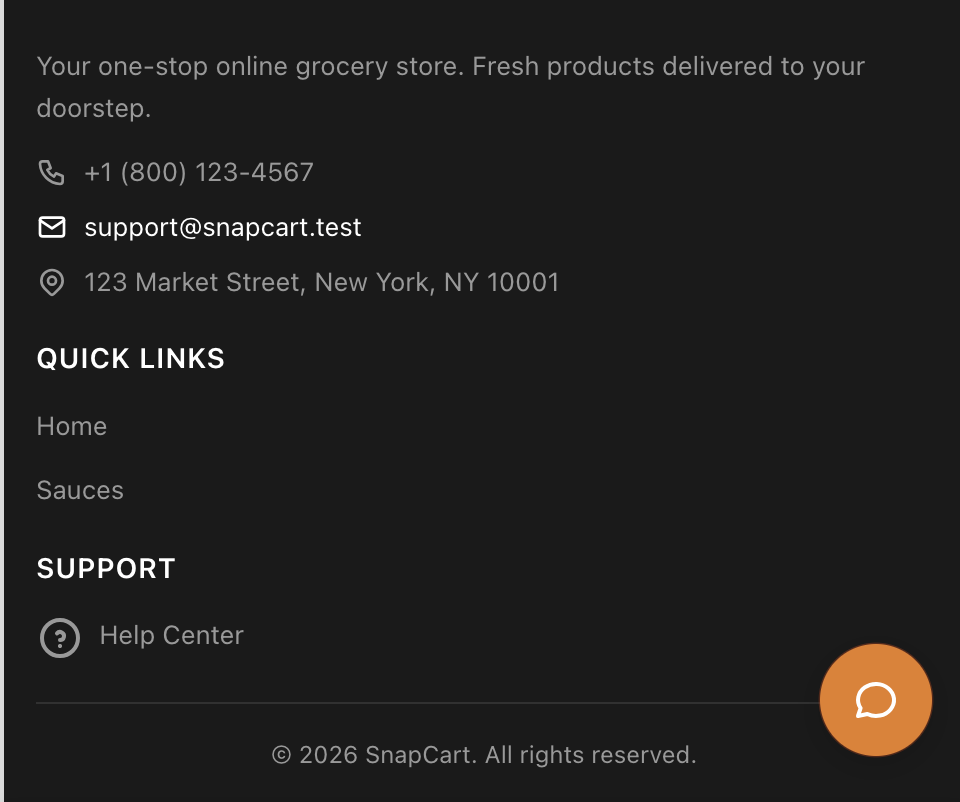
Located at the bottom of the page. The footer is divided into several widget areas. The main store information (like address, phone, and short description) can be changed by editing the Site information or Text widget in the first footer column.