
Sale Popup
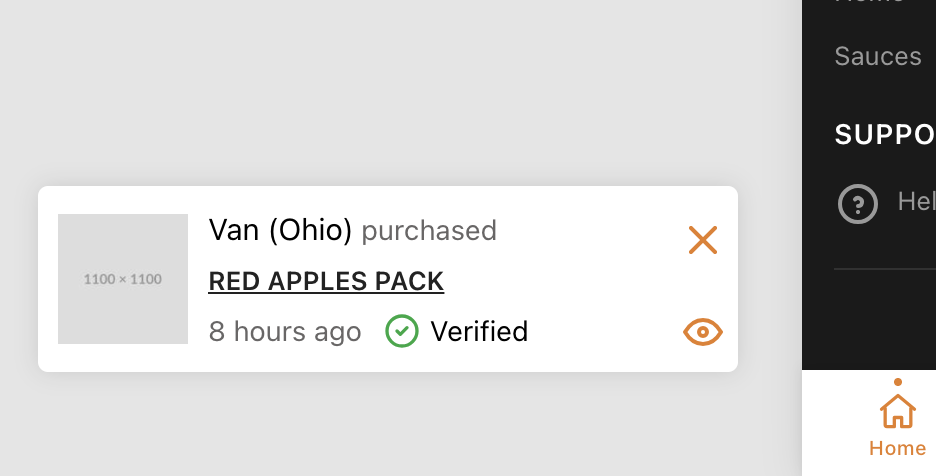
The Sale Popup feature displays a recurring notification showing recent purchases (e.g. "Someone in New York just bought...") to create social proof and urgency.
Configuration
To manage the sale popup settings, go to Settings → Ecommerce → Sale Popup in the admin panel.
Options available:
- Enable: Toggle the popup on or off.
- Popup Type: Show real recent purchases or fake/simulated purchases.
- Limit: Maximum number of popup items to display per session.
- Timeout: The delay before the first popup appears.
- Stay Time: How long the popup remains visible on the screen.