
Theme Options
Theme options allow you to customize SnapCart's appearance and behavior without editing code.
To access theme options, go to Appearance → Theme Options in your admin panel.
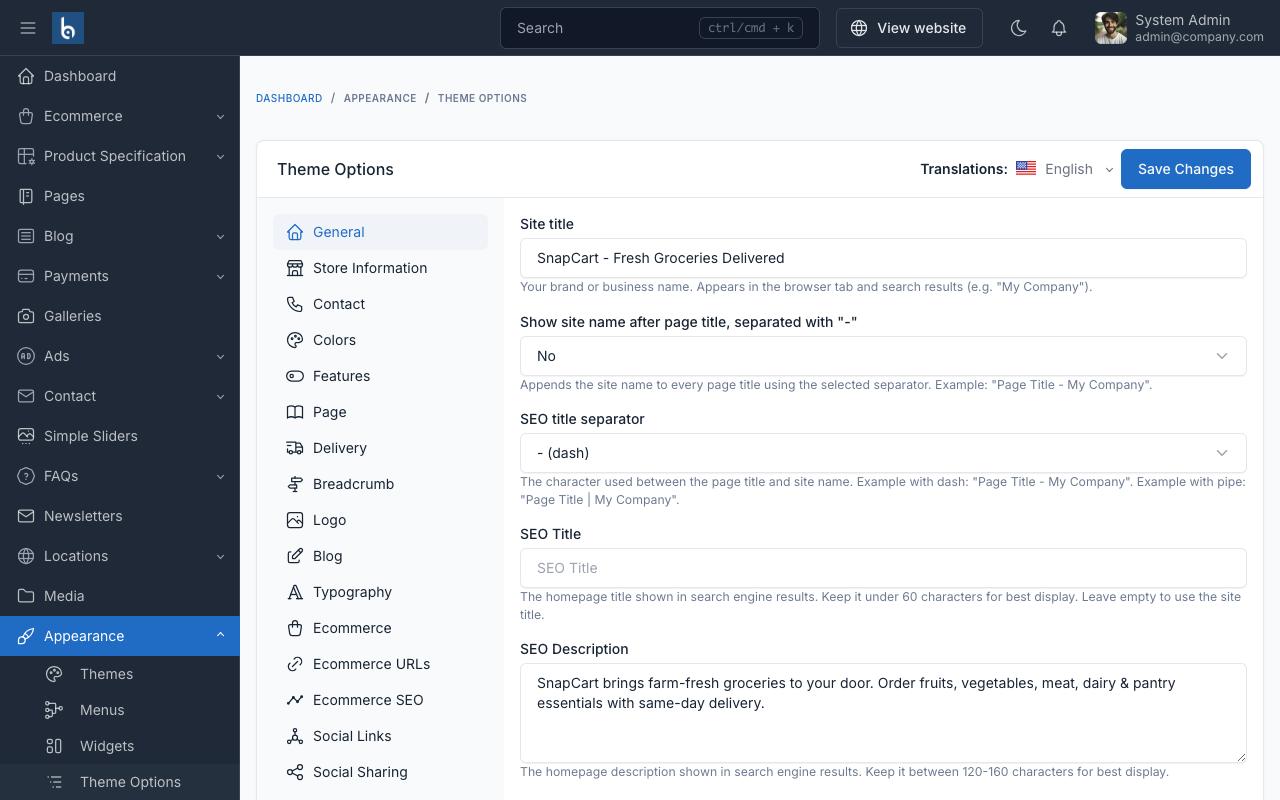
General
Configure your site's basic information.
| Option | Description |
|---|---|
| Site Title | Your store name displayed in header and SEO |
| Site Description | Short description of your store |
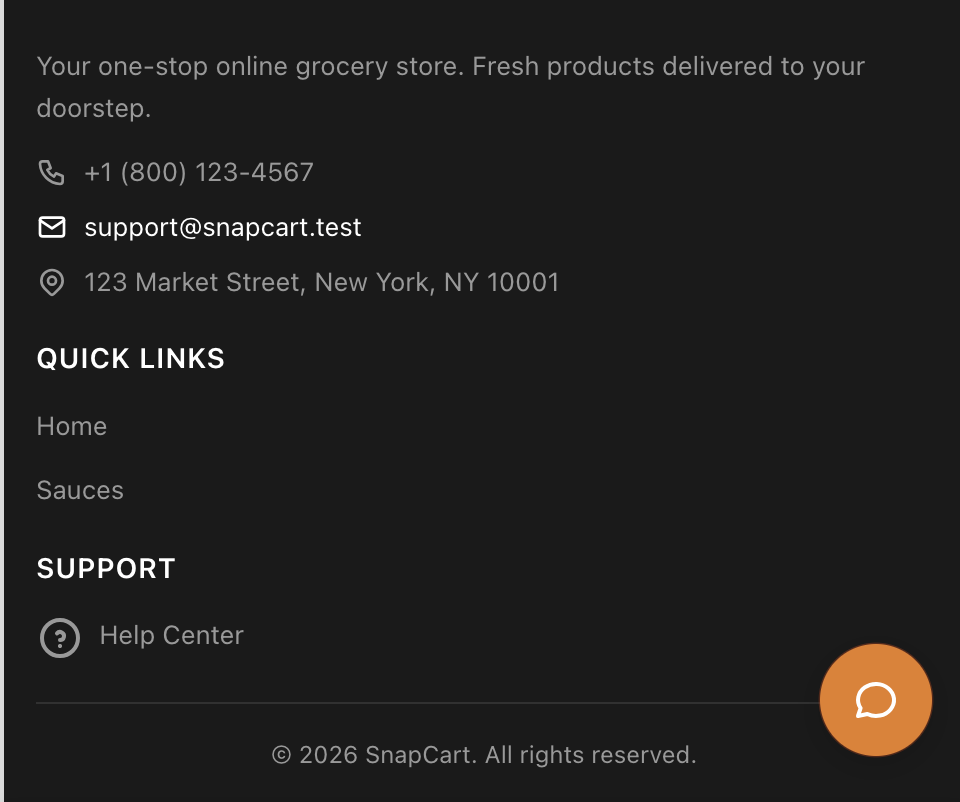
| Copyright Text | The copyright text displayed at the very bottom of the footer |
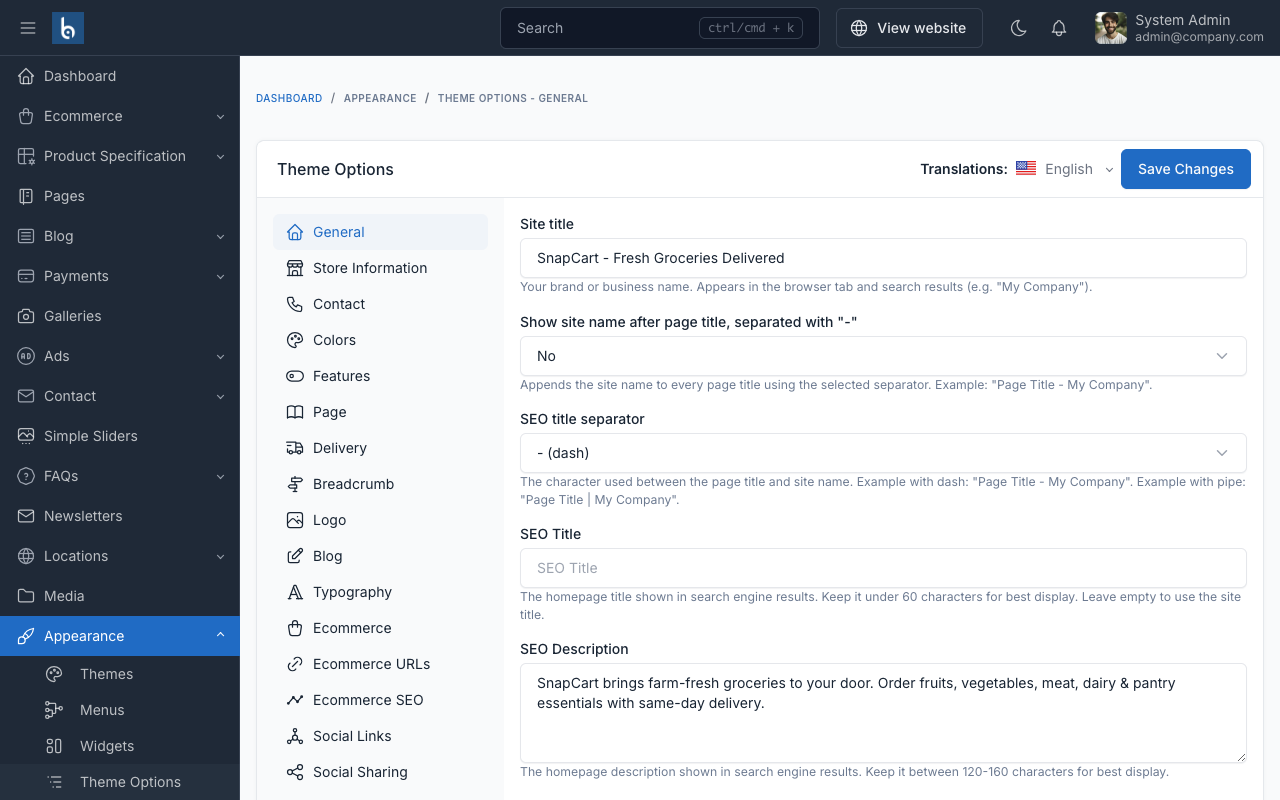
Store Information
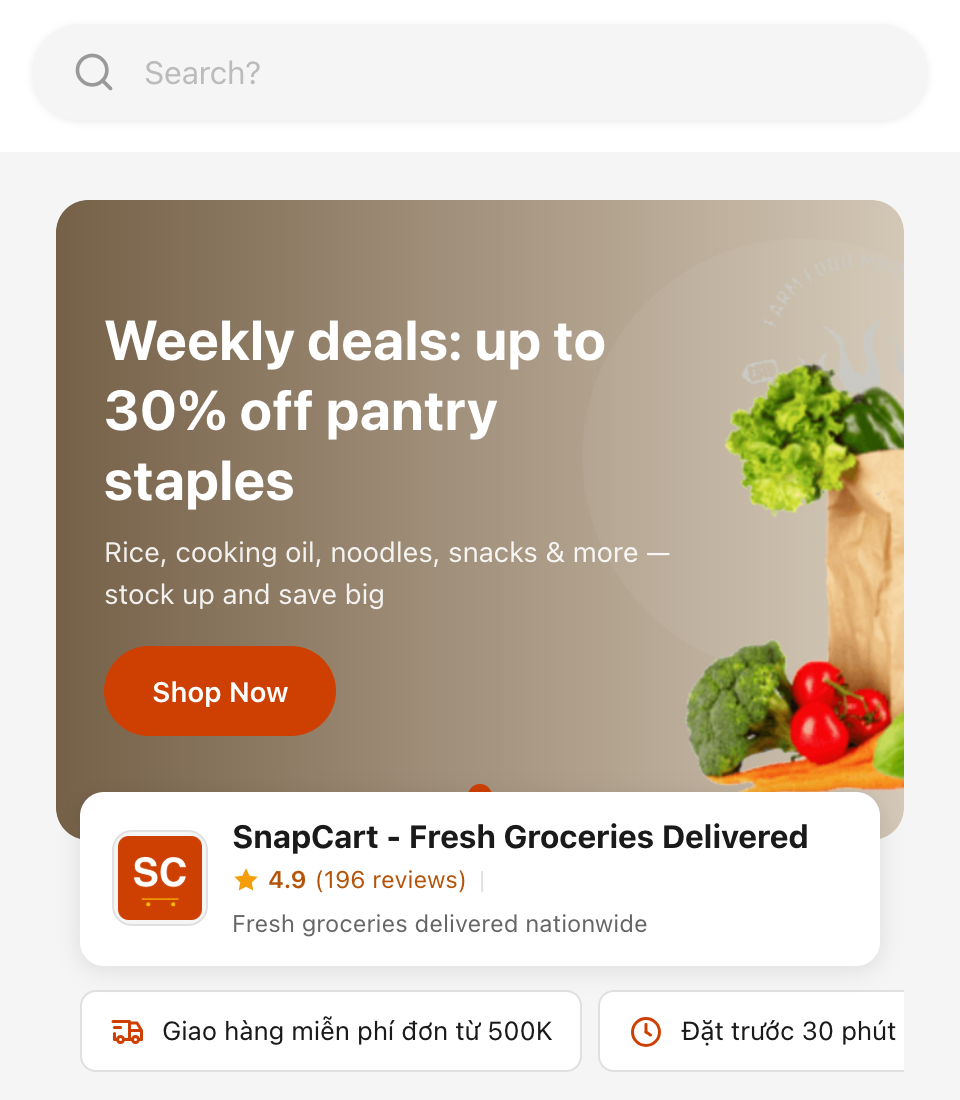
Configure store details displayed in the header and hero section.
| Option | Type | Description |
|---|---|---|
| Store Address / Delivery Text | Text | Delivery info shown below store name |
| Store Rating | Text | Display rating (e.g., 4.9) |
| Number of Reviews | Text | Review count (e.g., 196) |
| Show Store Card Overlay on Hero Banner | Toggle | When enabled, shows a store identity card overlapping the hero carousel. The header store card is hidden automatically to avoid duplication |
| Promo Card 1–3 Icon | Icon Picker | Select a Tabler icon for each promo card |
| Promo Card 1–3 Text | Text | Short text for each promo card (e.g., "Free shipping over $50") |
Promo Info Cards
When promo card text is filled in, horizontal scrollable info cards appear below the hero banner. Up to 3 cards can be configured. Leave text empty to hide a card.
Contact
Configure up to 3 floating contact buttons displayed on your store.
For each button (1–3):
| Option | Description |
|---|---|
| Button Type | Phone, Zalo, WhatsApp, Messenger, Telegram, or Custom URL |
| Button Value | Phone number, username, or URL |
| Button Label | Custom label (optional, leave empty for default) |
These are used by the Floating Contact feature.
Colors
Customize SnapCart's color scheme to match your brand.
| Option | Default |
|---|---|
| Primary Color | #ce4002 |
| Secondary Color | #ffc000 |
| Text Color | #1a1a1a |
| Background Color | #f5f5f5 |
| Footer Background Color | #1a1a1a |
| Footer Text Color | #999999 |
| Footer Heading Color | #ffffff |
| Footer Link Color | #999999 |
| Footer Link Hover Color | #ffffff |
Features
Toggle key SnapCart features on or off.
| Option | Default | Description |
|---|---|---|
| Enable Buy Now Button | On | Show "Buy Now" button on product pages |
| Enable Sticky Footer Cart | On | Sticky cart bar at bottom of product pages |
| Enable Floating Contact Buttons | On | Floating Zalo/Phone/Messenger buttons |
| Enable Delivery Time Picker | On | Delivery date/time selection at checkout |
| Enable Product Reviews | On | Customer reviews on product pages |
| Enable Social Proof Badges | On | Trust badges on product pages |
| Enable Sticky Header | Off | Fixed header with site title + search bar appears on scroll |
Ecommerce
Configure ecommerce-specific display options.
| Option | Default | Description |
|---|---|---|
| Show Estimated Sold Count | On | Shows simulated sold count on product cards |
| Checkout Primary Color | #ce4002 | Customize checkout button color separately |
| Checkout Page SEO Title | — | Custom page title for checkout |
| Checkout Page SEO Description | — | Custom meta description for checkout |
Delivery
Configure delivery time settings for the Delivery Time Picker.
| Option | Default | Description |
|---|---|---|
| Delivery Start Hour | 13 | Start of delivery window (24h format) |
| Delivery End Hour | 20 | End of delivery window (24h format) |
| Normal Delivery Fee | 31000 | Standard delivery fee |
| Peak Hour Delivery Fee | 34000 | Fee during peak hours |
| Peak Hours | 14,15,18,19 | Comma-separated peak hour numbers |
| Free Shipping Threshold | 500000 | Minimum order for free shipping |