
Installation
There is also a browser installer
This page is the command-line path. If you would rather not use a shell, the browser installer runs the same steps as a five-screen wizard.
Before you start, check Requirements. Once the steps below are done, preflight verifies the server can run the SaaS:
php artisan tenancy:preflightRun it after migrating and publishing theme assets, and before creating your first store. It asserts that the control-plane tables exist and that the active theme's assets are published, so on a bare clone it reports failures that are simply steps you have not reached yet.
Configure the environment
APP_URL=https://yourdomain.com

# Control-plane host(s). Never a store's host.
CENTRAL_DOMAINS=yourdomain.com

# The central database. Holds BOTH Botble's own tables (settings, pages, the
# landing site) AND the control plane — operators (admins) plus the tenant
# registry (tenants, domains, plans, subscriptions, usage, billing).
# `central` is the application's default connection; see config/database.php.
DB_CONNECTION=central
DB_DATABASE=saas_central
# .env.example ships CACHE_STORE=file and QUEUE_CONNECTION=sync — the only
# values that work before this database exists and with no queue worker
# running. Shown here as database/redis because this walkthrough assumes the
# fuller production setup; switch only after `migrate` below has run.
CACHE_STORE=database
QUEUE_CONNECTION=redis

# If using Redis for cache, do not share a db index with the queue; see "Redis configuration (if you use it)" below.
REDIS_CACHE_DB=1

# Tenant databases are named <prefix><id>, e.g. tenant_<uuid>.
TENANCY_DB_PREFIX=tenant_

# MUST stay empty. A cookie scoped to the parent domain is shared by every
# store subdomain, which means one store's session id is valid on another's.
SESSION_DOMAIN=
# .env.example ships `file` for the same before-the-database-exists reason as
# CACHE_STORE above; switch to database once the tables above exist.
SESSION_DRIVER=database

# Optional: hostname customers point their CNAME at (defaults to CENTRAL_DOMAINS)
TENANCY_CNAME_HOST=

# Optional. The CLI seeder derives the email from APP_URL's host and generates
# a one-time password when OPERATOR_ADMIN_PASSWORD is unset. Set them to choose
# your own instead.
OPERATOR_ADMIN_EMAIL=you@yourdomain.com
OPERATOR_ADMIN_USERNAME=youroperator
OPERATOR_ADMIN_PASSWORD=<a long random password>
Never set SESSION_DOMAIN
Leave SESSION_DOMAIN empty. A cookie scoped to the parent domain (e.g. .yourdomain.com) is shared by every store subdomain, which means one store's session id would be valid on another store — a cross-tenant session leak. Each store must get its own, host-scoped session cookie.
Redis configuration (if you use it)
If you move to Redis later — from the shipped install-time CACHE_STORE=file or from database:
maxmemory-policy noeviction. Under an LRU policy Redis can evict any tenant's keys independently of any other's, so one busy store can push a quiet one's cache out. If you must cap memory, cap it and let writes fail loudly instead.- Keep the cache on its own db index.
REDIS_CACHE_DB=1while the queue uses db0. Clearing the cache issuesFLUSHDBagainst the cache db — point both at one index (or setREDIS_QUEUE_CONNECTION=cache) and "Clear cache" deletes every queued job for every store. This is a critical data loss hazard. - Set
APP_NAME, or an explicitCACHE_PREFIX. The cache prefix is derived fromAPP_NAME; two installs sharing one Redis under the default name collide. REDIS_CLIENT=predisis shipped and needs no PHP extension.phpredisis faster if you can install it.
Create the database and migrate
The control plane is co-located with Botble in the central database, on the central connection — which is also the application default. One database, one migrate.
mysql -e "CREATE DATABASE saas_central CHARACTER SET utf8mb4 COLLATE utf8mb4_unicode_ci"

php artisan migrate --force   # Botble + the control-plane tables
php artisan db:seed --class="Botble\Tenancy\Database\Seeders\OperatorAdminSeeder" --force
migrate creates the control-plane tables (admins, tenants, domains, plans, tenant_subscriptions, tenant_usage, tenant_billing_events) alongside Botble's own and seeds three starter plans; the seeder creates the operator account from OPERATOR_ADMIN_EMAIL / OPERATOR_ADMIN_USERNAME / OPERATOR_ADMIN_PASSWORD.
The seeder no longer ships a fixed password
There is no published default login. Omit OPERATOR_ADMIN_PASSWORD and the seeder generates a 16-character password and prints it once, in the command output — copy it before you clear the screen. The email defaults to operator@ plus your own APP_URL host rather than a brand address, so two installs of this product never share a login.
Earlier releases did default to a fixed, documented password. If you installed one of those, change that account's password now: the operator console can create, suspend and delete every store on the platform.
migrate:fresh drops the control plane too
Because the control-plane tables share the central database, a fresh migrate wipes tenants, domains and admins while the tenant databases themselves survive — leaving provisioned stores orphaned. Re-link them without re-provisioning:
php artisan db:seed --class="Botble\Tenancy\Database\Seeders\RebuildTenantRegistrySeeder" --forceIt only re-registers databases that already exist; it never creates one.
admins and the theme catalog are emptied as well, so the console has nobody to sign in as and signup has no design to offer. Restore both:
php artisan db:seed --class="Botble\Tenancy\Database\Seeders\OperatorAdminSeeder" --force
php artisan tenancy:register-theme amerce --publish
The command's output is alarming but accurate: migrate:fresh prints ~300 migrations including ecommerce, marketplace and blog, because Botble registers core and plugin migrations globally and they all build into the default connection, which is central. Only the last 28 — create_tenants_table onward — are the control plane. No tenant database is touched.
Fonts for the public pages
The central domain's public pages (landing, signup, sign-in, the waiting page, and the parked page shown on suspended stores) use two self-hosted webfonts — Playfair Display and Inter. Nothing is fetched from a CDN.
php artisan cms:publish:assets            # or: vendor:publish --tag=cms-public --force
php artisan tenancy:publish-theme-assets  # storefront themes -> public/themes
composer install runs the first of these for you. If it is skipped the pages still render correctly — their CSS is inline by design, so only the typeface changes, falling back to Georgia and the system sans. tenancy:publish-theme-assets belongs in your deploy script — see Queue worker and cron.
Activate the plugins
Plugins are activated platform-wide, once, by you — never per store. The activated set lives in the central settings.activated_plugins row, and that is what actually loads the plugin code. A store's own activated_plugins setting is only a toggle over that set, so a freshly provisioned store can list ecommerce in its settings and still have no ecommerce code loaded.
php artisan tenancy:activate-pluginsThis activates every plugin a new store can be seeded with — each theme's required_plugins plus every plugin the preset dumps switch on — in plugin.json require order (payment before stripe, ecommerce before marketplace, language before language-advanced). It is the same step the browser installer runs, skips plugins that are already active, and is safe to repeat on every deploy. Activating ecommerce alone is not enough.
Skipping this breaks the first store
Provisioning migrates every plugin on disk, so it fails with Tenant [...] has unresolved migrations (location, marketplace, payment) and Class "Botble\Location\Models\City" not found. A store that gets past that returns 500 with Call to undefined function get_all_currencies() while the operator console keeps working. tenancy:preflight fails its store baseline plugins active platform-wide check and lists the missing plugins.
Sign in to the operator console
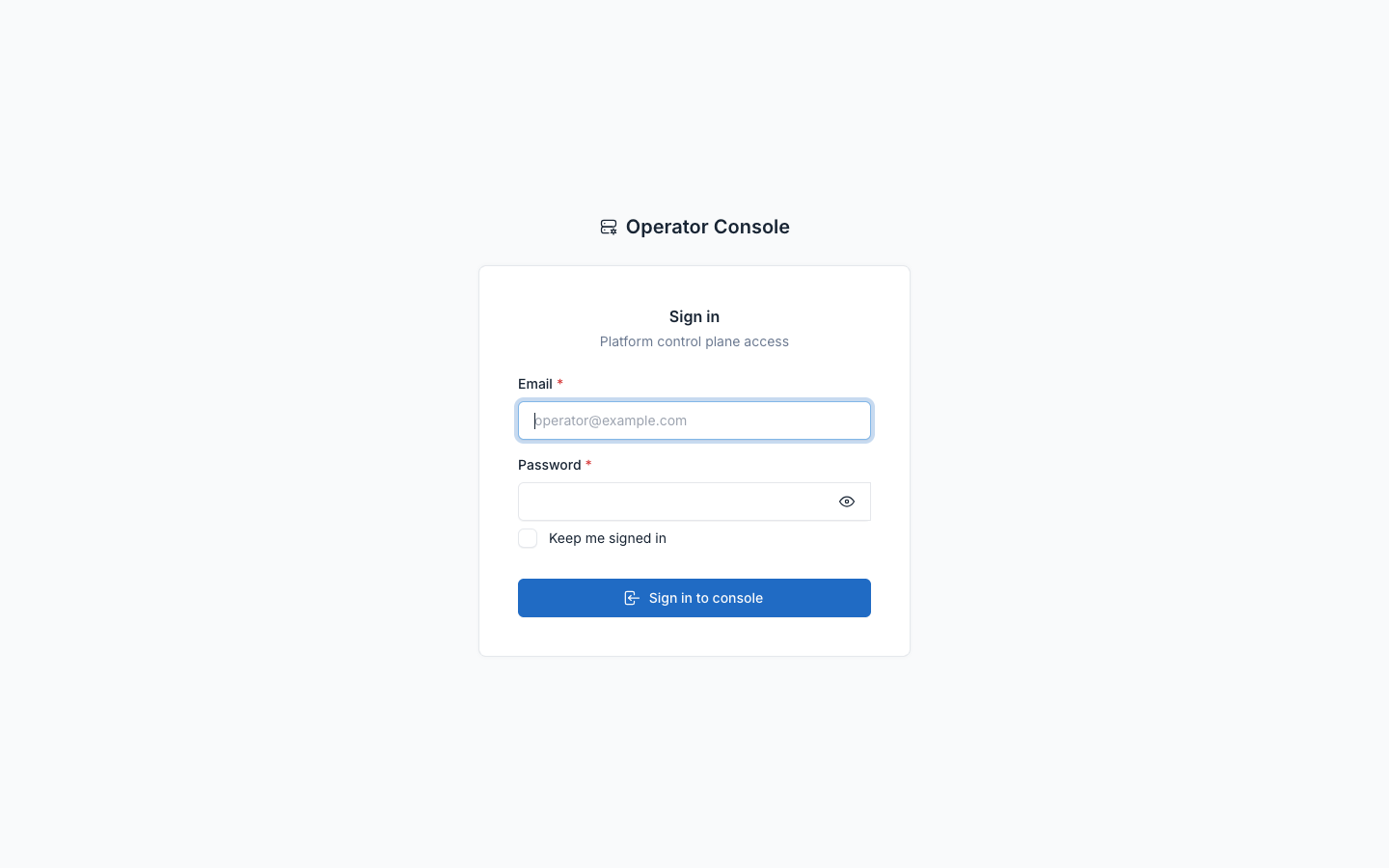
The central panel uses its own admins guard — NOT Botble users. Sign in at https://yourdomain.com/admin (it redirects to the branded operator login) with the OPERATOR_ADMIN_EMAIL / OPERATOR_ADMIN_PASSWORD from the environment step.
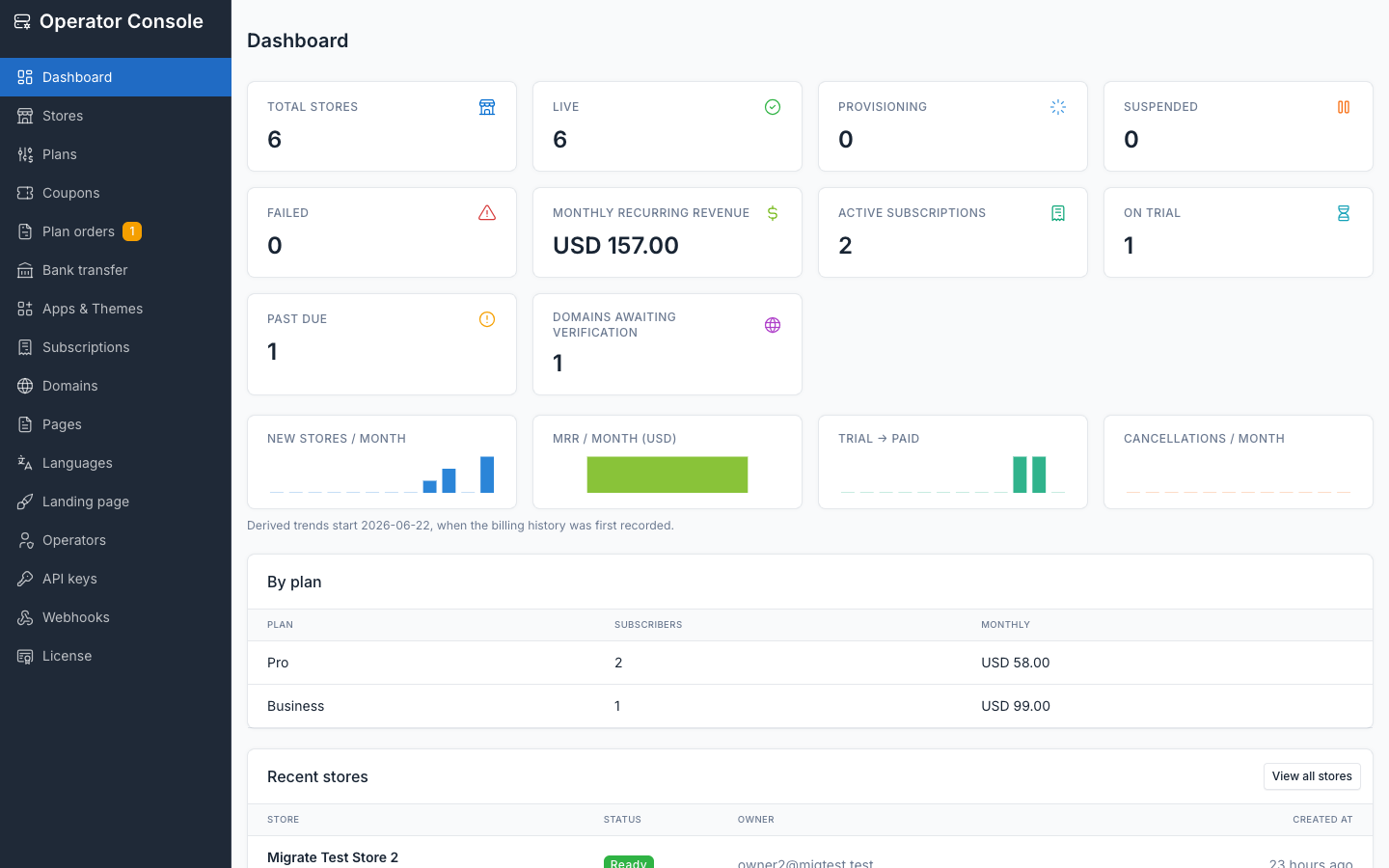
Once signed in you land on the console dashboard — store counts by state, MRR, active subscriptions, trials, past-due and domains awaiting verification. Manage additional operators from Operators in the console. See the Operator console guide for a full tour.
Run the worker and cron
Provisioning is queued, so nothing gets provisioned without a worker — a store registered through the browser sits on "Preparing…" forever until a worker picks the job up.
php artisan queue:work --queue=default --tries=1 --timeout=900No worker? (local dev, or a small single-server deploy) set:
TENANCY_PROVISION_SYNC=trueProvisioning then runs inline during the signup request (~1–2s) so stores go live immediately without a worker. Leave it false in production and run the worker above under a process manager.
The crontab that drives scheduled maintenance, usage collection, billing and webhook retries is documented in full in Queue worker and cron — set that up before you rely on billing suspension or webhook retries.
Before creating a store, make sure wildcard DNS and TLS are in place — see Wildcard DNS and TLS.
Create your first store
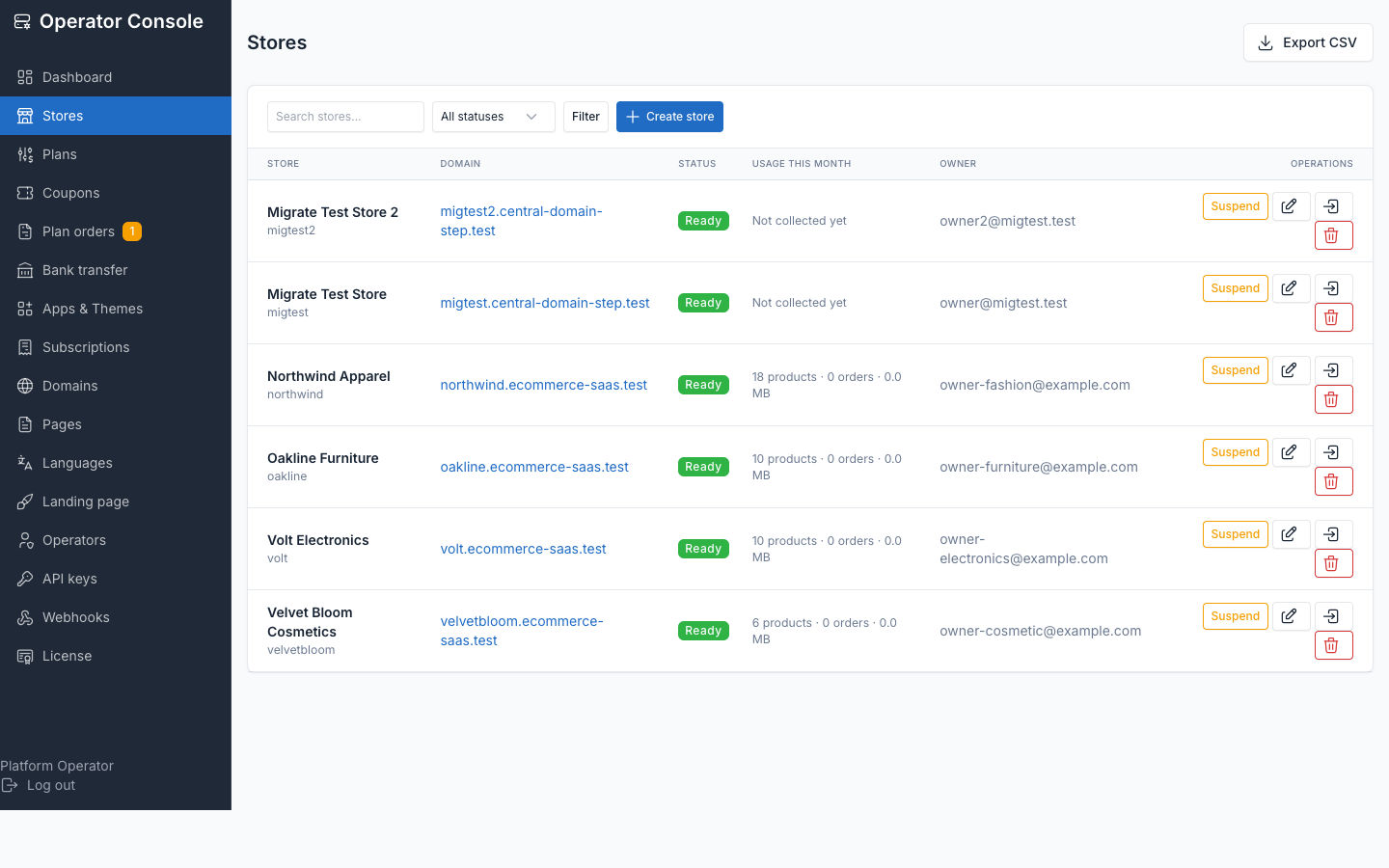
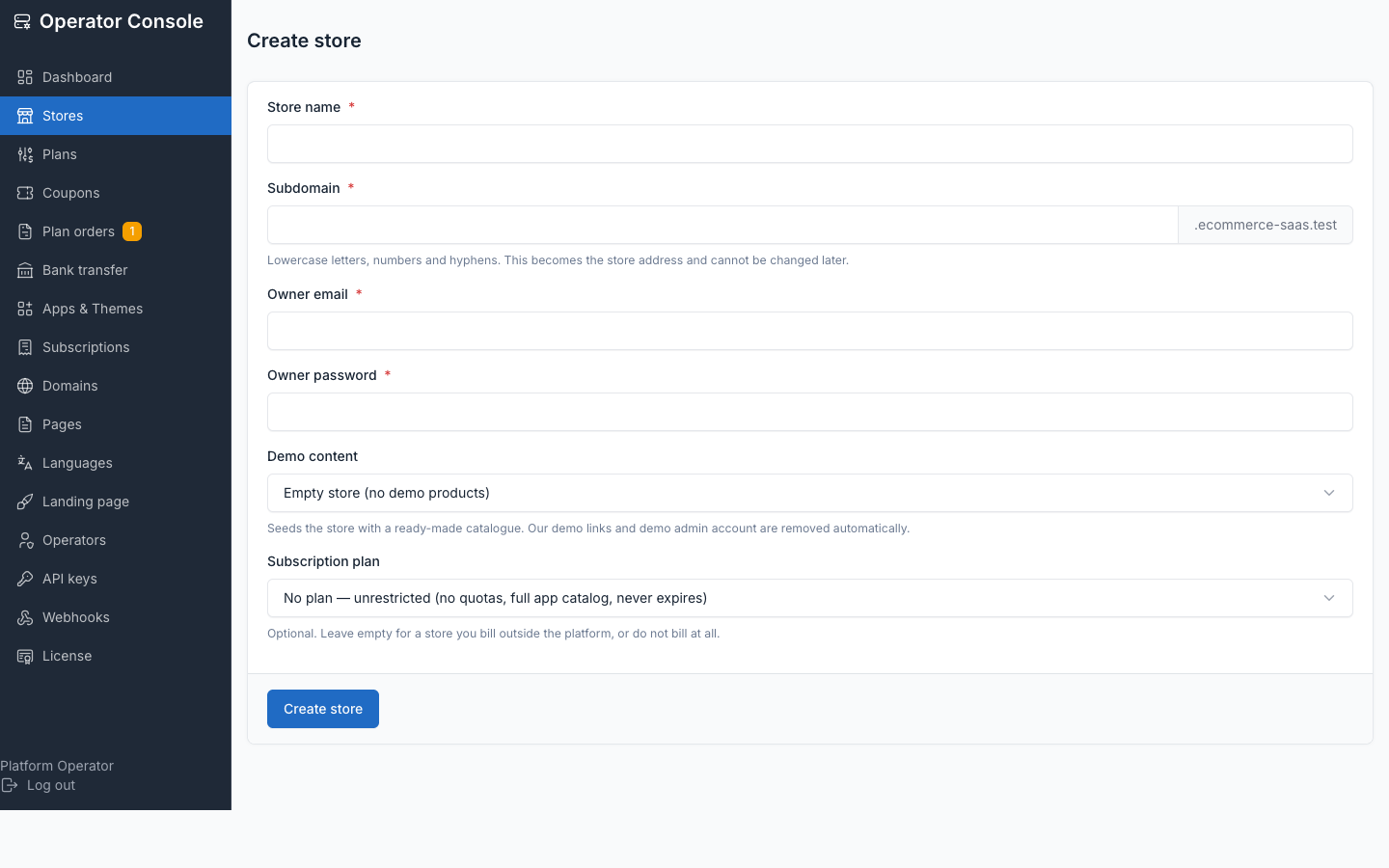
Either from Operator console → Stores → Create store:
Or from the command line:
php artisan tenancy:create-tenant acme \
  --name="Acme Store" --email=owner@acme.com --preset=home-fashion
Presets seed a ready-made catalogue from the theme's own database/sample/. Demo URLs and the demo admin account are stripped automatically — provisioning fails rather than shipping a store that still references them.
The platform's own pages
The control-plane domain serves the platform, not a shop:
| URL | Purpose |
|---|---|
https://yourdomain.com/ | Landing page — pitch, plans, "create your store" |
https://yourdomain.com/start-your-store | Self-serve registration |
https://yourdomain.com/sign-in | "Find my store" — owner email → their store's login |
https://yourdomain.com/admin | Your control plane (Stores) |
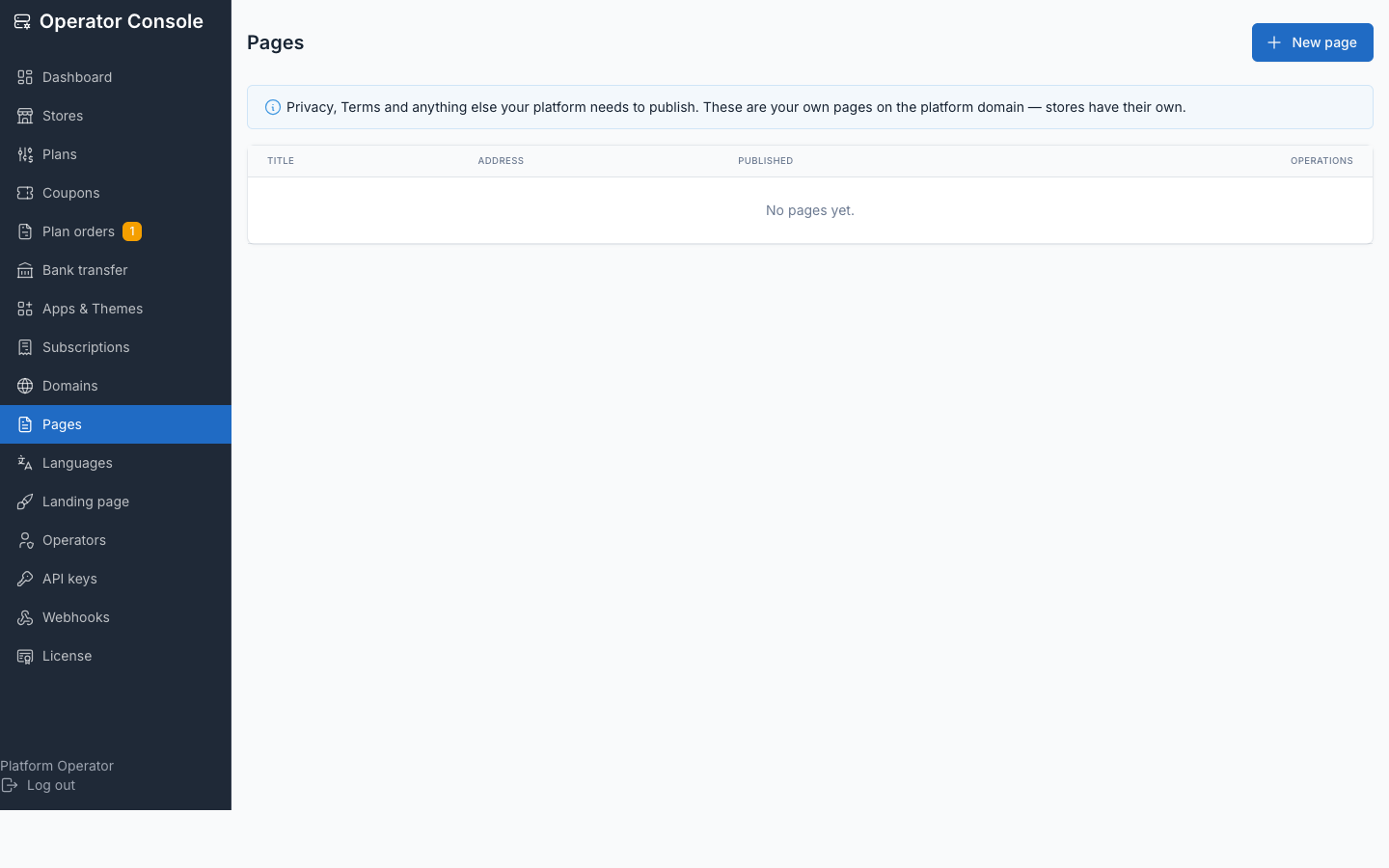
Botble's theme owns GET /, so without the landing middleware the central domain would render the active storefront theme instead. Replace the landing copy with your own marketing site from the console, or set TENANCY_LANDING_ENABLED=false to serve your own page there. Publish your Terms, Privacy and other central pages from the console's Pages screen — they're Markdown, and HTML is stripped when they render.
A registrant is signed straight into their new store when provisioning finishes — no second login.
Next steps
- Wildcard DNS and TLS — before your first store goes live
- Queue worker and cron — the full crontab
- Billing with Stripe — optional, add your keys when you want to charge
- Operator console — a full tour of the console