
Plans and quotas
A plan is a subscription tier the platform owner defines. Operator console → Plans is the only in-app editor — three starter plans (Starter/Pro/Business) are seeded on install and are placeholders; edit them before you go live.
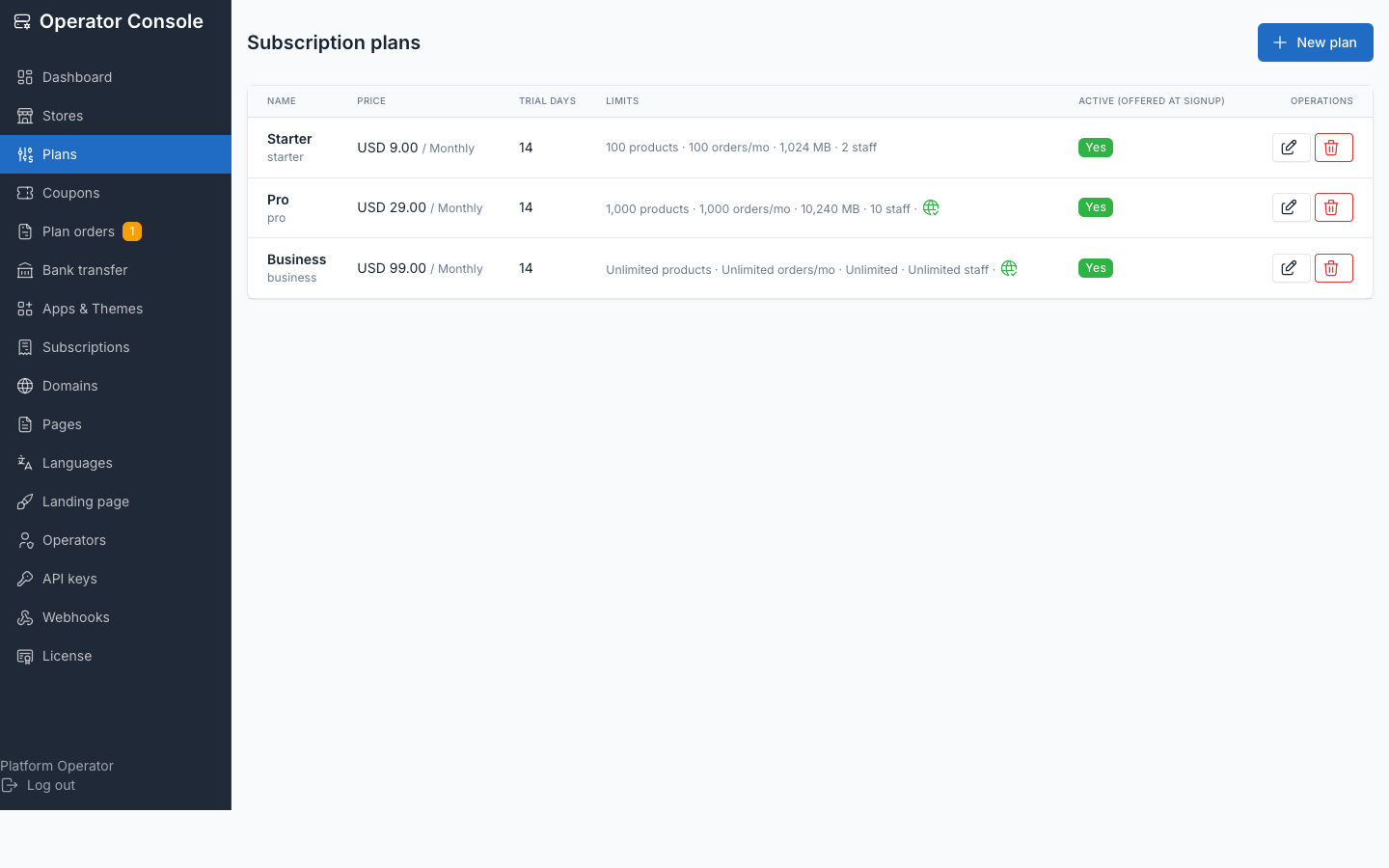
Plan fields
Open Plans → Create plan or edit an existing one:
| Field | Purpose |
|---|---|
| Name | Shown to customers on /pricing, signup and the Billing screen |
| Slug | Stable identifier; auto-generated from the name if left blank, must stay unique |
| Description | Short marketing copy shown on the plan card |
| Price + currency + interval | price_cents in the smallest currency unit, a 3-letter currency, and month or year |
| Stripe price id | Pairs this plan to a Stripe Price — see below |
| Trial days | Days a new subscriber gets before the first charge |
| Max products | -1 = unlimited |
| Max orders/month | -1 = unlimited; collected for the dashboard, not enforced |
| Max storage (MB) | -1 = unlimited; collected for the dashboard, not enforced |
| Max staff users | -1 = unlimited |
| Allows custom domain | Gates the store owner's Domains screen |
| Features | Checkboxes for registered plan feature flags (e.g. remove_branding) |
| Active | Inactive plans are hidden from signup, /pricing and the Billing screen |
| Sort order | Display order everywhere plans are listed |
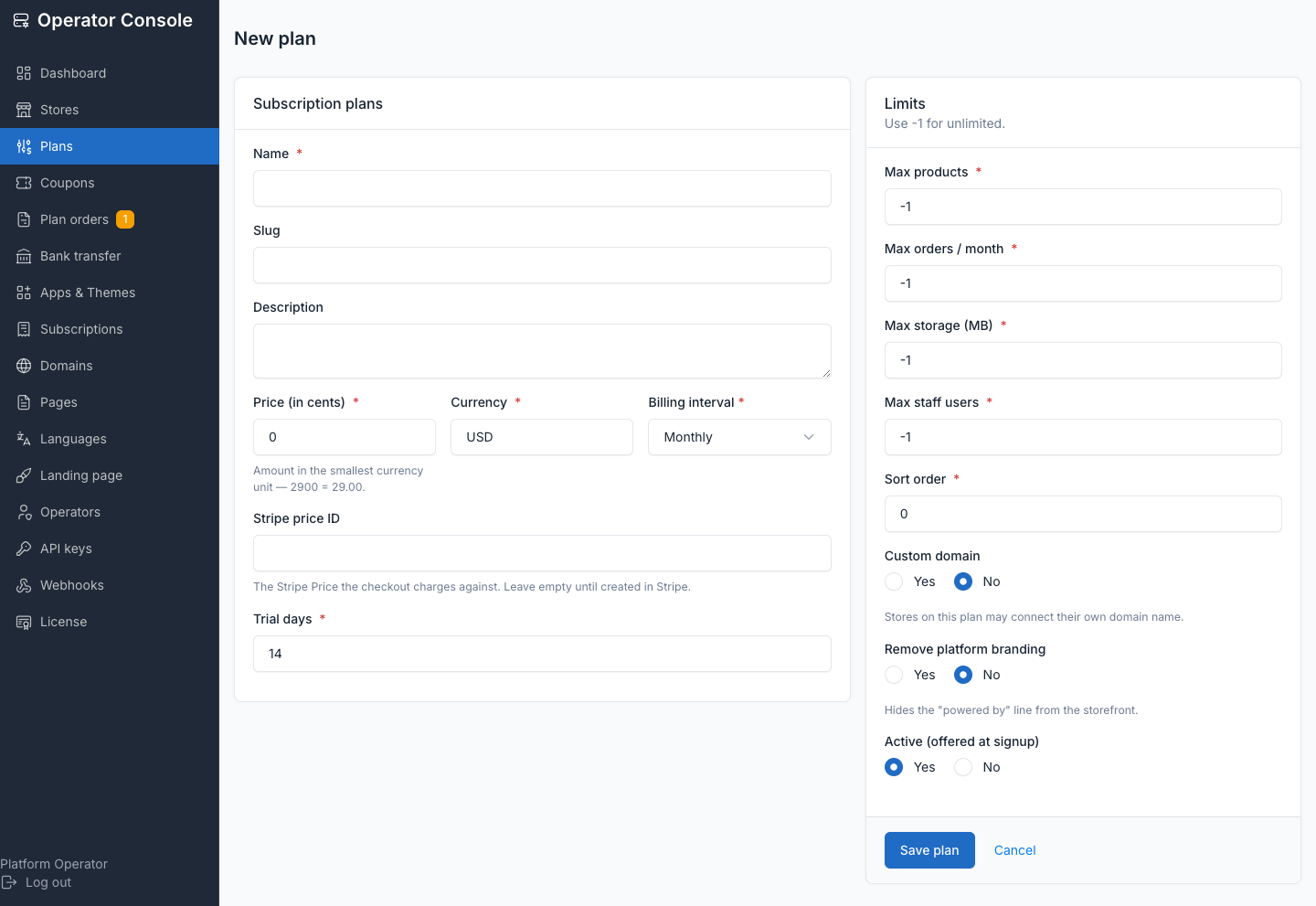
Limits use -1 for unlimited, never NULL — a quota check never has to special-case null. Only products and staff users are actually enforced (on model creation, so the API and imports are covered too, not just the UI); orders and storage are dashboard numbers only.
Apps and themes on a plan
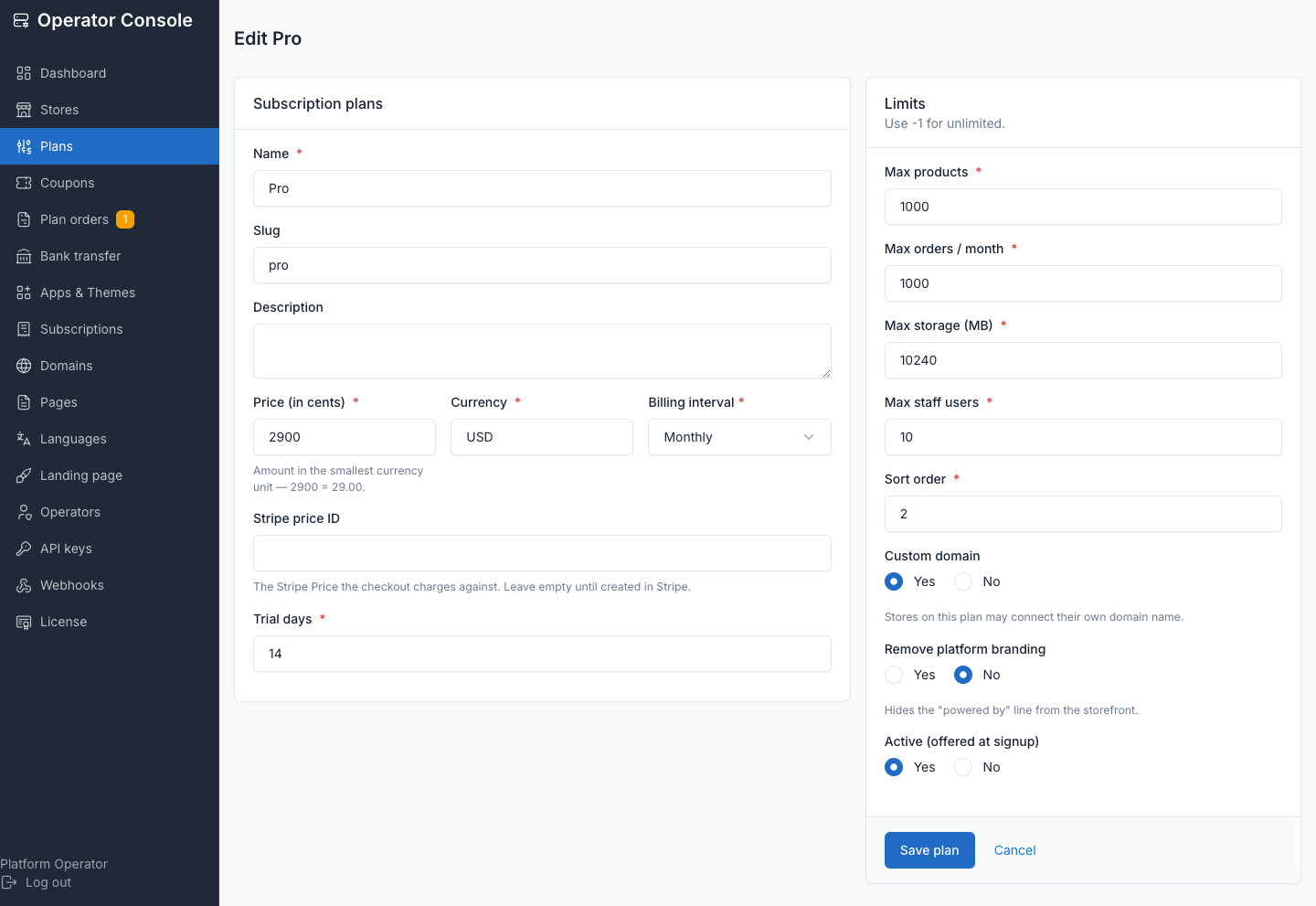
Which apps and themes a plan includes lives on the same edit screen, under Plans checkboxes in Apps & Themes (see Apps and themes). Unlike price and limits, this assignment is not frozen — adding an app to a tier reaches every store already on it immediately. Removing access from one store without touching the plan is a separate per-store override, not a plan edit.
Pairing a plan to Stripe
Set stripe_price_id on every plan you sell with Stripe. When a customer changes plan in Stripe Checkout or the Billing Portal, the customer.subscription.updated webhook carries the new Stripe price, and the store is moved onto the matching local plan so its quotas follow. A price that matches no plan is logged and ignored — the store keeps its current limits rather than losing them. See Billing with Stripe for the full webhook setup.
What happens when a store hits a quota
Quotas are enforced on model creation, not in the UI — a store owner also has API and import access. Hitting the products or staff-users ceiling refuses the create with an explanation; existing rows are untouched. Orders and storage limits are shown on the dashboard but block nothing.
What a downgrade does
Nothing is deleted, ever. Moving a store to a smaller plan disables what no longer fits:
- Apps the smaller plan doesn't include stop running and disappear from the store's admin — their tables, rows and settings stay exactly as they were, and upgrading brings them straight back.
- Products or staff users over the new ceiling are kept as-is; the store simply cannot create more until it's back under the limit.
A downgrade is blocked, not silently allowed, when a store has more products or staff users than the target plan permits — the customer's own Billing screen refuses the switch and names the number that's the problem, because those are the only two quotas actually enforced. An operator moving a store down from the console is warned instead of blocked — usually the resolution to a billing dispute — and the store keeps what it has.
Why a downgrade into a smaller plan is refused
Blocking (for self-serve) rather than silently truncating protects the customer: a store with 900 products switching itself to a 100-product tier would otherwise keep all 900 but be unable to create number 901, with no screen ever explaining why. Naming the blocker up front is cheaper than the support ticket.
Frozen plan terms
Frozen at purchase
The terms a store buys — price, interval, trial, all four limits, custom-domain access — are frozen onto its subscription the moment it's put on the plan. Editing a plan never retroactively re-prices or re-limits existing subscribers; raising a price or lowering a limit only applies to new subscribers. The operator console shows a Grandfathered badge on any store whose frozen terms differ from the plan's current settings, with an Apply current plan terms button to move it onto today's deal — see Subscriptions.
Deleting a plan retires it rather than failing: its subscribers keep their frozen terms and keep working, and MRR still counts them at the price they actually pay. A plan can be retired without breaking the stores on it.
Related
- Subscriptions — the billing state machine and operator actions
- Apps and themes — curating what a plan includes
- Billing with Stripe — pairing prices, checkout, webhooks